265 | Deep Packet Inspection and Application Visibility Aruba Instant 6.5.0.0-4.3.0.0 | User Guide
Application Visibility
The AppRF graphs are based on Deep Packet Inspection (DPI) application and Web Policy Enforcement (WPE)
service, which provide application traffic summary for the client devices associated with an IAP. The AppRF link
above the activity panel of the dashboard is displayed only if AppRF visibility is enabled in the System
window.
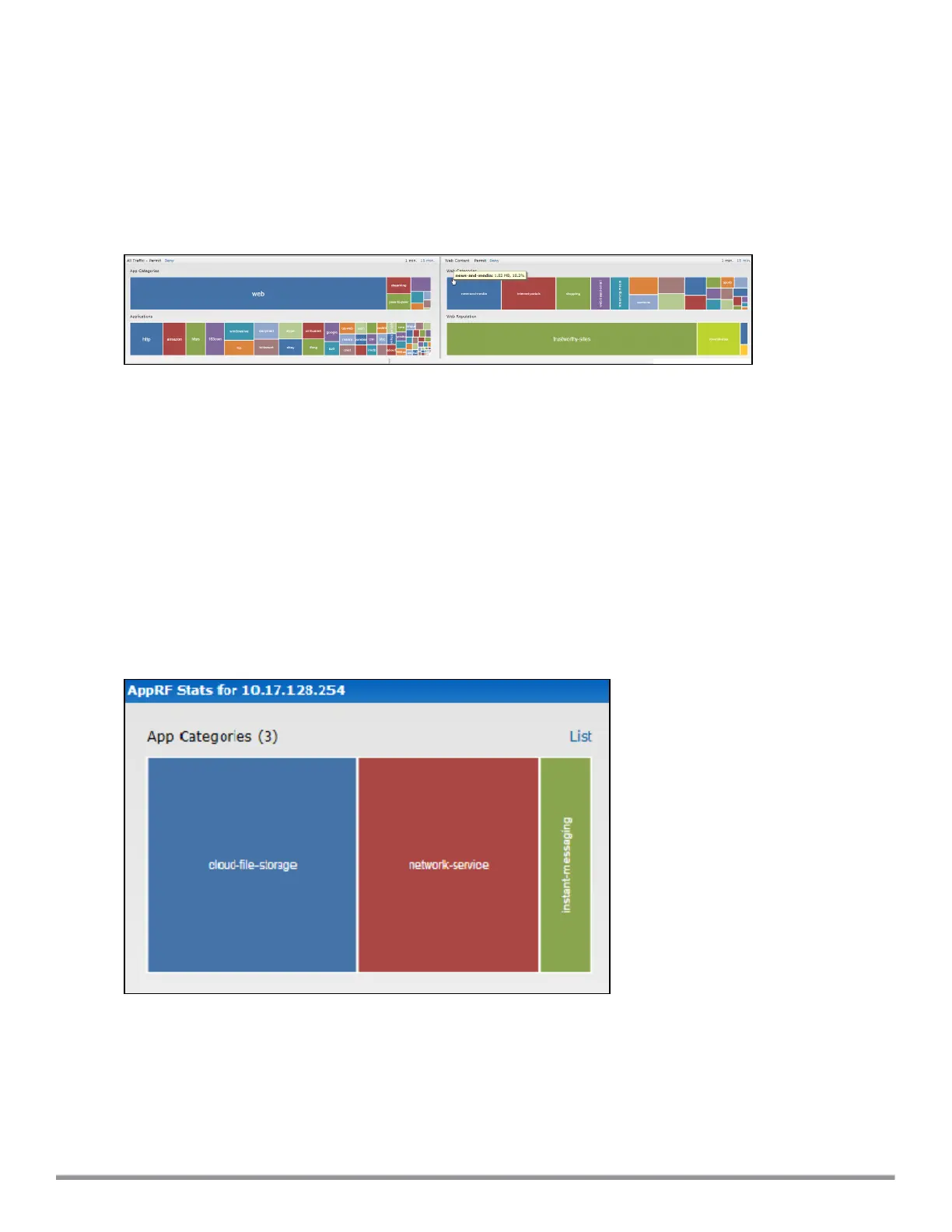
The following figure provides a view of the AppRF dashboard:
Figure 58 AppRF Dashboard
The AppRF dashboard presents four different graph areas with data graphs on all client traffic and content
filters based on App Category, Web Category, and Web Reputation. Click each category to view the real-time
client traffic data or usage trend in the last 15 minutes or 1 minute.
The permit and deny monitoring tabs in the All Traffic and Web Content sections provide enforcement
visibility support.
l Permit represents the allowed or permitted traffic on the IAP.
l Deny represents all the blocked URLs and traffic .
Application Categories Chart
The application categories chart displays details on the client traffic towards the application categories. By
clicking the rectangle area, you can view the following graphs, and toggle between the chart and list views.
Figure 59 Application Categories Chart: Client View



 To Next Page