4 - 16
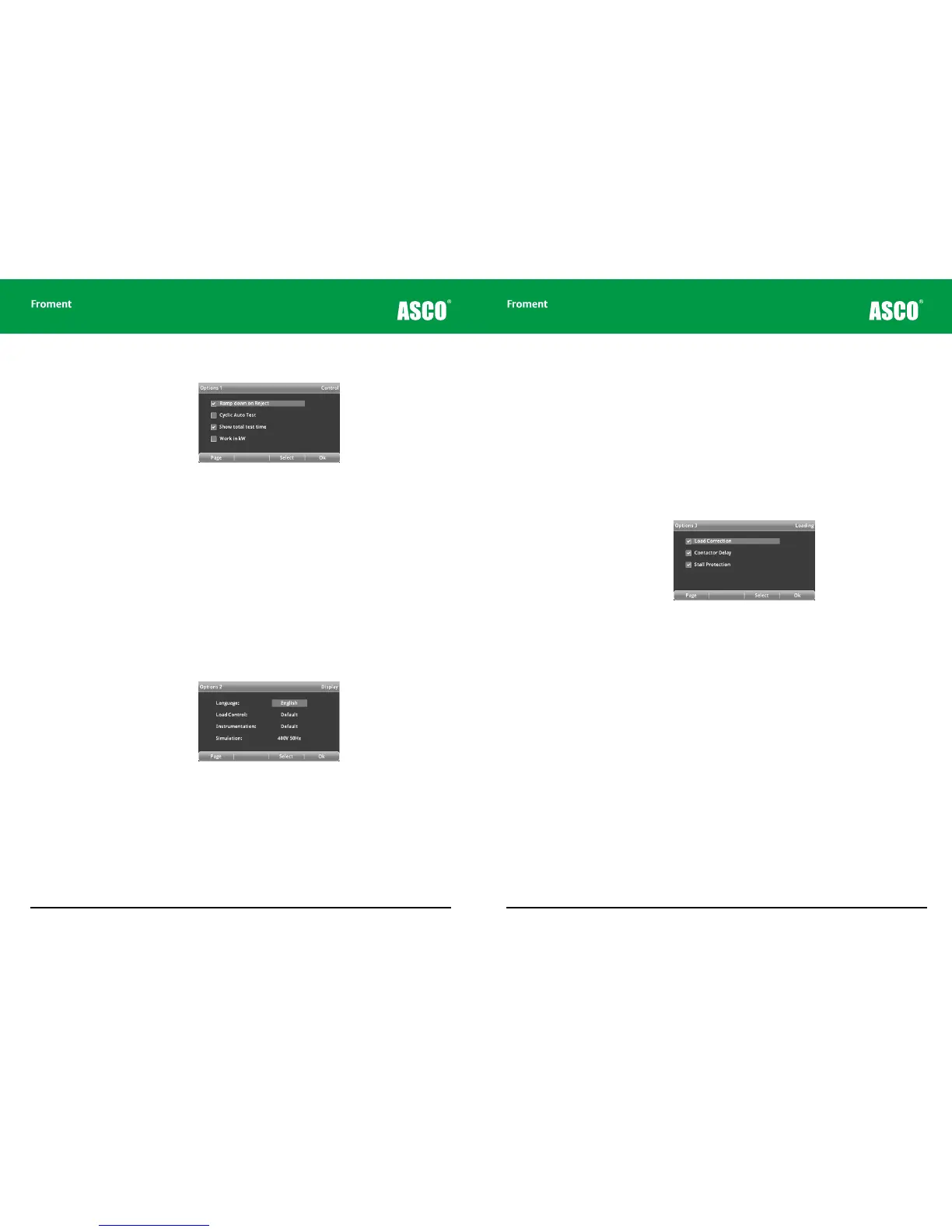
Options 1 - Control:
Figure 4-14 The Options 1 page.
The control options change the Hand-held’s load control behaviour.
Ramp Down on Reject. Protects the Supply-on-Test from damage by removing the load
gradually when the O key is pressed. When this option is selected the load will ramp down
in ten equal steps over a period of 12 seconds. Press O a second time to reject the load
immediately. The Hand-held’s LED will blink rapidly during the ramp down period.
Cyclic Auto Test. When the automatic test sequence reaches the last step it will restart
the sequence at step 1.
Show Total Test Time. If this option is selected the status line on the Test pages will show
the total accumulated test time. Otherwise it will show the time since the current load was
applied.
Options 2 - Display:
Figure 4-12 The Options 2 page.
Language. Select the default language. Five languages are supported as standard. These
are English, French, German, Spanish and Italian. Changing the language setting will
change all of the text on the display, including function key labels and help messages.
Load Control. Lets you override the default increment for load selection. The default
resolution for load control is determined by the load bank size and minimum load step.
For example it could be in tenths of kW or whole kW or tens of kW. On this page you can
select one more or one less resolution then the default selection by setting these to “Fine”
or “Coarse”.
Hand-held Reference Guide
4 - 17
Instrumentation. Lets you override the default resolution for current and power
instrumentation. The default resolution for instrumentation is determined by the load bank
size and minimum load step. For example it could be in tenths of kW or whole kW or tens
of kW.
On this page you can select one more or one less resolution then the default selection by
setting these to “High” or “Low”.
Simulation. Select from two voltage and frequency modes when in simulation mode. To
enable simulation mode a loop back adapter is required. Contact the sales team for more
informatio.
Options 3 - Loading:
Figure 4-13 The Options 3 page.
The loading options are important for ensuring that the correct load is applied and the
automatic stall protection feature can prevent generator damage. Unless you have a good
reason for doing so, we recommend that these three options remain selected.
Load Correction. Provides closed loop load control. This adjusts the load applied to
compensate for variations caused by changes in voltage, frequency or temperature. Load
correction will also compensate for the fan load if the fan is being powered by the Supply-
on-Test.
See “Using load correction” on page 4-23 for more details on the operation of load
correction.
Contactor Delay. Turning on Contactor Delay ensures that all of the connected load banks
synchronise load events to ensure the cleanest possible load change on the Supply-on-
Test. Switching o Contactor delay can result in the generator AVR response appearing
worse than normal.
Stall Protection. If the supply frequency drops by more than 20% for 3 seconds a pop-up
warning message is displayed. After 5 seconds the load will be dropped and the warning
message will change to “Stall Rejected”.
Chapter Four



 To Next Page