5 - 10
Chapter Five
5 - 11
Froment Load Bank System Monitor
The optional System Monitor is a touchscreen based operator interface panel for 8000
SERIES load banks. It provides a number of local control functions that can be helpful
during day-to-day operation and maintenance. It also provides diagnostic information that
can greatly simplify fault finding procedures if a problem should occur.
The System Monitor has a simple, intuitive user interface, which is best learnt by exploration.
Here is a brief overview, which should introduce you to the most important points:
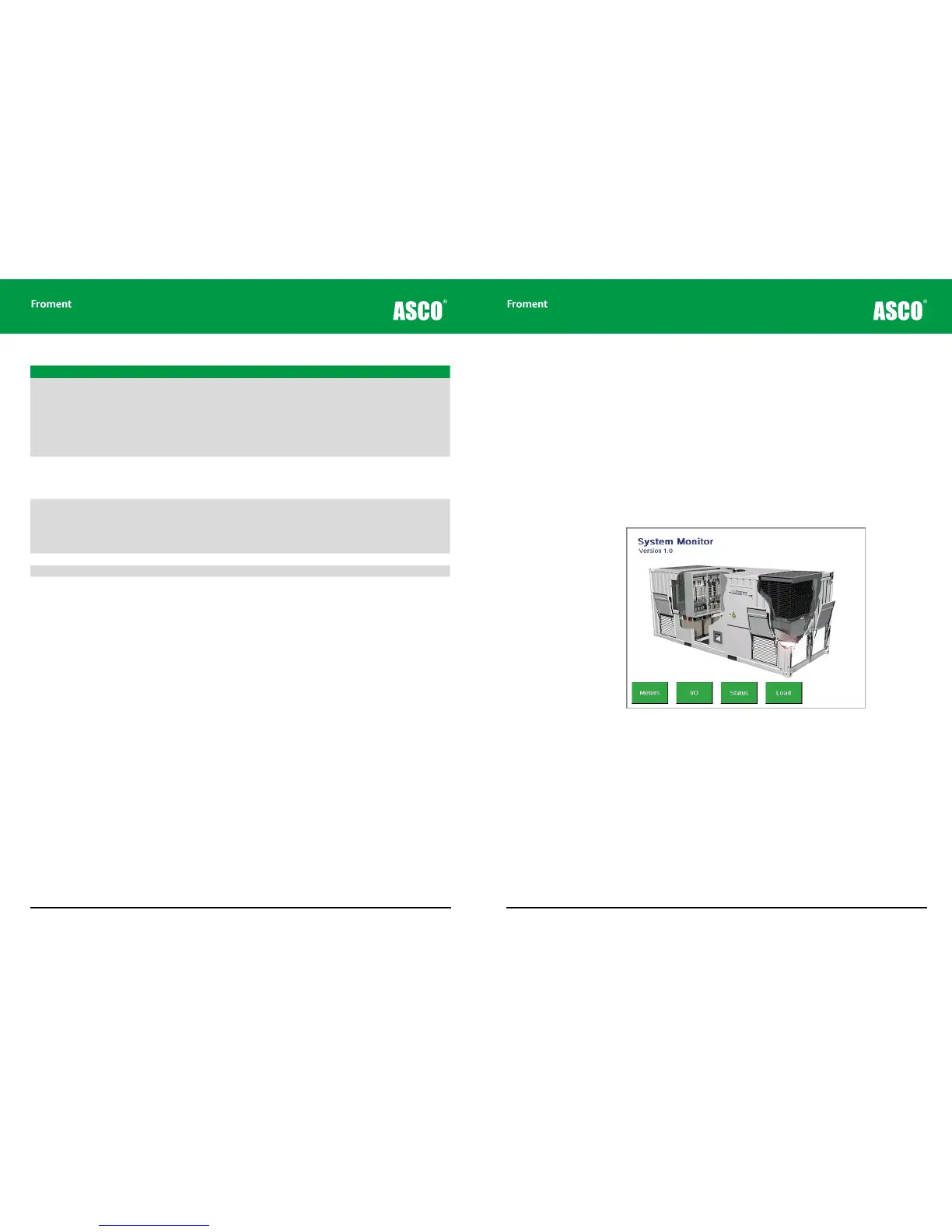
Startup Screen
When it is first powered the System Monitor displays the startup screen.
If load is applied the display will switch automatically to the Meters Overview screen.
Otherwise, tap one of the four navigation keys to select one of the four main screens.
Navigation
Each System Monitor screen contains four touch sensitive keys labelled; Meters, I/O, Status
and Load. Tapping a key will display one of the four main interface screens.
The screens function as shown on the following pages.
Maintenance & Troubleshooting
Code Description Possible causes / actions
E51 Supply-on-test over voltage. The Supply-on-Test voltage has exceed the load bank limits.
• Check the Supply-on-Test voltage.
Note that a low Supply-on-Test frequency may also cause an
over voltage error. The maximum voltage is frequency depend-
ant for resistive/reactive load banks.
Check the load bank specification for voltage and
frequency limits.
E52 Supply-on-test incorrectly wired. The Supply-on-Test is wired incorrectly when using remote
Modbus load control.
• Check the Supply-on-Test connection, possible phase rota-
tion or phase missing.
E60
E61
Circuit breaker 0 tripped.
Circuit breaker 1 tripped.
The load bank Supply-on-Test circuit breaker is tripped.
• Ensure the circuit breaker is closed before pressing the load
bank Start button.
• If the load bank circuit breaker trips whilst on load, verify
the cause before re-closing.
E90 No valid load bank setup.
E91 Self test failed.
E99 Unknown error.
If you are unable to rectify the problem call Froment on +44 (0) 1780 480033 or email
support@froment.co.uk for assistance.



 To Next Page