4 - 30
Running the automatic sequence
To run the test sequence press the I key. The green LED on the Hand-held will begin to
flash to indicate that the test sequence is running and the status bar will indicate the
current stage of the test.
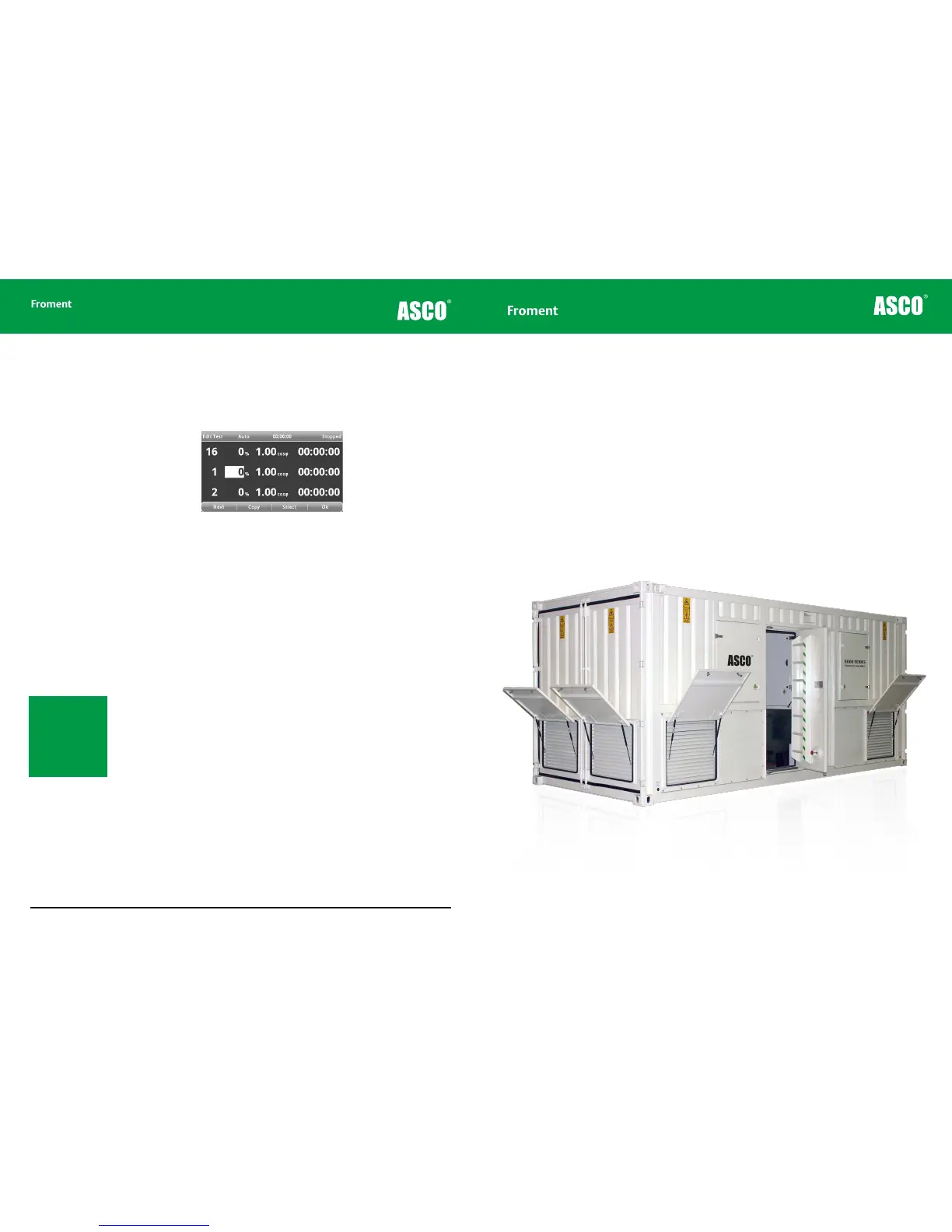
Figure 4-23 Automatic test sequence display
• Press F1(PAGE) to step through the dierent views of the instrumentation provided by
the Test pages (See “The Test Pages” on page 4-18 for more details).
• Press the I key a second time to trigger load correction. See “Using load correction” on
page 4-23 for more details on how load correction works.
• Pressing F2 (MANUAL), F3 (EDIT TEST) or F4 (SETTINGS) will pause the sequence at
its current load value.
• Resume a paused test sequence by going back into Automatic mode and pressing the
I key. The sequence will restart with the time remaining for the load step.
• The + and - keys can be used to adjust the percentage load applied as the sequence is
running. Press the I key to apply the new load. This can be useful if you need to reduce
the load because the preset load is causing the generator to stall.
Press O at any time to stop the test sequence, reject the load and start the fan delay.
If the Ramp Down on Reject function is enabled (see page 4 - 16) the load will ramp down
for 12 seconds before the fan delay starts. The Hand-held’s LED will flash to indicate this.
Press O a second time to reject the load immediately if necessary.
Note: If the “Cyclic Auto
Test” is selected in the
Control Options, then
the test will continue
from step 16 to step 1 in
a constant loop until O
is pressed to stop the
test.
Hand-held Reference Guide
Chapter Five
Maintenance & Troubleshooting
This chapter describes both the routine maintenance procedures needed to keep Froment load banks
operating correctly and the procedures you may need to troubleshoot the equipment if you run in to a
problem using it.



 To Next Page