5 - 16
Chapter Five
5 - 17
Load Screen
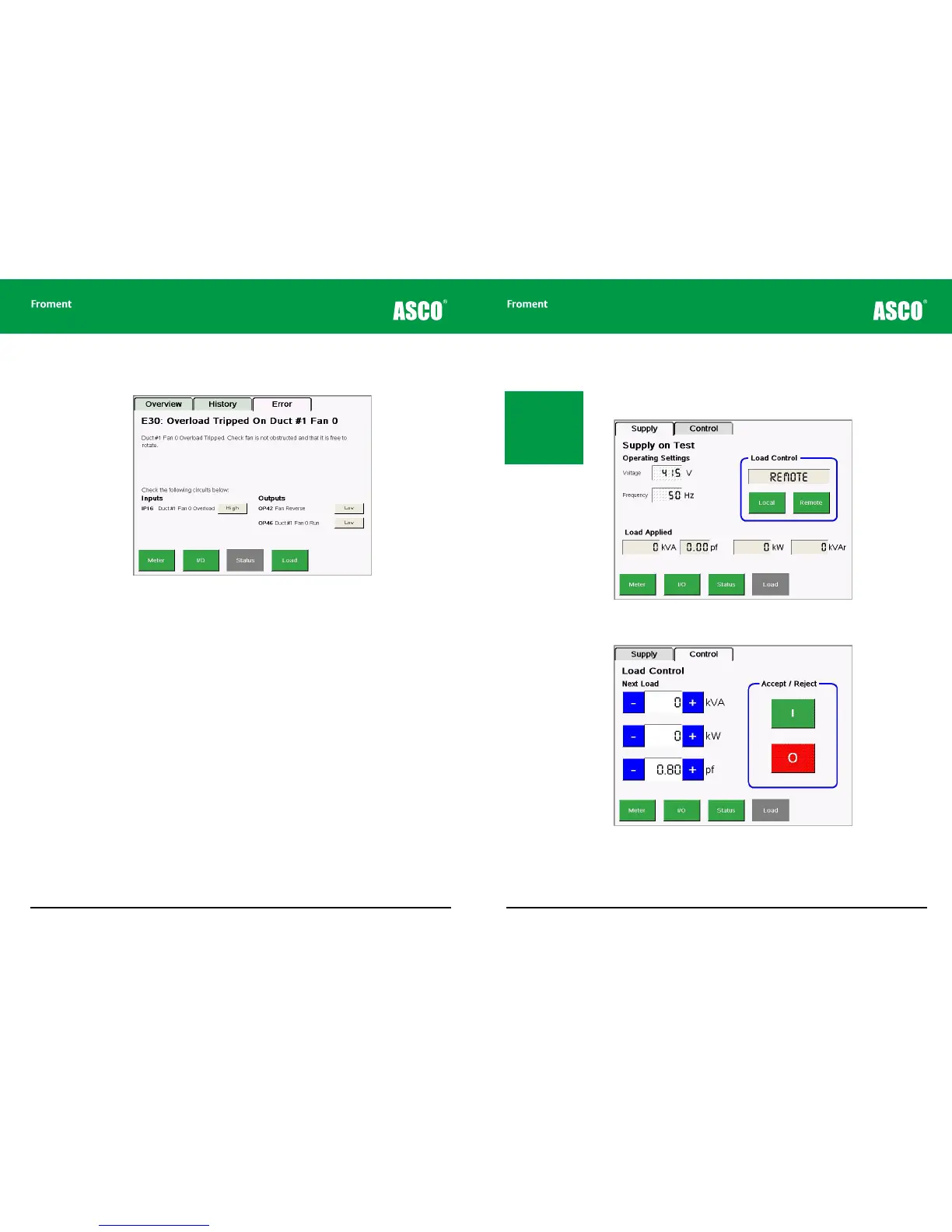
Tapping the Load key will bring up a screen with two tabs that can be used to operate the
load bank during maintenance procedures.
Figure 5-10 The Load/Supply screen contains operating settings and a Load Control source
selector.
Figure 5-11 The Load/Control screen allows load to be pre-set and then Accepted (applied) or
Rejected (removed).
Maintenance & Troubleshooting
If an error or warning occurs an additional tab will appear and the display will jump to that
screen.
Figure 5-9 The Status/Error screen. This provides (model specific) details about the nature of
the alarm and advice about how to diagnose the source of it.
Note: It is important
to confirm that the
voltage and frequency
shown in the Operating
Settings are correct.
Tap the item to edit it if
necessary.



 To Next Page