Appendices
The following pages contain additional information that may be useful but does not easily fit in with the
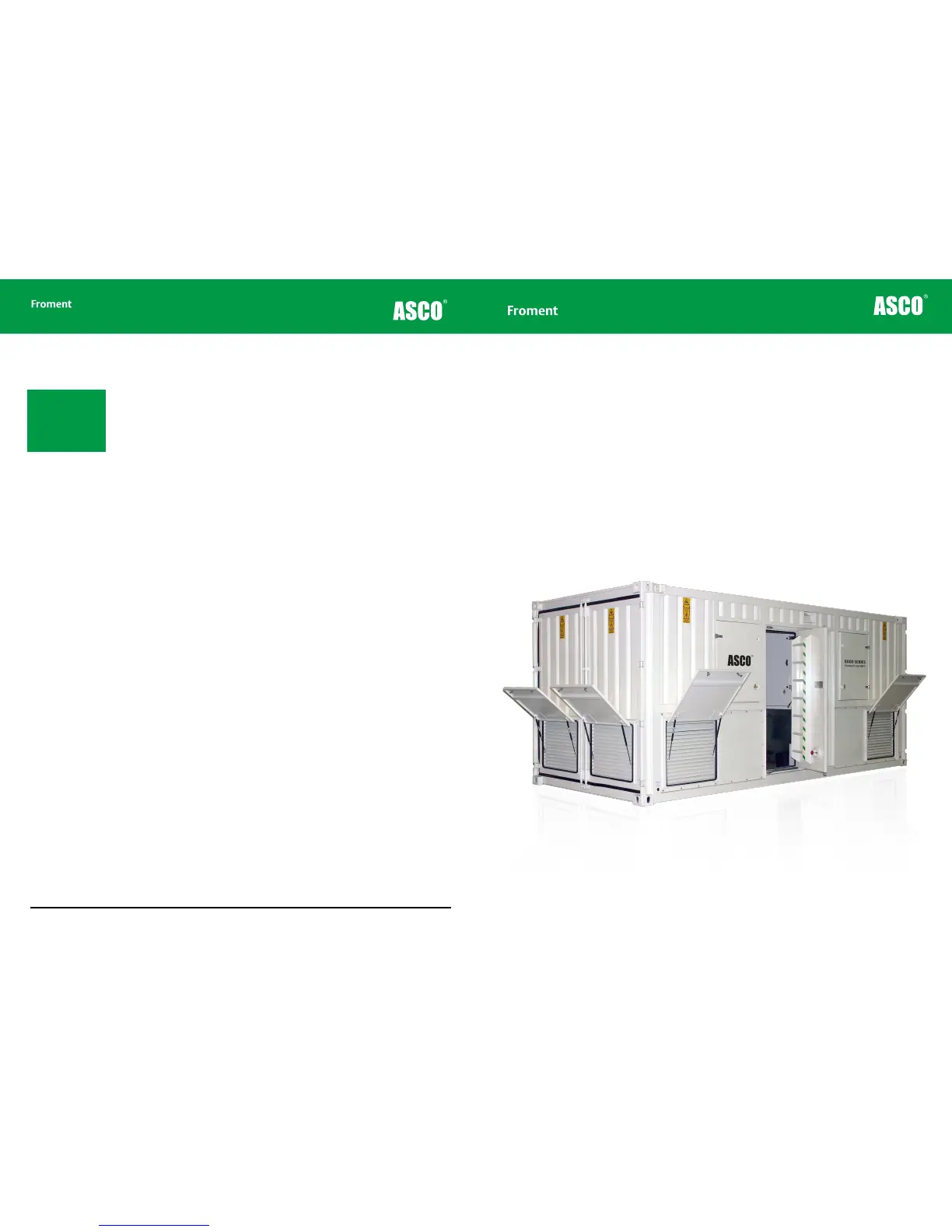
rest of the text. This includes a specification for each of the 8000 SERIES load banks and a number of
installation diagrams that show dimensions and space requirements for each unit.
5 - 18
Chapter Five
Operating the load/control screen
• Use the Load Control source selector (on the Load/Supply screen) to select “LOCAL”
control.
• Use the + and — keys to adjust the values for kVA, KW, and power factor.
• When suitable values are shown tap the green Accept/Reject I key to apply the load.
• Once the load is applied you can visit any of the other System Monitor screens that we
have described to monitor the progress of the test.
• When testing is completed, return to this screen and tap the red Accept/Reject O key
to remove the load.
In an emergency, press the load bank Emergency stop button to remove load immediate
and stop the fans. See “Emergency Shutdown Procedures” on page 3-11 for more details.
Note: The System
Monitor’s load control
will not work if the load
bank communications
are active (see figure
5-7).



 To Next Page