4 - 28
Editing the automatic test sequence
Press F2 (AUTO) from any of the Manual test pages to switch to automatic test mode.
Then press F3 (EDIT TEST) to set up the test sequence stages.
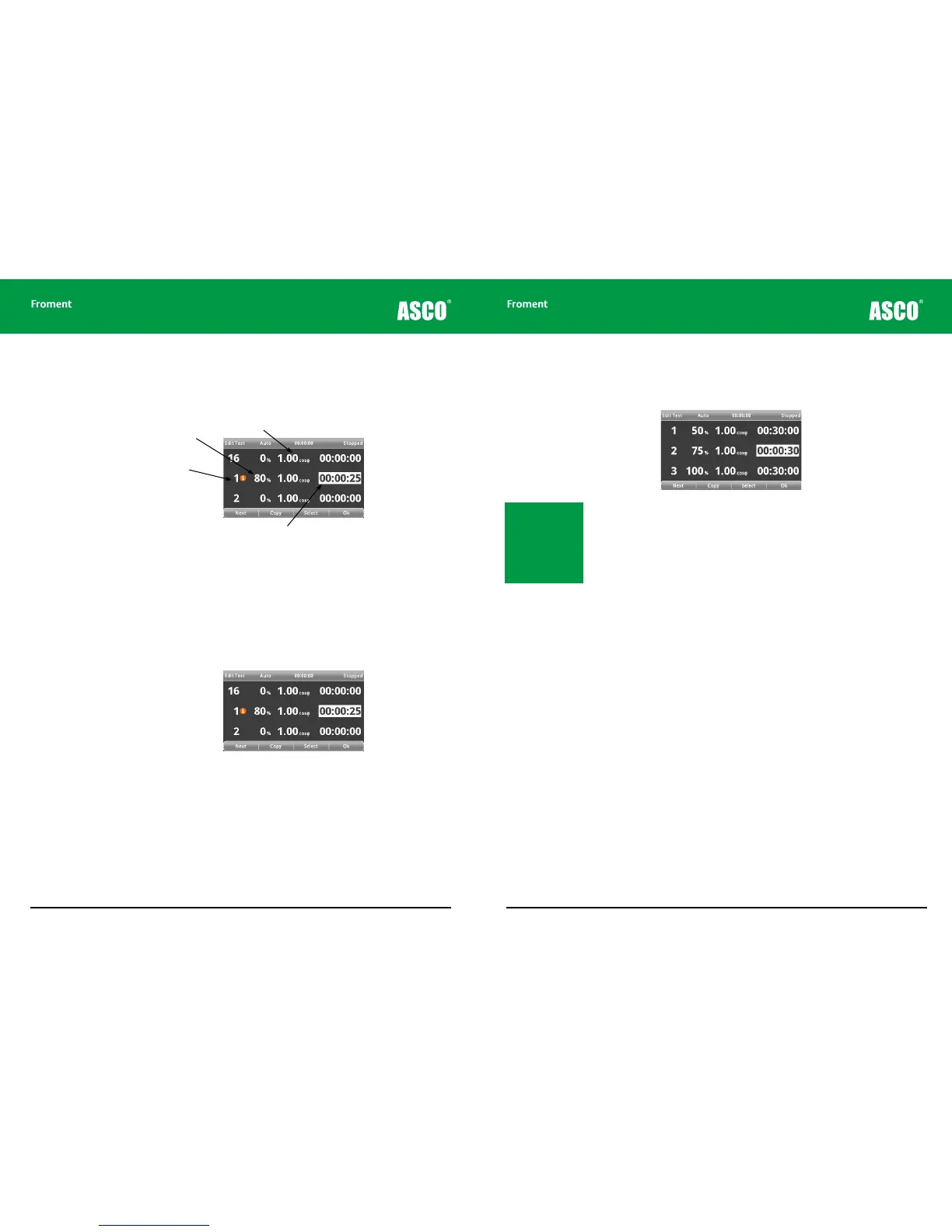
Figure 4-21 Hand-held automatic test sequence edit
The Edit Test page will allow you to specify the percentage load, power factor and duration
of each of the 16 test sequence stages.
The ability to make a test sequence setting is not limited by the capabilities of the load
bank that the Hand-held is connected to.
If the load bank is unable to apply the load that has been set the stage in the sequence will
be marked with an exclamation mark.
Figure 4-22 A warning is shown if the connected load bank cannot apply the load.
This may be shown for a resistive only load setting where the load bank is simply not large
enough, or where a non unity power factor setting where there is no reactive load available.
In either case, if you run the test the Hand-held will apply a load as close as possible to
that requested.
Page Title
Test sequence
stage number
Percentage load
Power Factor
Hand-held Reference Guide
4 - 29
To edit the test sequence:
1. Press F1 (NEXT) to choose the sequence stage to be programmed.
2. Press F3 (SELECT) to choose the value to be changed.
3. Use the + and - keys to adjust the value.
4. Pressing F2 (COPY) will copy the current value to the next sequence stage.
5. Press F3 (SELECT) to choose the next value to be changed.
6. When all values are edited, press F1 (NEXT) to choose the next sequence stage to be
programmed.
7. Press F4 (OK) to return to the Test pages when programming is complete.
Note: Setting the time
value to 0 will cause the
Hand-held to ignore the
step. Setting the load
percentage for the first
step at 0 will allow the
fan to start without any
load being applied.
Chapter Four



 To Next Page