CHAPTER 4 REFERENCE GUIDE
EFD1000 PRO MAX PFD Pilot’s Guide
Page 4-75
091-00005-002 ()
4.9.2 ON/OFF/Auto Mode
The display of the AOA indicator on the PFD and be turned On or Off via the Menu. In
addition, the AOA can be set to automatic mode which removes the display of the AOA
indicator during normal flight conditions to declutter the PFD.
Setting the AOA Mode
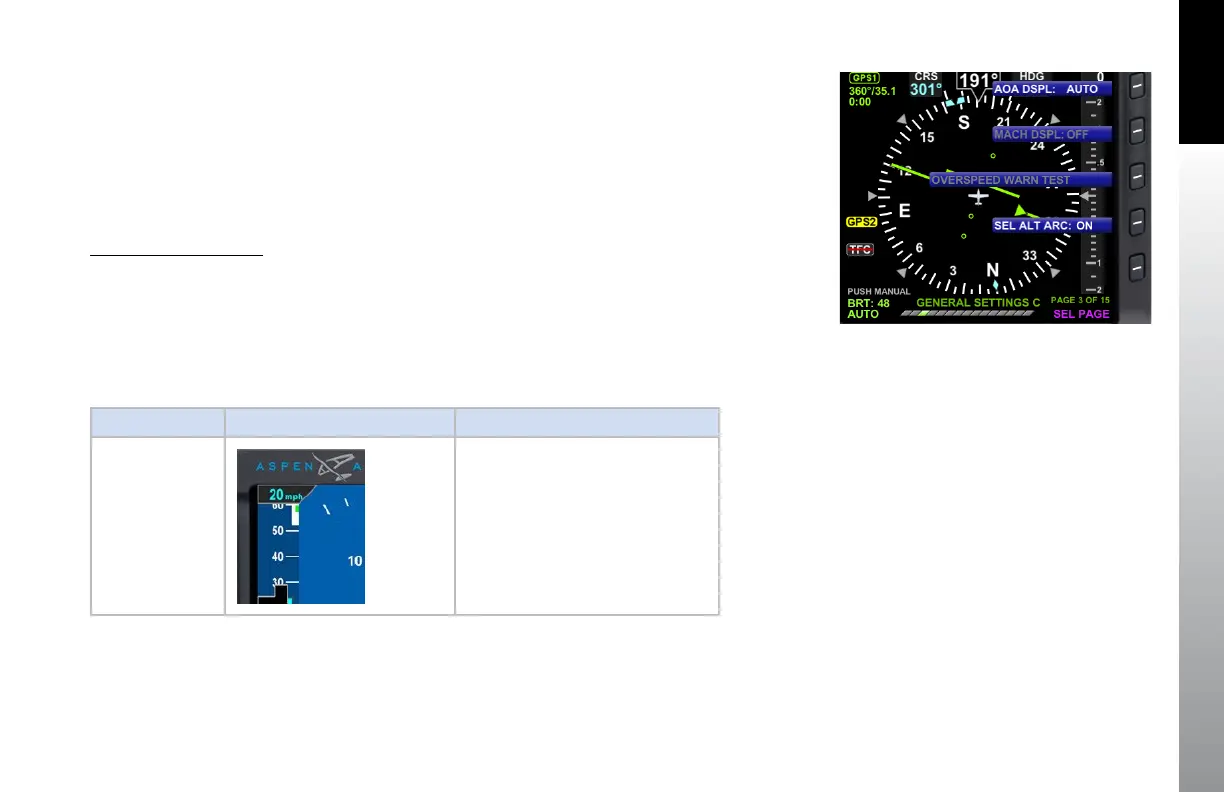
1. Press the MENU key to bring up the menu pages and Turn the Right Knob
until GENERAL SETTINGS C is shown
2. Press the Hot Key labels AOA DISP and the edit the value with the Right Knob.
3. Press Menu to exit
AOA Mode AOA Display AOA Operation
OFF
The AOA feature is off and the PFD
does not display the AOA indicator.
Figure 4-116
Angle of Attack Mode Settings Display



 To Next Page