CHAPTER 2 CONTROLS AND DISPLAY
EFD1000 PRO MAX PFD Pilot’s Guide
Page 2-4
091-00005-002 () EFD1000 PRO MAX PFD Pilot’s Guide
Page 2-5
091-00005-002 ()
2.1 Color Convention
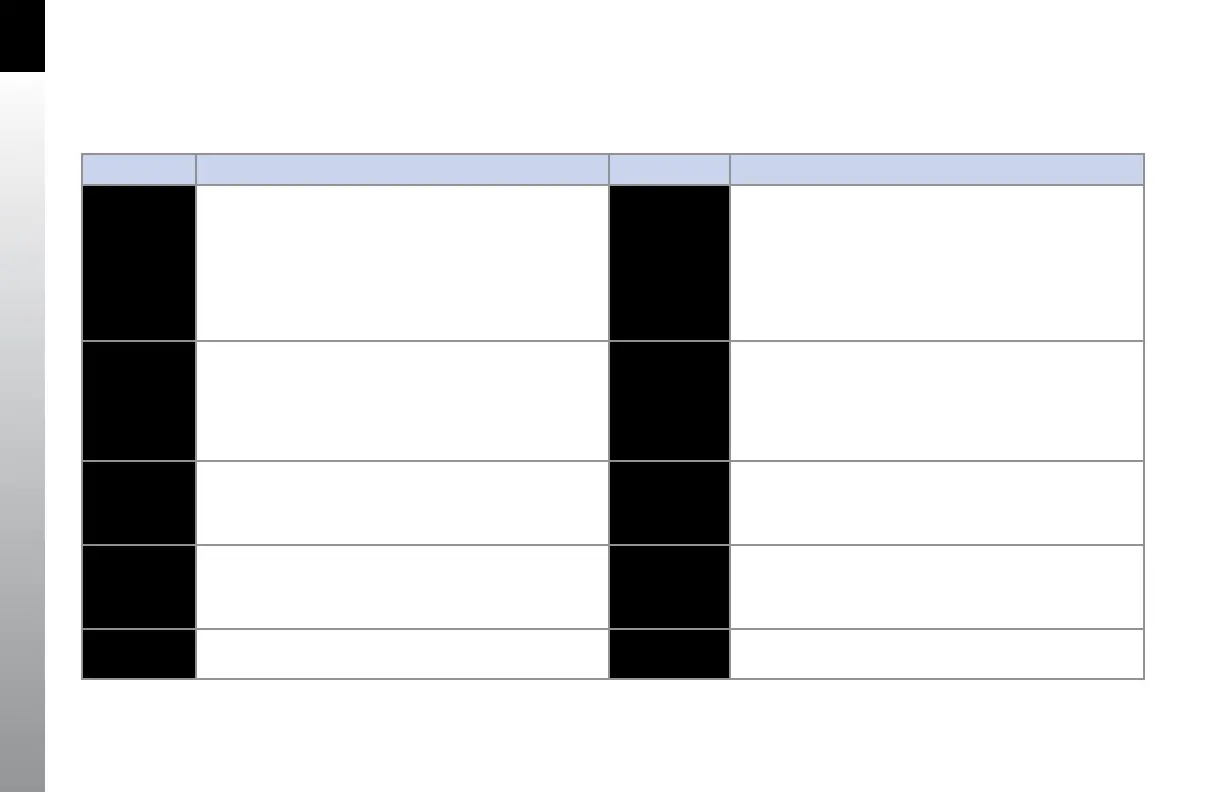
Table 2-2 provides an overview of the color convention used on the EFD1000 PRO MAX PFD display.
COLOR PURPOSE COLOR PURPOSE
RED
Used to indicate flight envelope and system limits, and
for warning annunciations that require immediate pilot
recognition, and which may require immediate pilot
correction or compensatory action. Red is used to indicate
Weather cell movement and precipitation areas, and terrain
and obstruction data.
GREEN
Used for navigation information or mode data related to or
provided by the selected navigation source (i.e. navigation
deviations, equipment operating state, waypoint information).
Green is also used to indicate Weather precipitation areas,
terrain data, and the status of user controls (i.e., ON, enabled,
or active).
AMBER
Used to indicate abnormal information sources, and for
caution information that requires immediate pilot awareness
and for which subsequent pilot action may be required.
Amber is used to indicate Weather precipitation areas, WX-500
data and terrain and obstructions data.
MAGENTA
Used for pilot-selectable references (bugs) enabled for editing,
for depicting the active GPS navigation leg on a moving map
display, and for depicting the fight director bar.
WHITE
Used to show primary flight data (e.g. IAS, ALT, and HDG),
scales, and menu items that are selectable for editing.
GR AY
Used to show supplemental flight data and for hotkey and
menu legends that are OFF, disabled, or inactive.
CYAN
Used to indicate editable values that are not currently
selected for editing, for bearing pointers depictions, and
for areas outside of the terrain database coverage area.
BLUE
Used to indicate the sky, Weather precipitation areas, and
navigation map features.
BROWN
Used to indicate the ground.
Table 2-2 Color Convention



 To Next Page