78
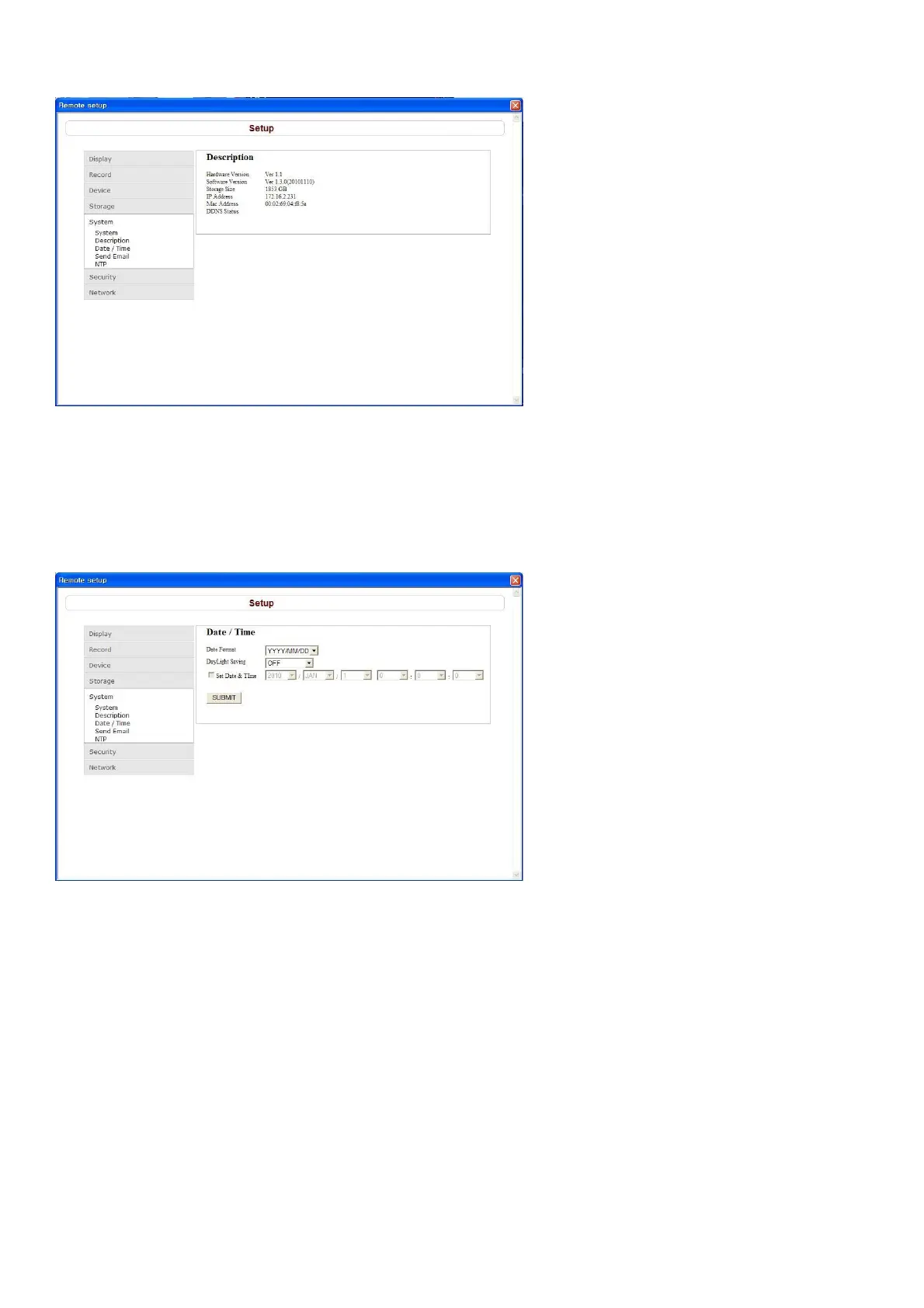
9-7-5-2. Description
Description: To check information on the DVR such as the version information.
SUBMIT: Save surely by pressing this button after setting the value.
9-7-5-3. Date / Time
Date Format: Sets the date display format.
D.S.T./SUMMER TIME: Sets whether daylight saving is applicable or not.
Clock Set
OFF: Daylight saving not applicable.
U.S.A.: USA daylight saving time applicable.
EU: EU daylight saving time applicable. Select the GMT Area.(+00:00 to +05:00)
OTHER: Sets the start and end dates of the daylight saving period for time zones other than USA and EU.
(Begin/End)
(Memo: A confirmation dialog is displayed when [Apply] or [ok] is clicked if the date and /or time settings
have been changed. The DVR is restarted and the date and time updated when [YES] is clicked on the
confirmation dialog.)



 To Next Page