Appendix A – PFD A-15
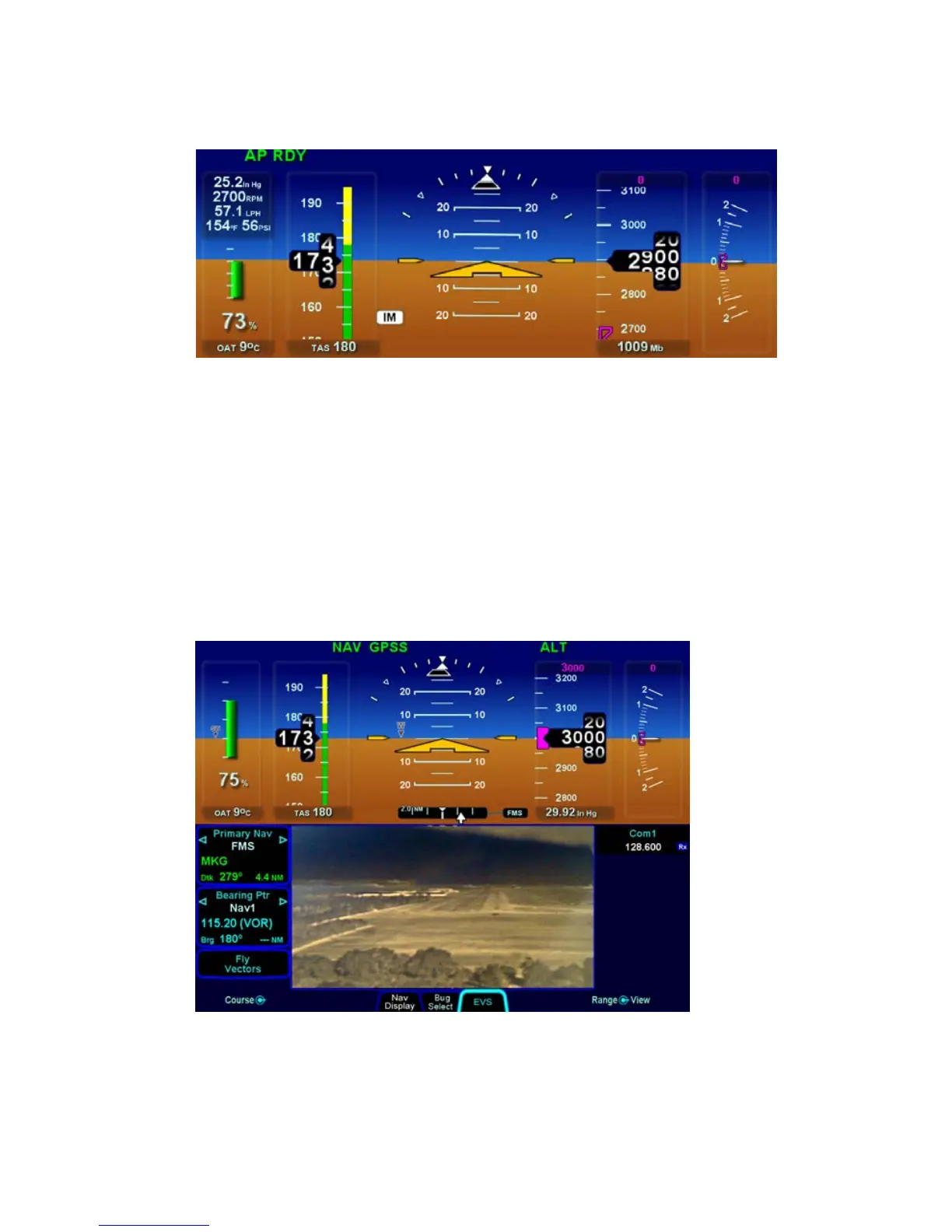
Supplemental Engine Data on PFD
Enhanced Vision System (EVS) Tab
When the required camera and software have been installed,
selecting the EVS tab will present the IR image from the camera
in the PFD ND box (also available on full-screen Map page).
Contrast and brightness can be adjusted via the inner/outer right
hand bezel knob (labeled “Adjust”) and pushing the knob resets
default contrast and brightness settings.
EVS Tab and Image














 To Next Page