5.0
5.l
l.
2.
3.
4.
5.
6.
7.
8.
9.
10.
11.
12.
13.
OPERATING PROCEDURES
USING THE MODEL 415
SWEEP/MARKER GENERATOR
CONTROLS AND OUTPUTS
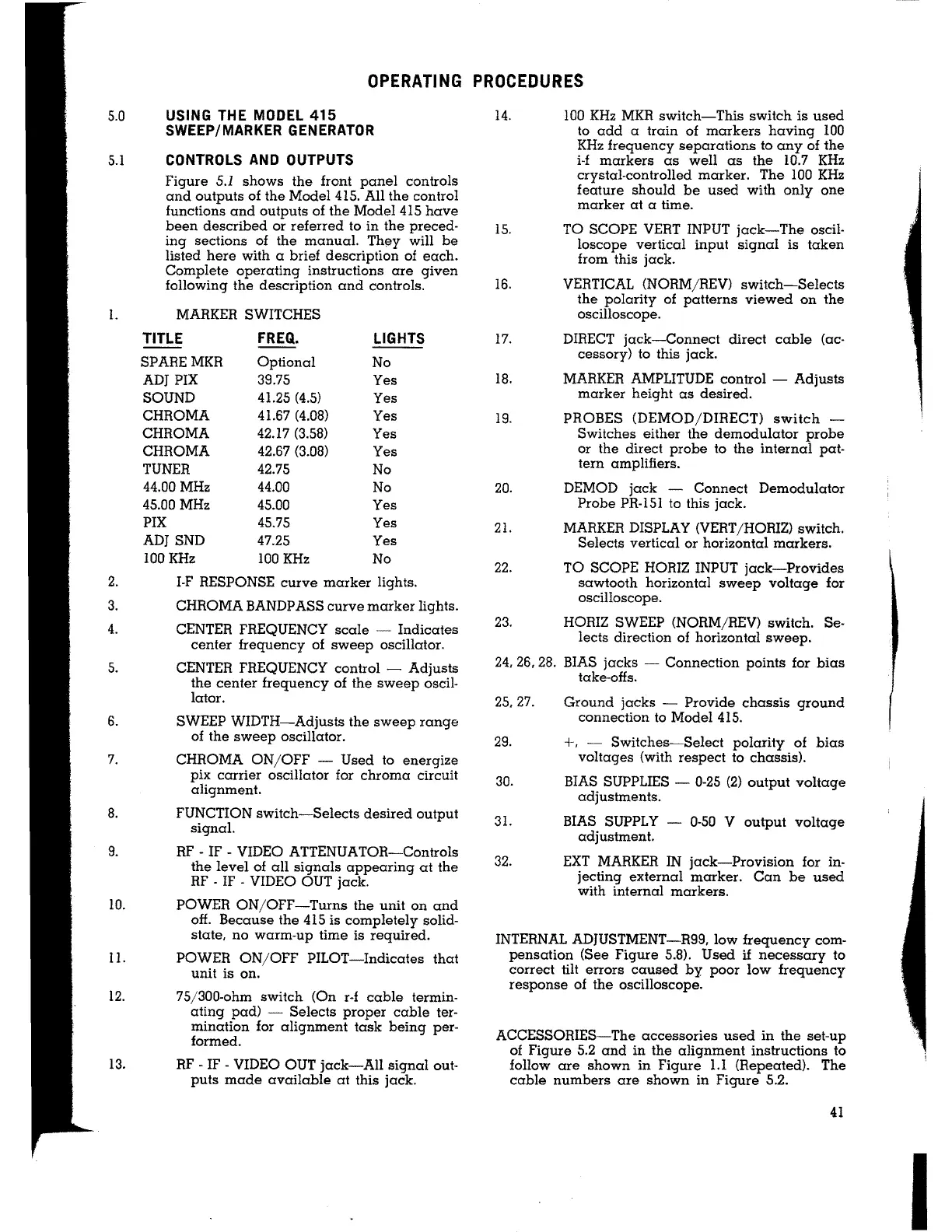
Figure 5.1 shows the front panel controls
and outputs of the Model 415. All the control
functions and outputs of the Model 415 have
been described or referred lo in the preced-
ing sections of the manual. They will be
listed here with a brief description of each.
Complete operating instructions are given
following the description and controls.
MARKER SWITCHES
TITLE
FREQ.
LIGHTS
SPAREMKR Optional
No
ADJ PIX
39.75
Yes
SOUND
41.25 (4.5)
Yes
CHROMA
41.67 (4.08)
Yes
CHROMA
42.17 (3.58)
Yes
CHROMA
42.67 (3.08)
Yes
TUNER 42.75
No
44.00 MHz
44.00
No
45.00 MHz
45.00 Yes
PIX 45.75 Yes
ADJSND 47.25 Yes
100 KHz 100 KHz No
I-F RESPONSE curve marker lights.
CHROMA BANDPASS curve marker lights.
CENTER FREQUENCY scale Indicates
center frequency of sweep oscillator.
CENTER FREQUENCY control
- Adjusts
the center frequency of the sweep oscil-
lator.
SWEEP WIDTH-Adjusts the sweep range
of the sweep oscillator.
CHROMA ON/OFF
- Used to energize
pix carrier oscillator for chroma circuit
alignment.
FUNCTION switch-Selects desired output
signal.
RF
- IF - VIDEO ATTENUATOR-Controls
the level of all signals appearing at the
RF
- IF - VIDEO OUT jack.
POWER ON/OFF-Turns the unit on and
off. Because the 415 is completely solid-
state, no warm-up time is required.
POWER ON/OFF PILOT-Indicates that
unit is on.
75/300-ohm switch (On r-f cable termin-
ating pad) Selects proper cable ter-
mination for alignment task being per-
formed.
RF
- IF - VIDEO OUT jack-All signal out-
puts made available at this jack.
14.
15.
16.
100 KHz MKR switch-This switch is used
to add a train of markers having 100
KHz frequency separations to any of the
i-f markers as well as the 10.7 KHz
crystal-controlled marker. The 100 KHz
feature should be used with only one
marker at a time.
TO SCOPE VERT INPUT jack-The oscil-
loscope vertical input signal is taken
from this jack.
VERTICAL (NORM/REV) switch-Selects
the polarity of patterns viewed on the
oscilloscope.
17. DIRECT jack-Connect direct cable (ac-
cessory) to this jack.
18. MARKER AMPLITUDE control
- Adjusts
marker height as desired.
19. PROBES (DEMOD/DIRECT) switch -
Switches either the demodulator probe
or the direct probe to the internal pat-
tern amplifiers.
20. DEMOD jack - Connect Demodulator
Probe PR-151 to this jack.
21. MARKER DISPLAY (VERT/HORIZ) switch.
Selects vertical or horizontal markers.
22. TO SCOPE HORIZ INPUT jack-Provides
sawtooth horizontal sweep voltage for
oscilloscope.
23. HORIZ SWEEP (NORM/REV) switch. Se-
lects direction of horizontal sweep.
24, 26, 28. BIAS jacks - Connection points for bias
take-offs.
25, 27.
29.
30.
31.
32.
Ground jacks - Provide chassis ground
connection to Model 415.
+, - Switches-Select polarity of bias
voltages (with respect to chassis).
BIAS SUPPLIES - 0-25 (2) output voltage
adjustments.
BIAS SUPPLY - 0-50 V output voltage
adjustment.
EXT MARKER IN jack-Provision for in-
jecting external marker. Can be used
with internal markers.
INTERNAL ADJUSTMENT-R99, low frequency com-
pensation (See Figure 5.8). Used if necessary to
correct tilt errors caused by poor low frequency
response of the oscilloscope.
ACCESSORIES-The accessories used in the set-up
of Figure 5.2 and in the alignment instructions to
follow are shown in Figure 1.1 (Repeated). The
cable numbers are shown in Figure 5.2.
41
I


 To Next Page