228 Encore Presentation System • User’s Guide
5. Menu Orientation
Frame Grab Menu
cê~ãÉ=dê~Ä=k~ãÉ=jÉåì
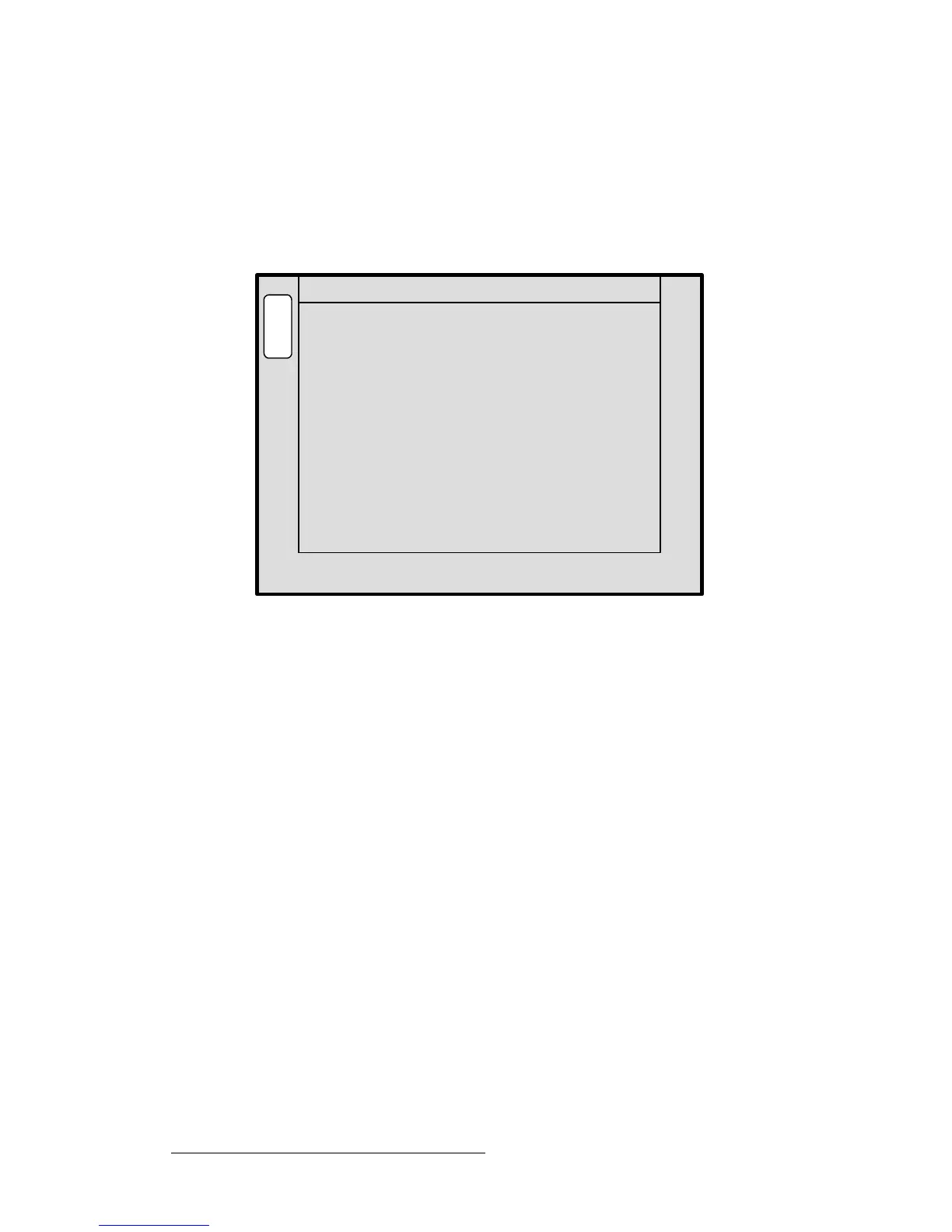
The Frame Grab Name Menu enables you to name a frame that has been saved to
permanent memory. A customer-supplied PS/2 keyboard is required (which connects to
the
KEYBOARD port on the rear of the Controller).
Select a frame (in permanent memory) on the
Frame Grab Menu, then press {NAME} to
display the
Frame Grab Name Menu:
Figure 5-74. Frame Grab Name Menu (sample)
The following functions are provided:
• Saved Location — indicates the saved memory location whose frame you can
name. Rotate the
ADJ knob to select a location.
~ With standard systems, 3 saved locations are available.
~ With “ES” systems that have the Extended Frame Grab Option
installed, 100 saved locations are available.
• Current Name — indicates the current name of the frame at the selected “saved
location.”
• New Name — indicates the new frame name, as entered on the PS/2 keyboard.
To name the frame, select the desired frame, enter the new name on the keyboard, and
press
ENTER on the PS/2 keyboard itself. Repeat as required to name additional frames.
Current Name:
B
A
C
K
A
D
J
FRAME GRAB NAME
Saved Location 2
New Name:
Enter a new name for this saved
[ SAVED_FG_2 ]
[ Company Pres ]
frame grab using a PS2 keyboard
and hit enter to save it.



 To Next Page