230 Encore Presentation System • User’s Guide
5. Menu Orientation
Frame Grab Menu
cê~ãÉ=p~îÉ=jÉåì
The Frame Save Menu enables you to save a selected frame grab into permanent
memory in a selected register. This process (which locks the console) takes from 1 to 2
minutes (standard systems), or from 20 to 30 seconds (“ES” systems).
Select a frame (in permanent memory) on the
Frame Grab Menu, then press {SAVE}.
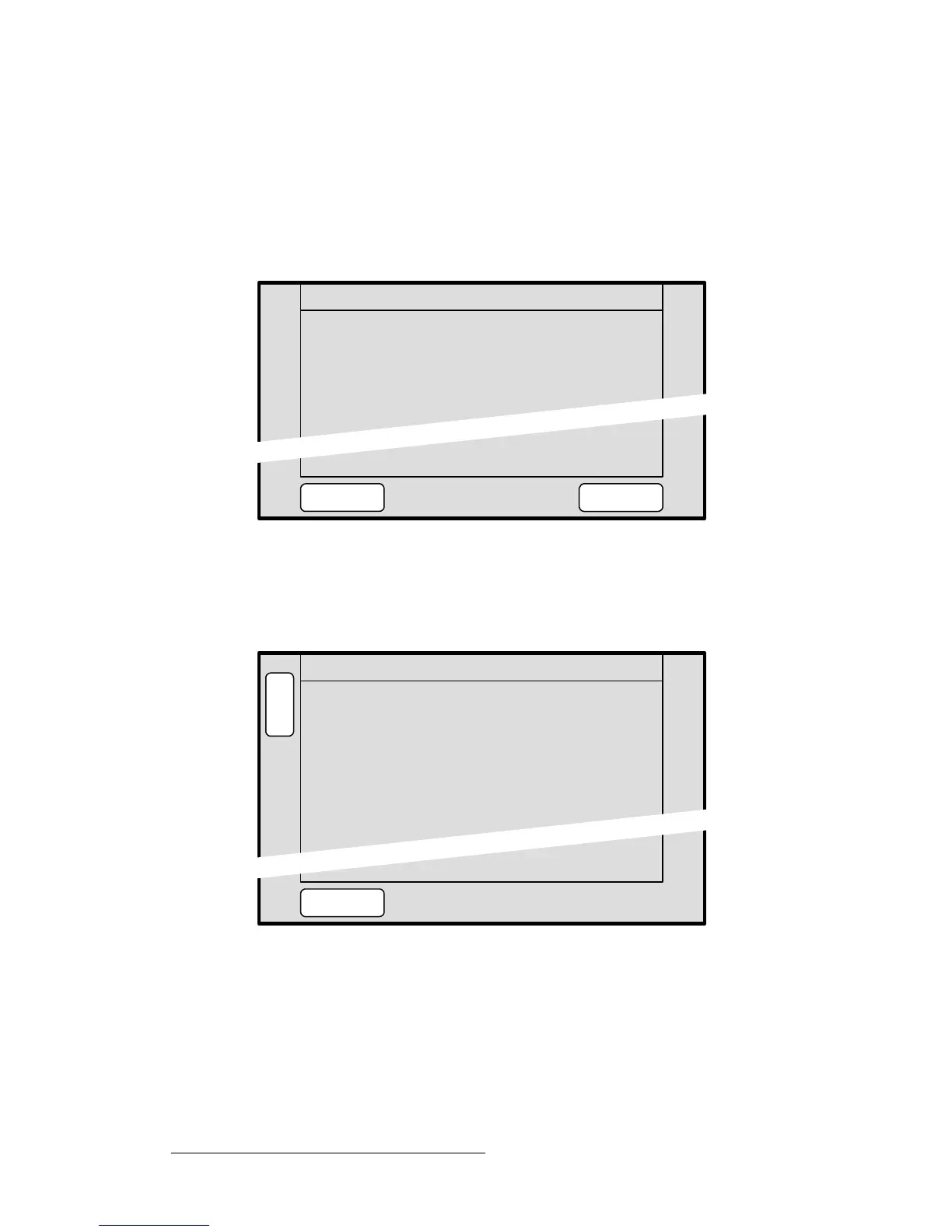
• With standard systems, the Frame Save Menu appears:
Figure 5-77. Standard Frame Save Menu (sample)
~ Press {YES} to save the selected frame in permanent memory.
~ Press {NO} to cancel and return to the Frame Grab Menu.
• With “ES” systems, the Extended Frame Save Menu appears:
Figure 5-78. Extended Frame Save Menu (sample)
~ Saved Location — indicates the memory location whose frame you can
save. Rotate the
ADJ knob to select a location.
~ Current Name — indicates the current frame name.
~ New Name — indicates the current frame name. If desired, type a new
name with the PS/2 keyboard, to name and save simultaneously
.
~ Press {SAVE} to save the selected frame.
for 2 to 3 minutes.
FRAME SAVE
System controls will be locked
NOYES
Save Now?
Current Name:
B
A
C
K
A
D
J
FRAME SAVE
Saved Location 5
New Name:
[ SAVED_FG_5 ]
[
SAVE
SAVED_FG_5 ]



 To Next Page