AW00123409000 Features
Basler ace USB 3.0 211
Settings With Binning Enabled
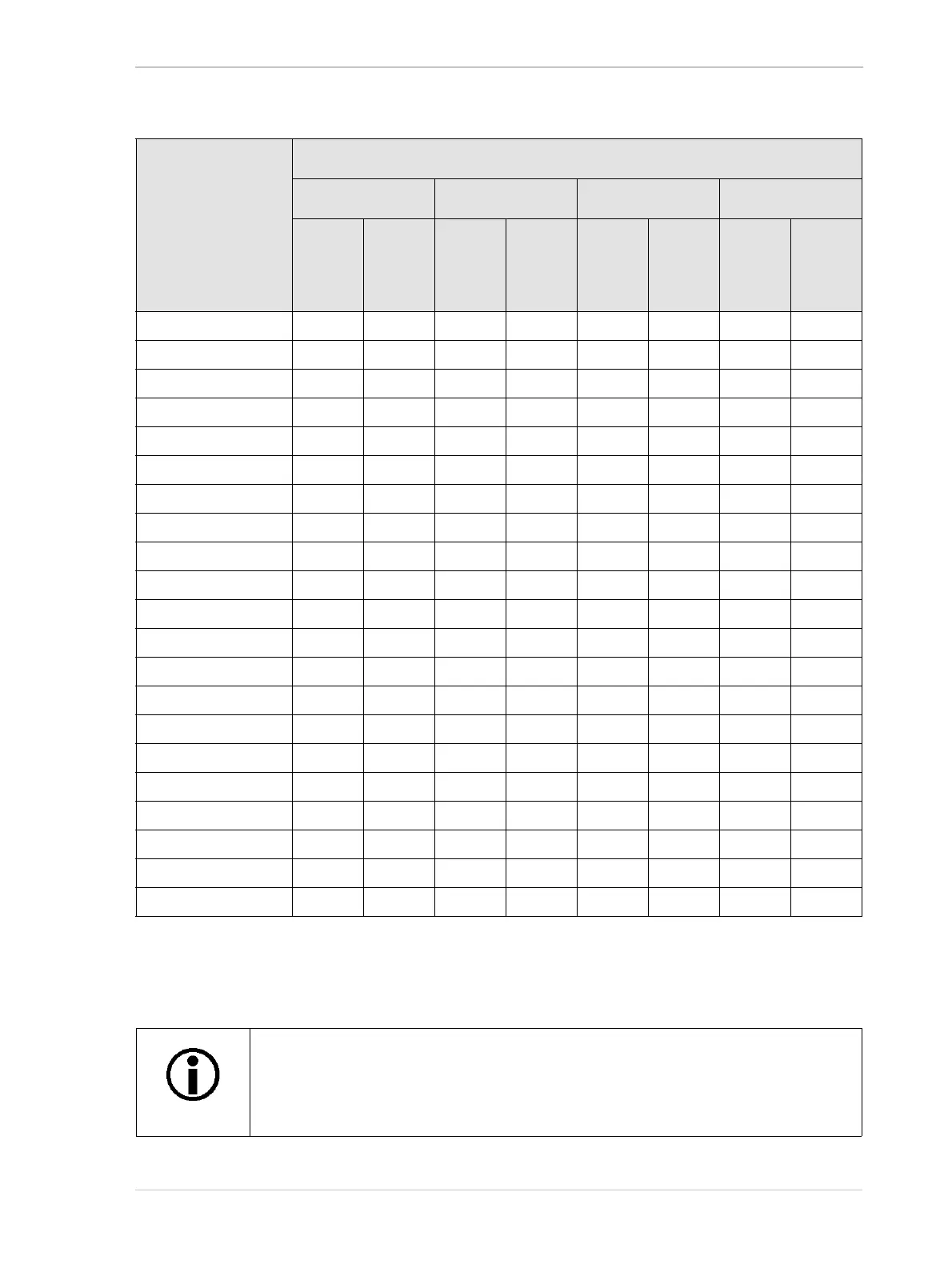
Camera Model ROI Position and Size (Color Cameras)
Offset X Offset Y Width Height
Mini-
mum
Mini-
mum
Incre-
ment
Mini-
mum
Mini-
mum
Incre-
ment
Mini-
mum
Mini-
mum
Incre-
ment
Mini-
mum
Mini-
mum
Incre-
ment
acA640-90uc 02022222
acA640-120uc 0 2 022222
acA640-750uc 0 16 0 2 16 16 2 2
acA800-510uc 0 16 0 2 16 16 2 2
acA1300-30uc 0 2 022222
acA1300-200uc 0 16 0 2 16 16 2 2
acA1600-20uc 0 2 022222
acA1920-25uc 0 2 0 2 64 2 64 2
acA1920-40uc04024422
acA1920-150uc 0 32 0 2 32 32 2 2
acA1920-155uc04024422
acA2000-165uc 0 2 028822
acA2040-55uc04024422
acA2040-90uc02028822
acA2040-120uc 0 4 024422
acA2440-35uc04024422
acA2440-75uc04024422
acA2500-14uc 0 2 0 2 64 2 64 2
acA2500-60uc 0 32 0 2 32 32 2 2
acA3800-14uc 0 2 0 2 64 2 64 2
acA4600-10uc 0 2 0 2 64 2 64 2
Table 46: Minimum Settings and Increments for Image ROI Position and Size in Color Cameras (without Binning)
Normally, the OffsetX, OffsetY, Width, and Height parameter settings refer to the
physical columns and rows of pixels in the sensor. But if binning is enabled, these
parameters are set in terms of "virtual" columns and rows. For more information,
see Section 7.8.1 on page 245.












 To Next Page