AW00123409000 Image Acquisition Control
Basler ace USB 3.0 141
6.5.2 Exposure Times for the acA2000-165 and
acA2040-90
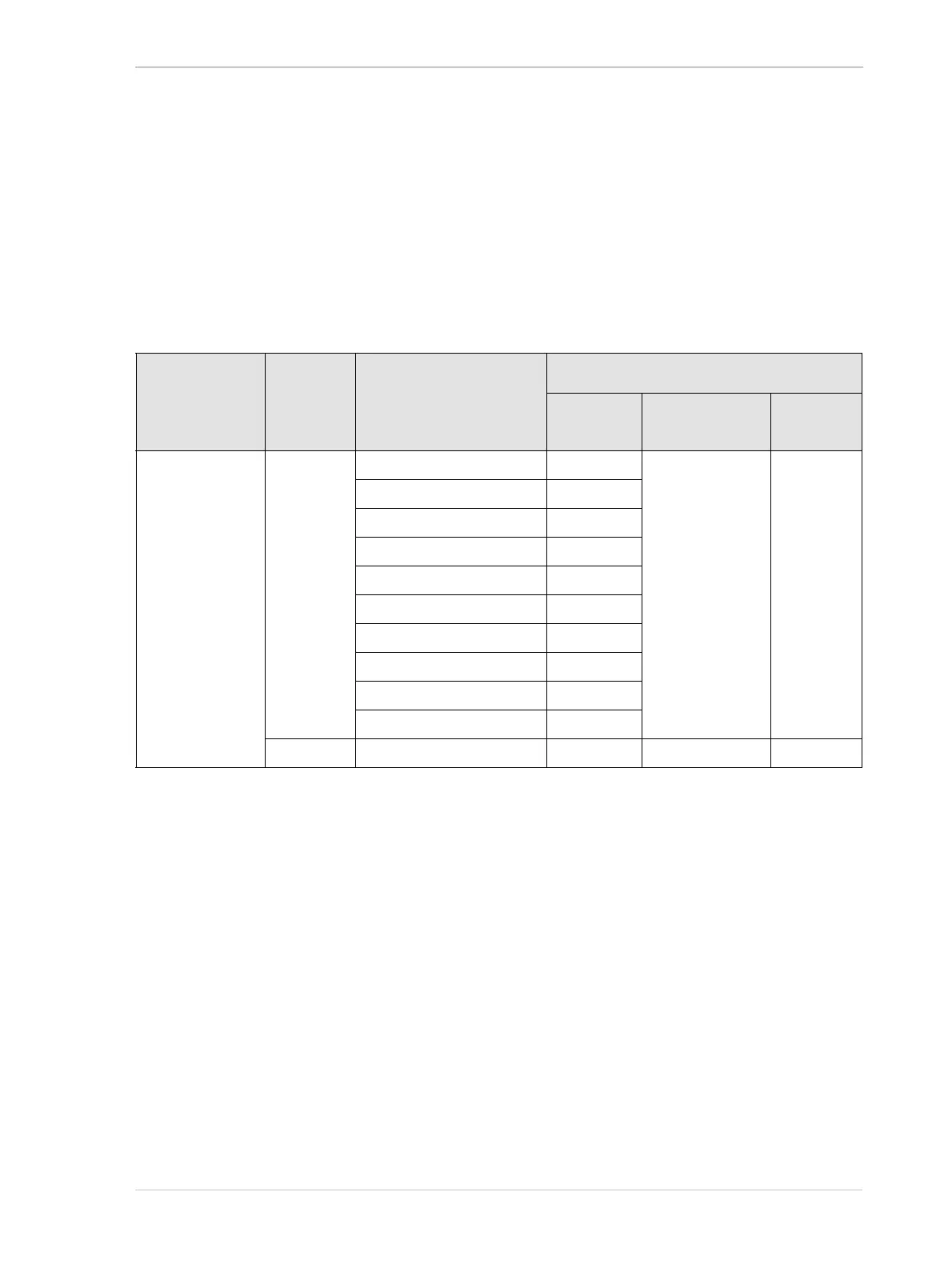
The section presents the minimum allowed and maximum possible parameter values for the
ExposureTime parameter (Table 34) for acA2000-165um/umNIR/uc and
acA2040-90um/umNIR/uc cameras. The other camera models are considered in Section 6.5.1.
The minimum allowed exposure times depend on the bit depth of the current pixel format and on
the currently available USB 3.0 bandwidth (see Table 34 and Figure 59).
6.5.3 Setting the Parameter Value
You can use the Basler pylon API to set the ExposureTime parameter value from within your
application software. The following code snippet illustrates using the API to set the parameter value:
// Set the exposure time to 3500 µs
camera.ExposureTime.SetValue(3500.0);
You can also use the Basler pylon Viewer application to easily set the parameter.
For more information about the pylon API and pylon Viewer, see Section 3.1 on page 61.
Camera Model Pixel
Format
Bit Depth
[bit]
Device Link Throughput
[MByte/s]
Exposure Time [µs]
Minimum
Allowed
Maximum
Possible
Increment
acA2000-165
um/umNIR/uc,
and
acA2040-90
um/umNIR/uc
8
≤ 108.000 42 10000000 1
>108.000 to
≤ 140.000 32
>140.000 to
≤ 160.020 28
>160.020 to
≤ 180.000 25
>180.000 to
≤ 192.112 24
>192.112 to
≤ 216.000 42
>216.000 to
≤ 280.000 32
>280.000 to
≤ 320.040 28
>320.040 to
≤ 360.000 25
>360.000 to
≤ 384.224 24
12 All allowed values 28 10000000 1
Table 34: Minimum Allowed and Maximum Possible Exposure Times With Dependencies











 To Next Page