AW00123409000 Features
Basler ace USB 3.0 213
You can set the OffsetX, OffsetY, Width, and Height parameter values from within your application
software by using the Basler pylon API. The following code snippets illustrate using the API to get
the mximum allowed settings for the Width and Height parameters. They also illustrate setting the
Offset X, OffsetY, Width, and Height parameter values:
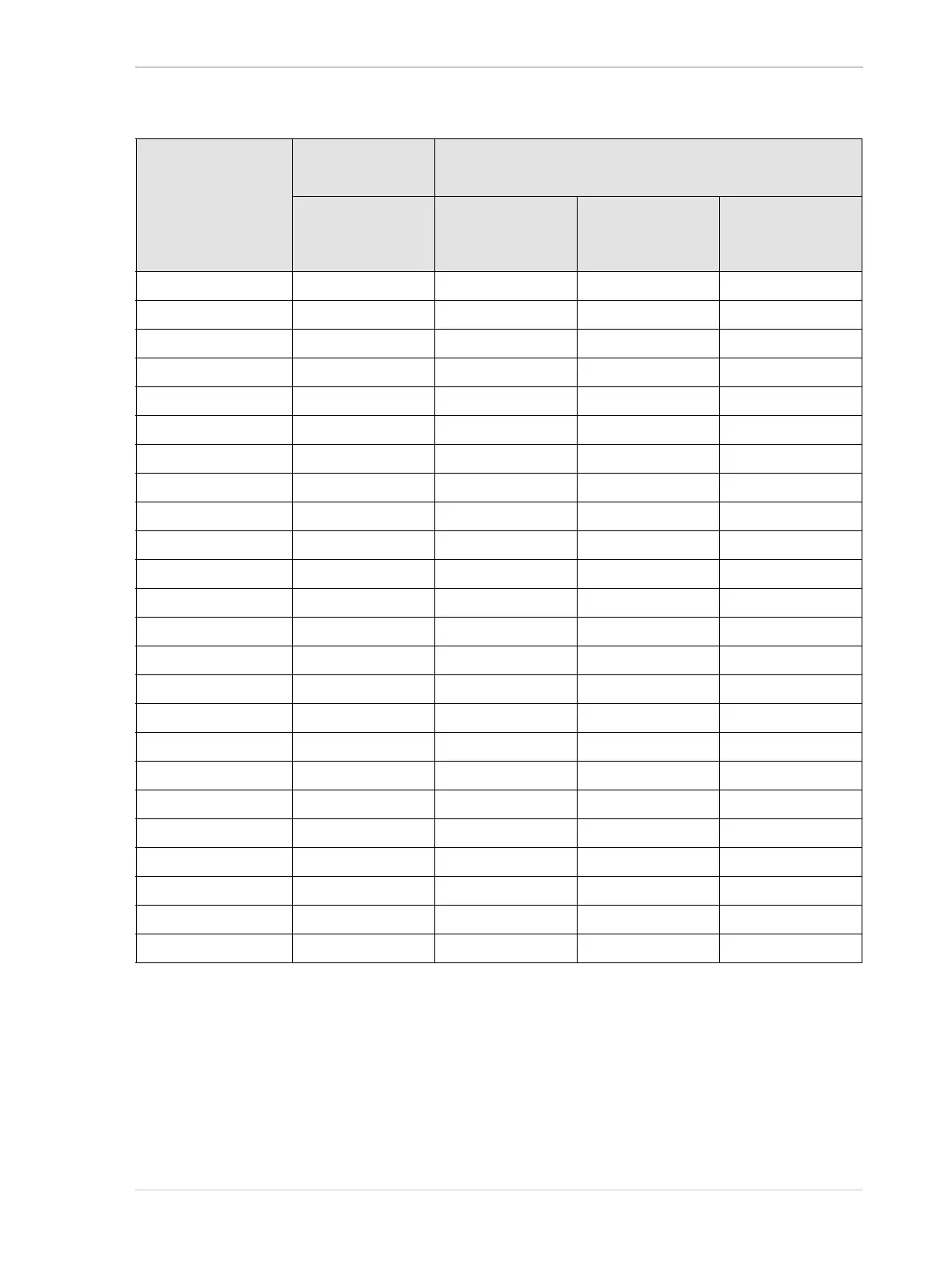
Camera Model Minimum Physical
ROI Width
Minimum Virtual
ROI Width
No Horizontal
Binning
Horizontal
Binning by 2
Enabled
Horizontal
Binning by 3
Enabled
Horizontal
Binning by 4
Enabled
acA640-90um 1 1 1 1
acA640-120um 1 1 1 1
acA640-750um 256 N/A N/A N/A
acA800-510um 256 N/A N/A N/A
acA1300-30um 1 1 1 1
acA1300-200um 256 N/A N/A N/A
acA1600-20um 1 1 1 1
acA1920-25um 64 32 22 16
acA1920-25uc 64 32 22 16
acA1920-40um 4 4 4 4
acA1920-150um 256 N/A N/A N/A
acA1920-155um 4 4 4 4
acA2000-165um 8 8 8 8
acA2000-165umNIR 8 8 8 8
acA2040-55um 4 4 4 4
acA2040-90um 8 8 8 8
acA2040-90umNIR 8 8 8 8
acA2040-120um 4 4 4 4
acA2440-35um 4 4 4 4
acA2440-75um 4 4 4 4
acA2500-14um 64 32 22 16
acA2500-14uc 64 32 22 16
acA2500-60um 256 N/A N/A N/A
acA3800-14um 64 32 N/A 16
Table 48: Minimum ROI Width Settings when Horizontal Binning is Disabled and Enabled (Monochrome Cameras,
acA1920-25uc, and acA2500-14uc)












 To Next Page