A: R82GB0FA.PMD
B: R82DE0FA.P65
E: 080403 / T. Weiß
G: 020304 / TCS
Section 5.5
Page 24
Operation and Control System
?
R8B2_128.JPG
R8B2_GB064.JPG
R8B2_GB086.JPG
Conveyor
The conveyor interface enables you to integrate
a conveyor into the system.
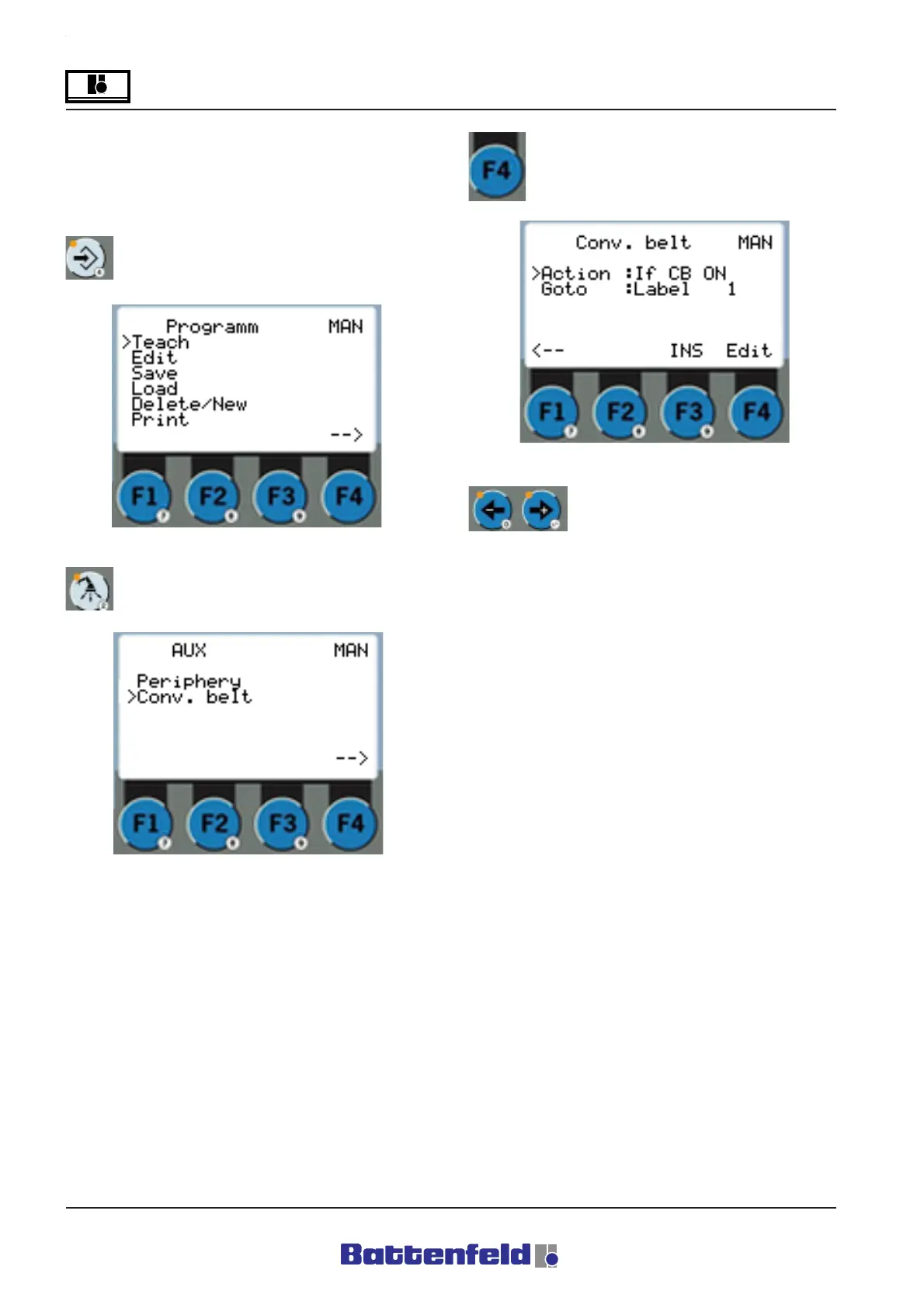
Press the PROG button.
Press the Periphery button.
From the Wait objects point, ”Switch” becomes
”Goto”.
Press the F4 function button.
Use the "+" and "-" arrow keys to
adjust the individual objects.



 To Next Page