62 Programming the Pump
Manual 41018v0800 SIGMA Spectrum Infusion System
Revision B Operator’s Manual
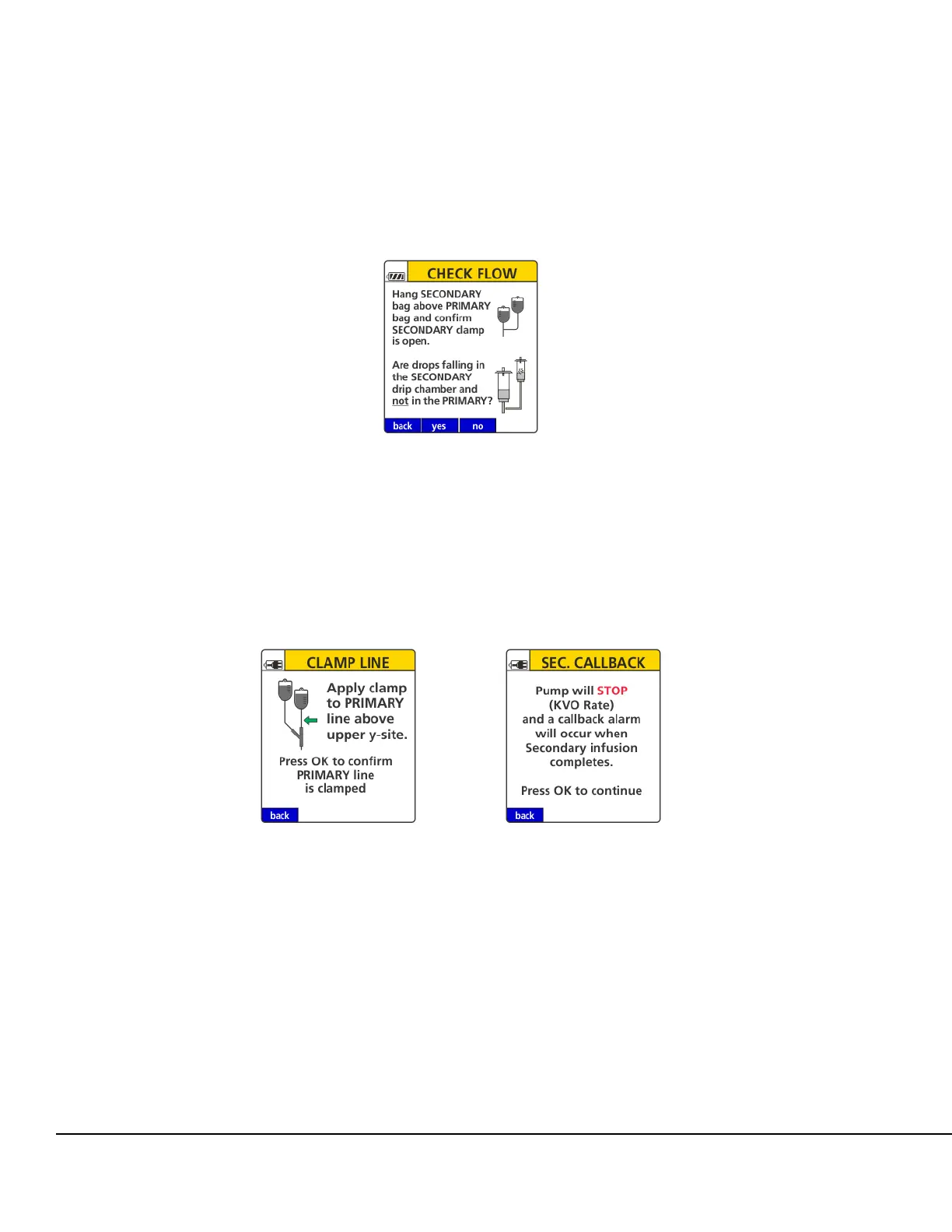
If the no soft key is pressed on the Secondary Check Flow screen, ensure the secondary IV
bag is hung above the primary IV bag. Confirm the secondary clamp is open and drops are
falling in the secondary drip chamber then press the yes or no soft key.
If the yes soft key is pressed, the Secondary infuses as programmed until completion
with automatic transition to primary (unless Secondary Callback is ON).
If the no soft key is pressed, apply clamp to primary IV line above upper Y injection
site (see Figure 51.), and press OK to confirm primary IV line is clamped. See
Figure 52.
NOTE: If the primary IV line is clamped, the secondary infuses until completion and the rate
will decrease to a KVO (Keep Vein Open) rate with alarm. See Figure 53.
13. At the completion of the secondary infusion, if secondary callback has been applied, the
Secondary Complete notification screen will display.
14. Press STOP.
NOTE: If the drug is configured as an Amount/Time infusion, the Line Flush dialog will be
displayed. See Secondary Line Flush on page 91.
Figure 50. Secondary Check Flow Instruction
Screen.
Figure 51. Primary IV Line
Instruction Screen.
Figure 52. Primary IV Line
Confirmation Screen.



 To Next Page