Programming the Pump 71
SIGMA Spectrum Infusion System Pump Operating Software Version 8.00
Operator’s Manual For Use With MDL Version 8.0
If the drug is to be delivered using the BASIC mode:
Using the keypad, enter the letters BA, select BASIC and press OK.
4. At the bag selection screen, select Primary Bag and press the multi-step soft key to enter the
Multi-Step Programming.
NOTE: The Multi-Step Program is not available for the primary bag when a secondary
program exists in memory.
NOTE: If the drug has been configured in the Drug Library as a “Primary Only Multi-step”
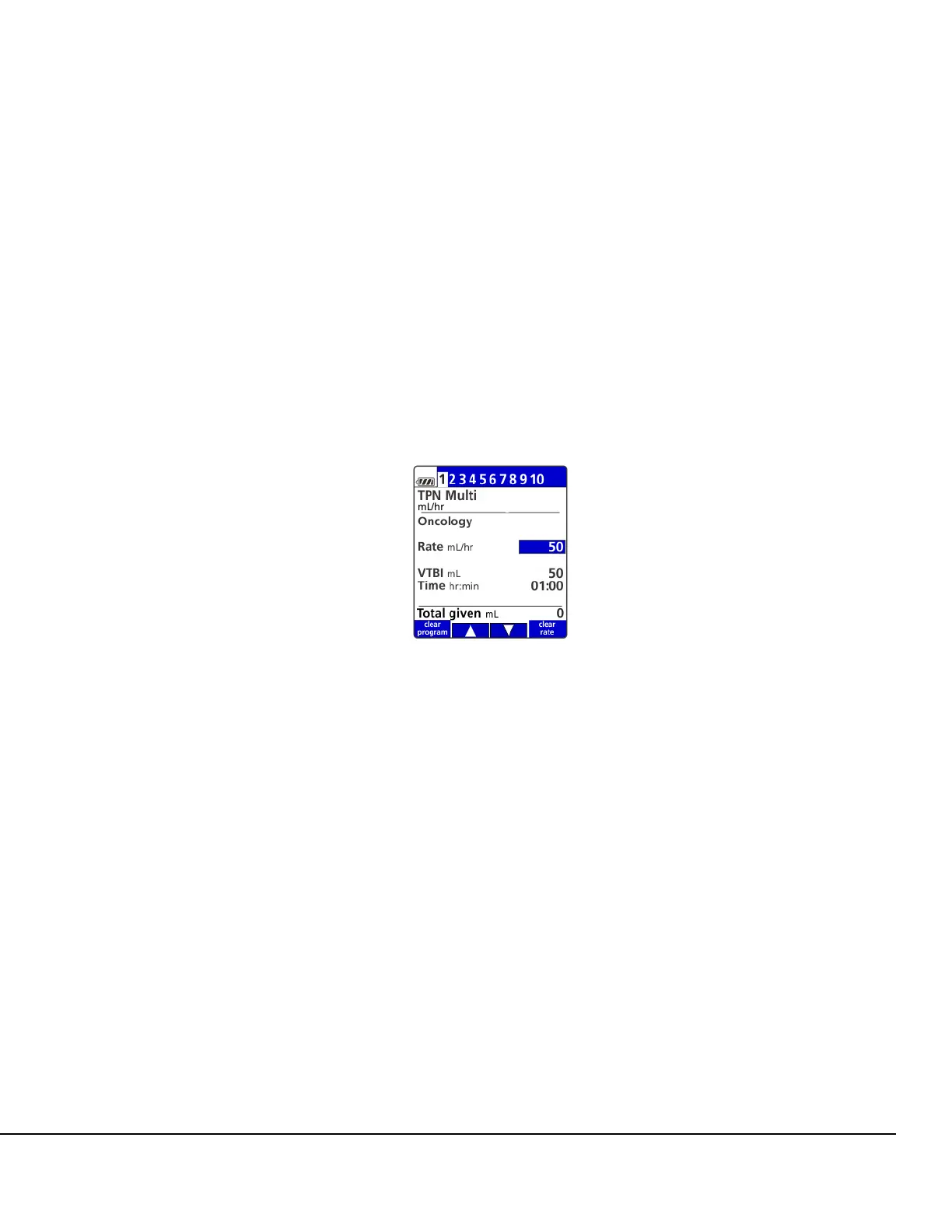
infusion, bag selection will be bypassed and the Multi-Step Program setup screen
will be displayed. See Figure 66.
NOTE: Multi-Step Program is not available as a secondary infusion.
5. Enter the infusion parameters as described in the BASIC or DERS programming sections. See
Dose Error Reduction System (DERS) Programming on page 50 or see BASIC Mode on
page 94.
NOTE: Always verify current program parameters for each step prior to starting a new
infusion.
Figure 66. Multi-Step Setup Screen.



 To Next Page