Programming the Pump 89
SIGMA Spectrum Infusion System Pump Operating Software Version 8.00
Operator’s Manual For Use With MDL Version 8.0
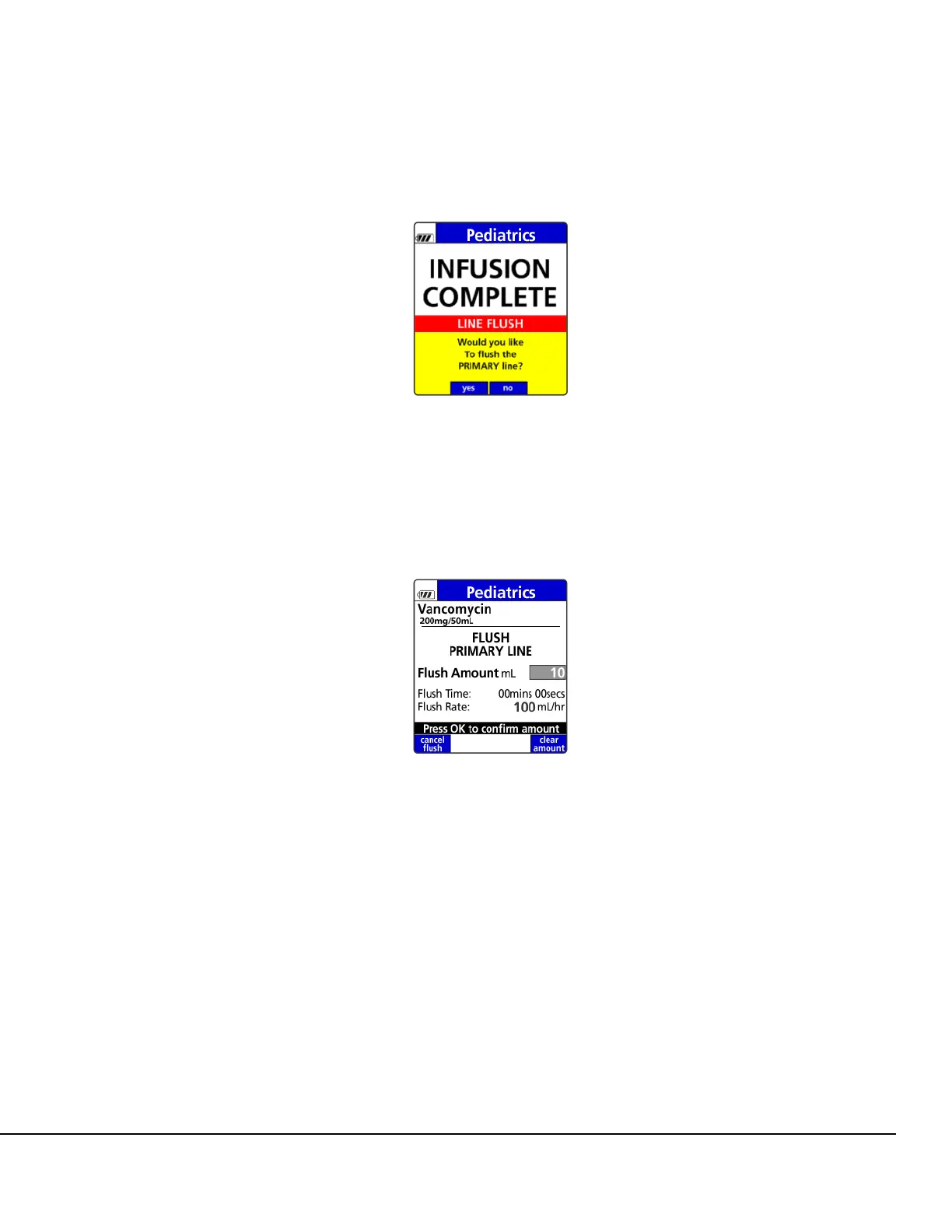
A dialog box displays to enable the line flush. See Figure 104.
2. Press the yes soft key to deliver the residual volume (flush the line).
Press the no soft key to decline the flush.
3. Enter the desired flush amount to be delivered and press OK. See Figure 105.
The Pump will deliver the Line Flush amount at the mL/hr rate of the previous infusion.
NOTE: If additional action is required:
To change the line flush volume (mL) after entering and confirming it, press the clear amount
soft key.
4. To start the infusion, ensure that the slide clamp and roller clamp are open and press RUN.
Once RUN is pressed, the infusion will start and the Primary Check Flow screen is displayed.
Check the flow and confirm:
All clamps are open.
There are no kinks or collapses in the tubing outside of the Pump.
Figure 104. Primary Infusion Line Flush
Dialog Box.
Figure 105. Enter Primary Line Flush
Volume.



 To Next Page