90 Programming the Pump
Manual 41018v0800 SIGMA Spectrum Infusion System
Revision B Operator’s Manual
Drops are flowing in the drip chamber. Note, at very low rates, it may take several minutes
to see drops.
Vents are open (if applicable).
If drops are falling in the drip chamber, press the yes soft key.
If no drops are falling, press the no soft key and follow the screen prompts.
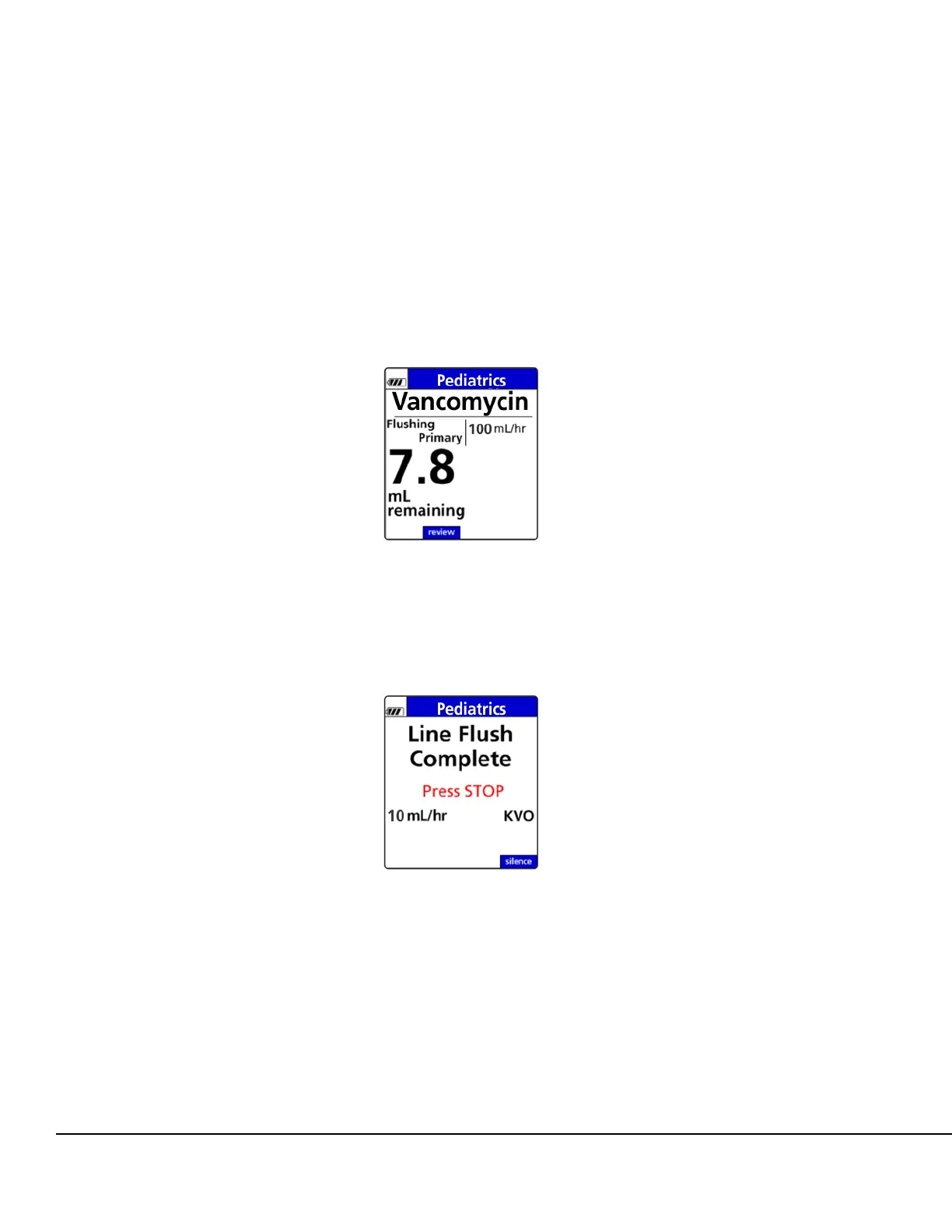
The volume remaining and an indicator that the IV line is being flushed are displayed. See
Figure 106.
Line Flush will continue until the entered flush volume has been delivered or the air in line
detector senses air. See Figure 107.
Figure 106. Primary Line Flush Status
Screen.
Figure 107. Primary Line Flush Complete
Screen.



 To Next Page