Part B: Function description
Required user qualification:
TRAINED USER
All activities described in Part B may only be performed
by trained users as defined in the Chapter User
Qualification.
8 Remote access
PoolManager
®
offers comprehensive and comfortable opportunities for
remote access from a local network or from the Internet.
8.1 Prerequisites
In order to make use of these opportunities, PoolManager
®
first has to
be connected with a network. Then remote access has to be
configured.
The required steps are described in Part C and have to be performed
by an IT specialist.
There you will find all required information for remote access to
PoolManager
®
.
Additionally, remote access has to be released for one or multiple
users in user management. Username and password must be
assigned to the corresponding users to enable remote access.
See User Management.
8.2 Remote access to the local network
For remote access from the local network, you generally require the
local network (IP) address of your PoolManager
®
. That could be, for
example, 192.168.1.99.
8.2.1 Step by step
1. For remote access from the local network, first start the Web
browser on a PC or on another mobile or stationary device on
the same network as PoolManager
®
.
2. Enter your PoolManager’s
®
IP address into the browser's
address bar. For some browsers, you'll have to enter http:// at
the beginning. Other browsers supplement it automatically:
http://192.168.1.99 (for example)
8.3 Remote access from the Internet
For remote access from the Internet, you generally need a URL
(uniform resource locator = “Web address”). That could be, for
example, http://myPoolManager.dtdns.net.
8.3.1 Step by step
1. For remote access from the Internet, first start the browser on a
PC or on another mobile or stationary device that is connected
to the Internet.
2. Enter PoolManager
®
URL into the browser's address bar. For
some browsers, you'll have to enter http:// at the beginning.
Other browsers supplement it automatically:
http://myPoolManager.dtdns.net (for example)
TIP
Setting up a favourite
In order to simplify access to PoolManager
®
, you can
set the corresponding IP address or URL as a favourite
in your Web browser and give it an appropriate name.
This makes remote access to PoolManager
®
quick and
easy via the browser's favourites list.
For a detailed description, please refer to the
documentation of the corresponding browser.
HTML 5 support
In order to use the full scope of functions for remote
access to PoolManager
®
, the browser being used has
to support the current HTML 5 standard.
JavaScript
For remote access to PoolManager
®
, JavaScript has to
be activated in the Web browser being used.
This usually is the case in the standard configuration of
all popular Web browsers.
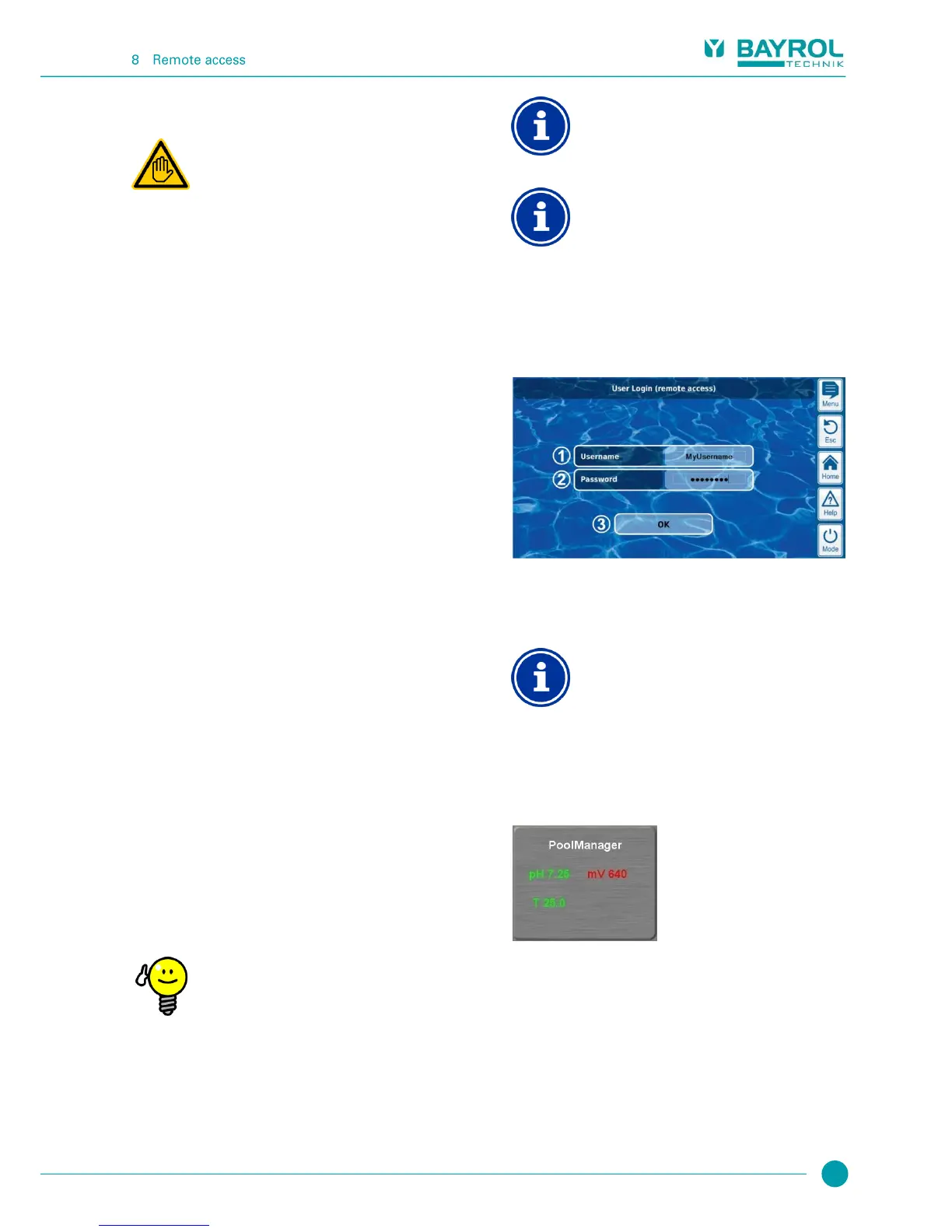
8.4 User login in remote access
When connecting to PoolManager
®
via remote access, a login window
first appears in which you have to authenticate yourself by entering a
valid username and the correct password for the username entered.
Enter the username for remote access
Enter the password for the username entered
OK will confirm the entries and, after successful
authentication, start PoolManager
®
user interface.
Entry via remote device’s keyboard
In this login window, the accessing device's keyboard
(e.g. PC keyboard or standard screen keyboard on a
smartphone) is used to enter username and password,
not the PoolManager
®
screen keyboard.
8.5 Quick info
PoolManager
®
provides a compact info field (Quick info) with the most
important information:
The following information is shown:
PoolManager
®
device name
Current measured value
Text colour on measured values:
green Everything OK
red There is at least one alarm pending
Pressing (or clicking) on the quick info field starts full remote access to
the corresponding PoolManager
®
controller.



 To Next Page