EasyManua.ls Logo

Bayrol PoolManager PRO - 4 X Power Outputs 4; Installation of Optional Supplemental Modules; Replacing the Configuration Module; Troubleshooting

Bayrol PoolManager PRO
94 pages
Print Icon
To Next Page IconTo Next Page
To Previous Page IconTo Previous Page
Loading...
91
50.6 Replacing the configuration module
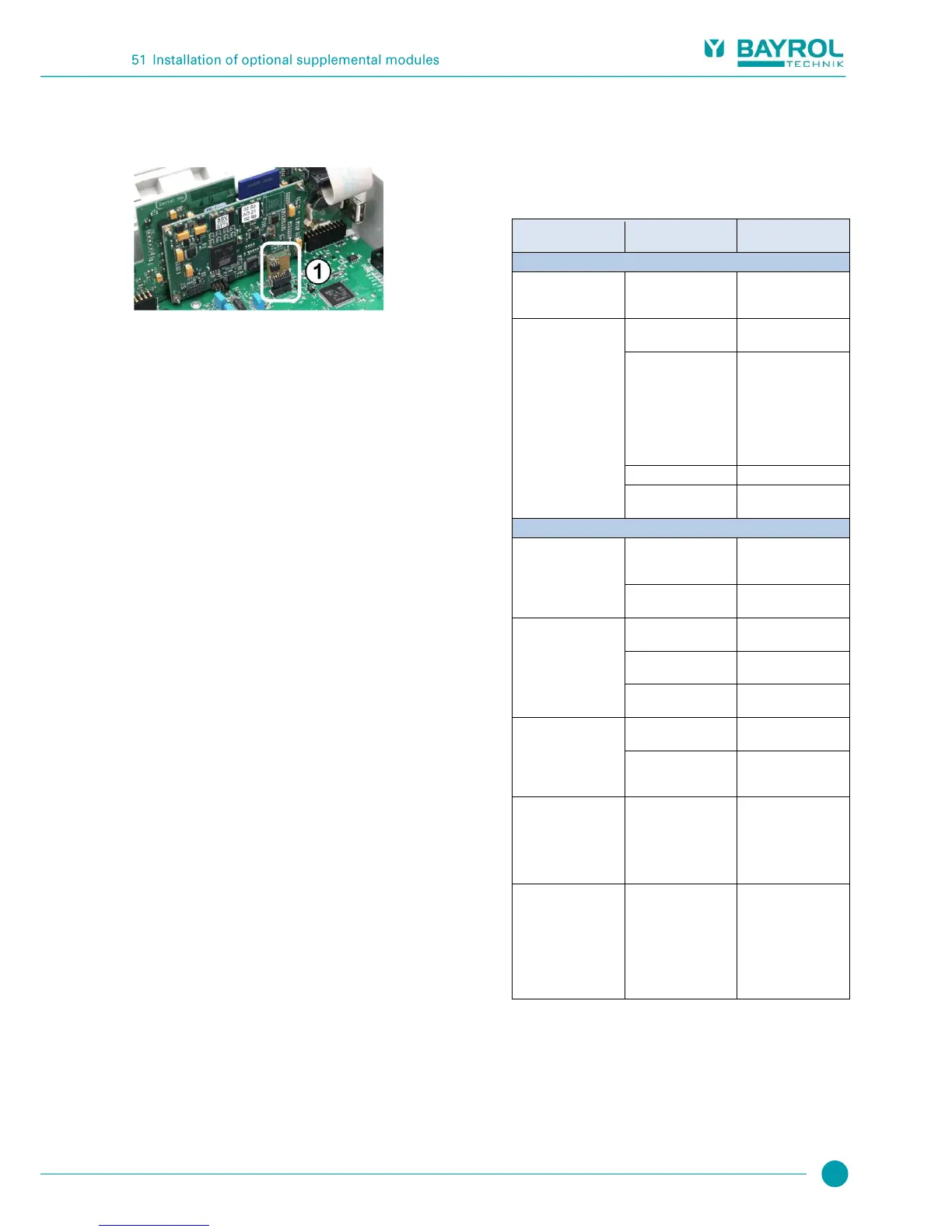
The configuration module stores PoolManager
®
device configuration:
Maintenance program, optional add-on functions, etc.
The configuration module is plugged in to a plug socket, making it
easy to replace or to plug into another unit.
51 Installation of optional supplemental modules
51.1 4x power outputs 4...20 mA:
PM5-SA4 CONVERTER 4-20MA (Art. no. 127011)
The supplemental module PM5-SA4 KONVERTER 4-20MA (Art. no.
127011) provides four outputs 4-20 mA. A second module can be
added as needed, such that there is a total of four power outputs
available.
The module is simply plugged into one of PoolManager
®
three module
plugs and then configured in the menu.
The power outputs can be used for the following functions:
Transmitting current measured values (pH, mV, temp.) as power
signal 4-20 mA (for videographic recorders, remote displays,
building management systems)
Triggering external systems
(e.g. variable filter pumps, salt electrolysis systems)
For more details, please refer to the separate documentation for the
PM5-SA4 CONVERTER 4-20MA (Art. no. 127011).
52 Troubleshooting
The following table shows the typical problems that can arise when
operating PoolManager
®
. Potential causes and remediation measures
are indicated for each of the problems.
The table is broken down according to the modules pH, redox (mV),
Cl, O2 (Bayrosoft
®
), and temperature.

Type of problem
Potential cause of the
problem
Remediation of the
problem
pH measurement
pH control measurement
and unit display show
different values
Calibration erroneous or
was a long time ago
Perform a new
calibration
Calibration failure in
pH calibration
Erroneous entry of
calibration values
Repeat calibration
Electrode contaminated
or defective
Use sensor cleaner or 5-
10% hydrochloric acid to
clean the electrode and
then rinse with distilled
water. If the electrode
does not calibrate after
this, then it has to be
replaced.
Moisture in cable
Dry or replace cable
Measurement amplifier
defective
Device has to be
repaired or replaced
pH control / pH dosing
The unit shows a dosing
output of 0% although
there is a deviation
between actual value
and setpoint
Dosing is blocked by an
alarm (flow, level, or
dosing time alarm)
Remediate alarm cause
Acknowledge alarm
Start delay still running
Wait for end of start
delay
The dosing pump
continues to run despite
the unit showing a
dosing output of 0%
Fuse on the dosing
pump is burnt
Replace fuse (2SB)
Dosing relay defective
Replace the respective
relay
Dosing pump defective
Replace the dosing
pump
Dosing pump is running,
but there is no pH
correction
Container is empty
Replace maintenance
product
Dosing pump has sucked
in air and is no longer
dosing
Remove air from dosing
head
pH value fluctuating
around the setpoint
pH control dosing output
is too high
Set a higher value for the
p-range, which will lower
dosing output.
Reducing the minimum
switch-on time hinders
overdosage.
pH value deviates from
setpoint over a longer
period of time
pH control dosing output
is too low
Set a lower value for the
p-range, which will
increase dosing output.
An increase in minimum
switch-on time will result
in the setpoint be
approached more
quickly.

Table of Contents

Related product manuals