19.2.2 Example, O2 (Bayrosoft
®
) dosing
This example of O2 (Bayrosoft
®
) dosing is intended to show the
benefits of the eventlog:
1 06.06.2012 08:44
Main dos.O2 ended (2.4/2.4l)
2 06.06.2012 08:30
Main dos.O2 continued(1.0/2.4l)
3 06.06.2012 08:30
(Level alarm) end
4 06.06.2012 08:10
Main dos.O2 blocked (level)
5 06.06.2012 00:10
Level alarm O2
6 06.06.2012 00:00
Main dos.O2 started (2.4l)
This series in the eventlog is caused by the following events
At midnight, PoolManager
®
starts O2 main dosing with a dosing
amount of 2.4 litres.
After 10 minutes, however, the Bayrosoft
®
canister is empty. That
triggers a level alarm, which blocks O2 main dosage.
On the next morning at 8:30 a.m., the empty Bayrosoft
®
canister is
replaced.
The level alarm ends, and O2 main dosing is continued. There
was already 1.0 litre of Bayrosoft
®
dosed prior to the level alarm.
Thus, another 1.4 litres need to be dosed.
At 8:44 a.m., the O2 main dosing ends regularly after the dosing
amount of 2.4 litres is fully met.
20 Controller settings
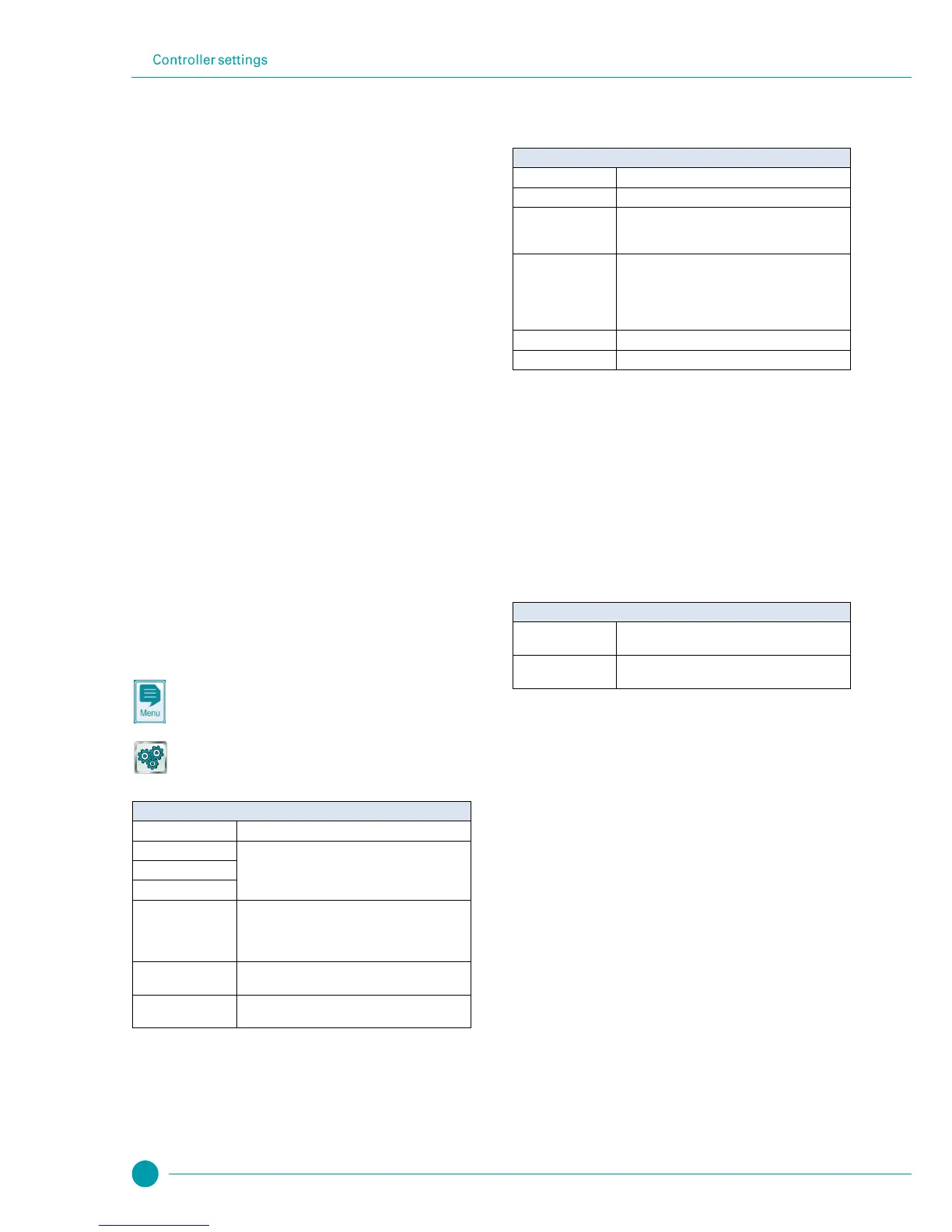
The menu Controller settings is called up as follows:
Menu hotkey
Controller settings
The menu provides the following setting options:
Configuration of the desired menu language
See section Individualisation
Entry of a name for the PoolManager
®
unit. This
name is shown in the browser during remote access
and makes it possible to distinguish among multiple
controllers.
Set system date and time, and configuration of
associated options
Settings for the energy saving powerdown mode
of PoolManager
®
20.1 Date & Time
The following functions are available in the menu Date & Time:
Display and configuration of current time
Display and configuration of current date
Display of current weekday.
The weekday is automatically set correctly upon
setting the date.
Summer / winter time
auto / manual
Configuration of the change between summer and
winter time.
Auto The change is made automatically
Manual The change is made manually by the user
Standard setting (default): Auto
The current time is moved forward by one hour
The current time is moved back by one hour
PoolManager
®
automatically sets time as follows in automatic
configuration for summer / winter time:
On the last Sunday in March, time is moved forward
from 2:00 a.m. to 3:00 a.m.
On the last Sunday in October, time is moved back
from 03:00 a.m. to 02:00 a.m.
Once the automatic change has been made, the unit will show a
notification.
When powerdown mode is activated, PoolManager
®
reduces screen
brightness and enters an energy saving mode after a configured
amount of time. A simple touch ends energy saving mode and
increases the screen's brightness again.
This function can be configured in the menu Powerdown mode
Time in [min] after which powerdown mode is
activated when no user entries are made.
Powerdown mode
(active / inactive)
Activates or deactivates powerdown mode.



 To Next Page