31 Eco mode (energy saving mode)
The function eco mode (energy saving mode) facilitates automatic,
timed switch of the pool from normal mode into an energy-saving
operating mode. The two operating modes are designated as follows:
Normal mode (normal pool operation)
Eco mode (energy-saving operation)
Actual execution of the two operating modes can be realised in a very
flexible manner.
Example (for pools with an overflow):
Normal mode Circulation via the overflow
Eco mode Circulation via the floor drain
(reduction of thermal loss)
The function eco mode provides the following options:
Multiple flexibly programmable timers
Flexible allocation of relay switch outputs for the two operating
modes
Operation of relay switch outputs optionally as volt-free switches
or as 230 V~-outputs
Link with an external switch or push-button for switching the
operating mode
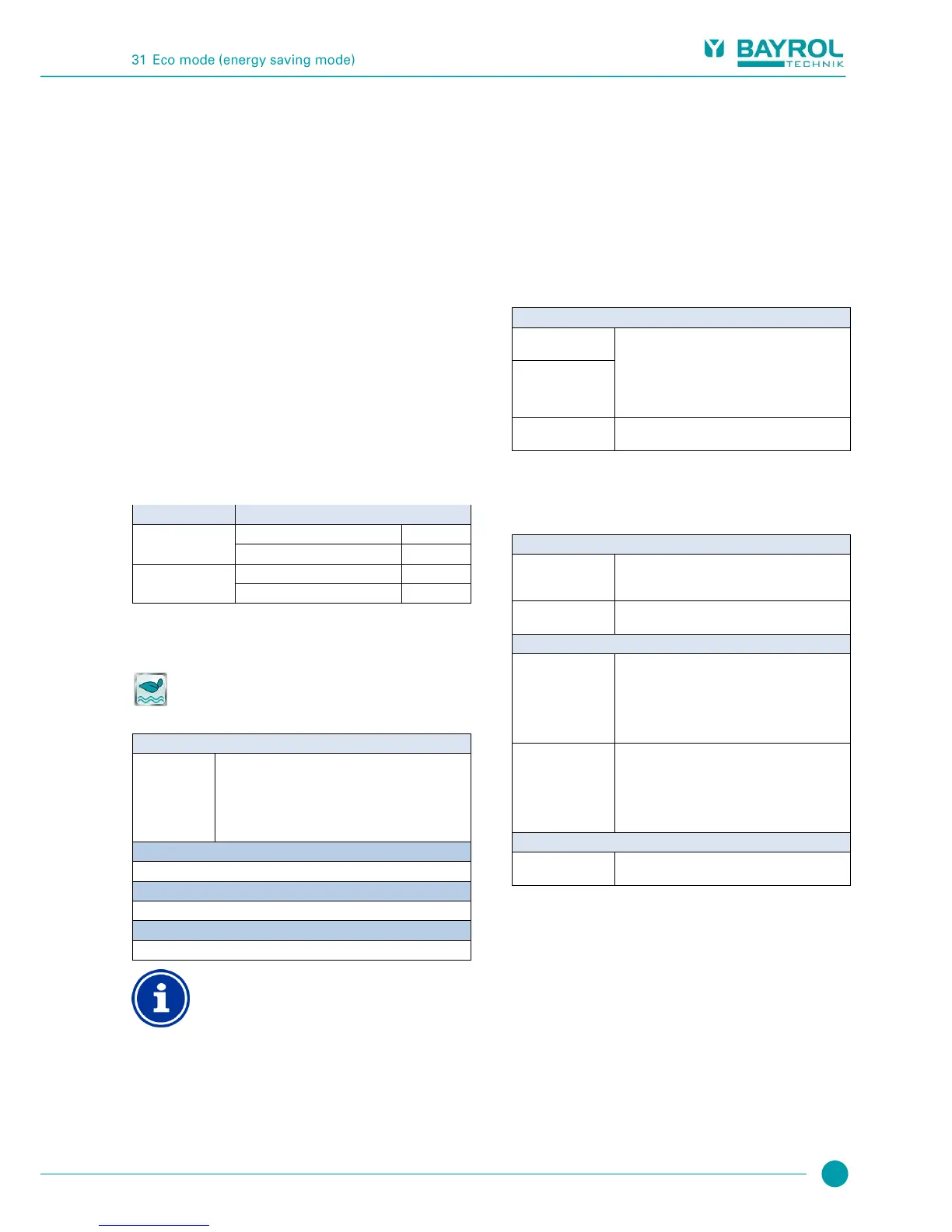
The two relay outputs for this function are connected as follows for the
respective operating mode:
Status of the allocated relay switch outputs
Relay output 'normal mode'
Eco mode
(Energy saving mode)
Relay output 'normal mode'
31.1 Menu Eco mode
The configuration menu for Eco mode is called up with the following
icon:
Eco mode
The following settings are available:
Inactive (Eco mode not used)
Normal mode
Eco mode
Timer
(Automatically timed switching between operating
modes)
Basic settings for the Eco mode.
Safety settings for the Eco mode.
Allocation of a relay switch output
Eco mode can only be activated if you have allocated a
relay switch output to it beforehand in the Basic
configuration menu.
31.1.1 Programmable timer
This menu provides 6 programmable timer intervals for eco mode.
Eco mode is activated during the programmed times; normal mode is
activated outside of the programmed times.
Programming here is identical to programming the timers for the
universal switch outputs, see Universal switch outputs,
Programmable timer.
31.1.2 Basic configuration
The menu Basic configuration is used to configure the basic settings
for eco mode. This is generally done once at commissioning.
The following settings are available:
Sub-menu Basic configuration
Relay output
'Normal mode'
Relay switch outputs used for both operating modes
Normal mode and Eco mode
(None / OUT 1 [26] / OUT 2 [27] / OUT 3 [30] /
OUT 4 [31] / pH+ [22] / pH- [21] / Alarm [25]).
In order to activate the Eco mode, it is sufficient to
allocate at least one of the two relay outputs.
External switch or
push-button
See External switch or push-button.
31.1.2.1 External switch or push-button
The eco mode function can be linked with an external switch or push-
button, which facilitates turning the function on or off manually.
The following settings can be configured:
Sub-menu External switch or push-button
Selection of an input to which the external switch is
connected
(IN 1 [6] / IN 2 [7] / IN 3 [8] / IN 4 [9] / none)
On/off switch or push-button
Defines the operating mode when external
switch is turned on:
Eco mode
Normal mode
Automatic mode
(Operating mode controlled by PoolManager
®
)
Defines the operating mode when external
switch is turned off:
Eco mode
Normal mode
Automatic mode
(Operating mode controlled by PoolManager
®
)
External push-button
function
Switch eco mode / normal mode /
eco mode / ... (fixed setting, cannot be changed)



 To Next Page