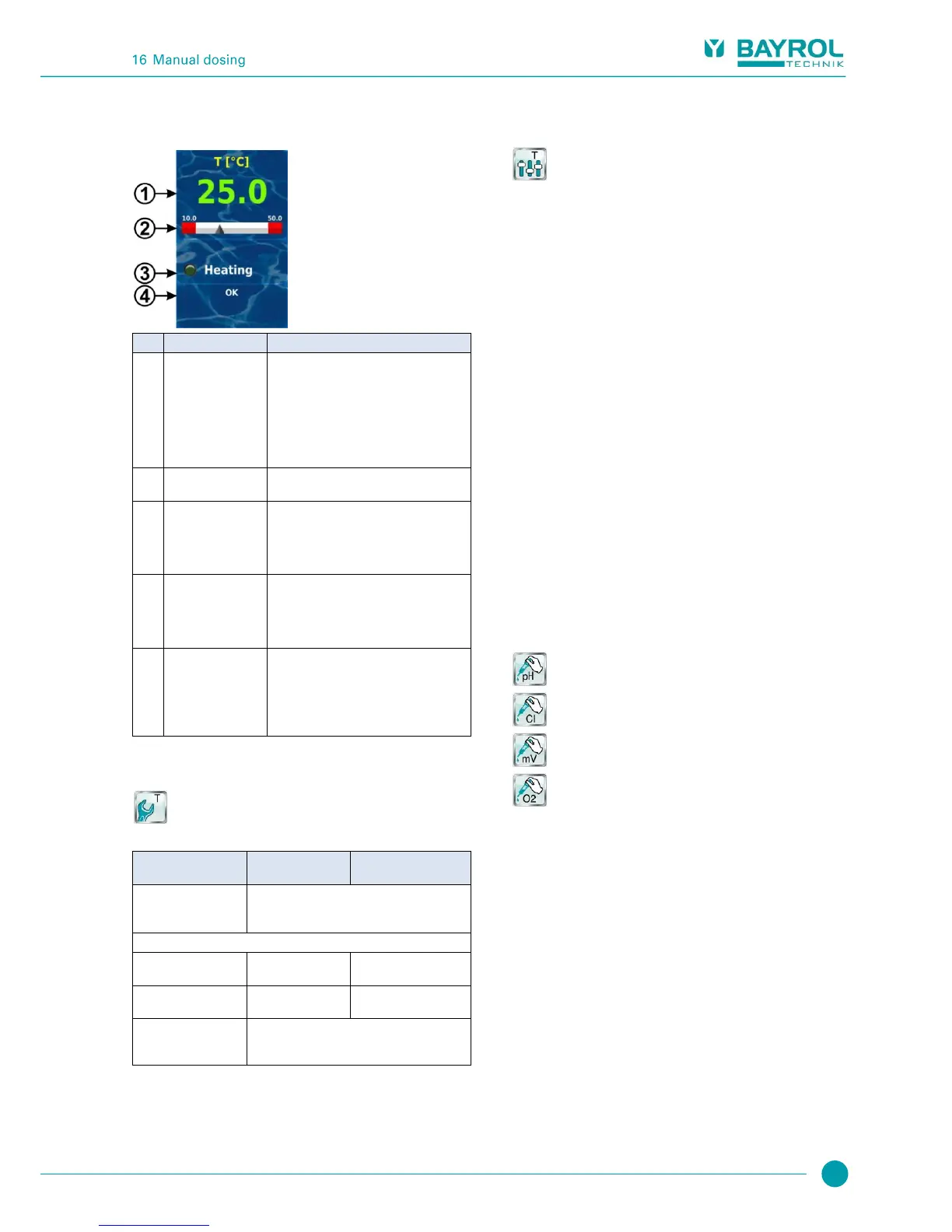
This status is only displayed when the add-on
heating or solar heating functions are being
used.
For details, please review the sections
Heating or Solar Heating.
15.6 Configuration temperature
Configuration of temperature measurement is performed in the menu:
Configuration Temperature
There, the following parameters can be configured:
15.7 Calibration
Calibration of temperature measurement is performed in the menu:
Calibration Temperature
Please perform calibration as follows:
1. Select the temperature input to be calibrated
1-Point Calibration T1 / T2 / T3
2. Measure the corresponding temperature (water, solar, air) for
the corresponding input on the thermometer
3. Enter the temperature measured as the calibration value
4. If the displayed measured value (Current value) is stable and is
no longer changing in a relevant manner, then confirm
calibration by pressing Next.
5. Check the calibration results displayed and close calibration by
pressing Ready.
16 Manual dosing
16.1 Overview
For each module pH, chlorine (Cl) / bromine (Br), redox (mV), and O2,
there is the option of adding product to the swimming pool water via
manual dosing.
Manual dosing is restricted in time and will automatically end after the
selected dosing duration has passed. Furthermore, manual dosing can
be manually stopped at any time. During manual dosing, the dosing
pump runs continuously, i.e. at a dosing rate of 100%.
Manual dosing can be blocked by alarms; see section blocking via
alarms.
16.2 Menu manual dosing
Manual dosing can be started in the following menus
(depending on the controller model):
Manual Dosing pH
Manual Dosing Chlorine /Bromine
Manual Dosing mV (Chlorine) / Manual Dosing mV (Bromine)
Manual Dosing O2



 To Next Page