50
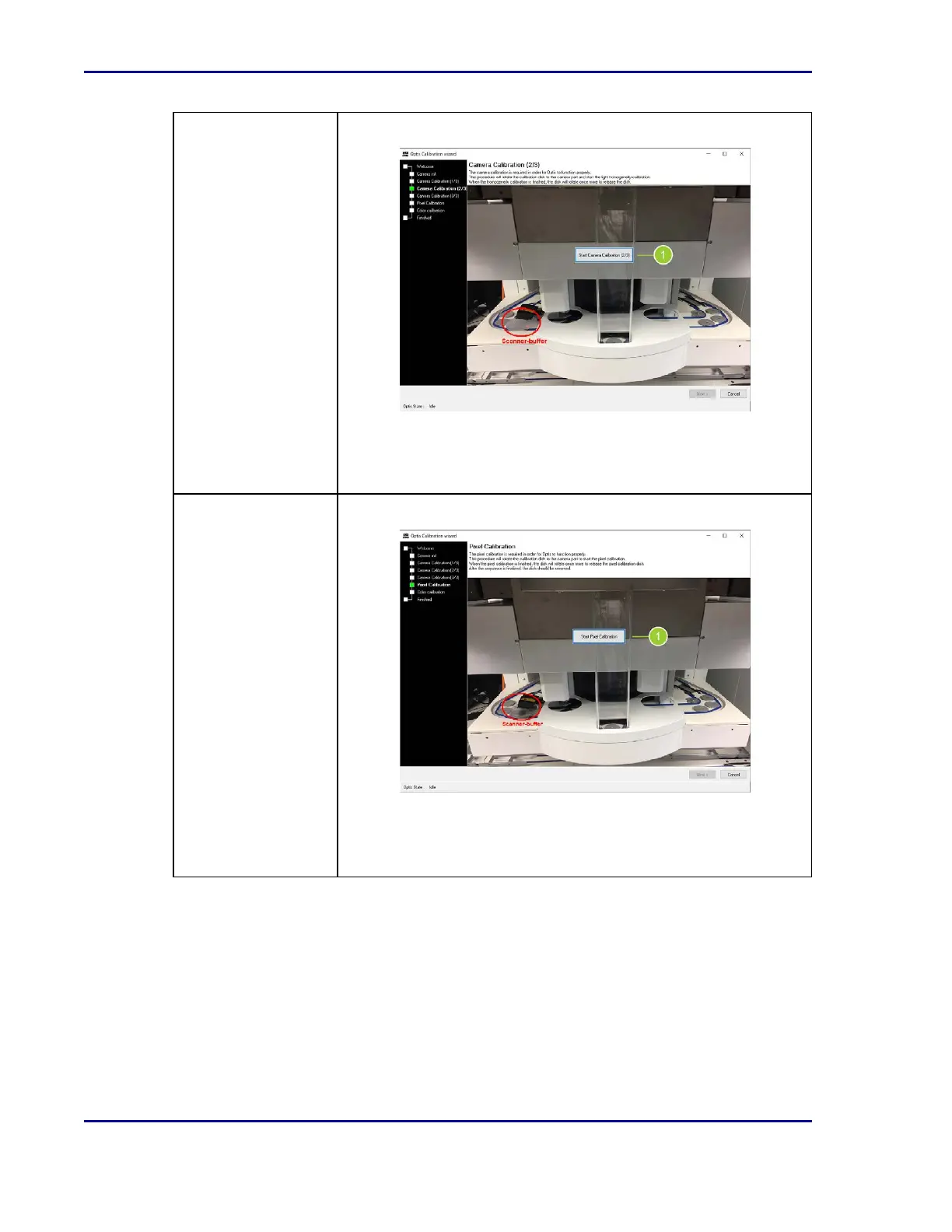
Step 3: Camera
Calibration
Camera calibration calibrates the homogeneity detection accuracy.
1. Prepare to place the homogeneity plate in the module.
2. Select Start Camera Calibration (2/3) (1). Follow the directions
and select OK in the subsequent information dialogues.
Step 4:Pixel
Calibration
Pixel calibration ensures pixel accuracy.
1. Prepare to place the pixel calibration plate in the module.
2. Select Start Pixel Calibration (1). Follow the directions and
select OK in the subsequent information dialogues.
BD Kiestra™ ReadA User's Manual










 To Next Page