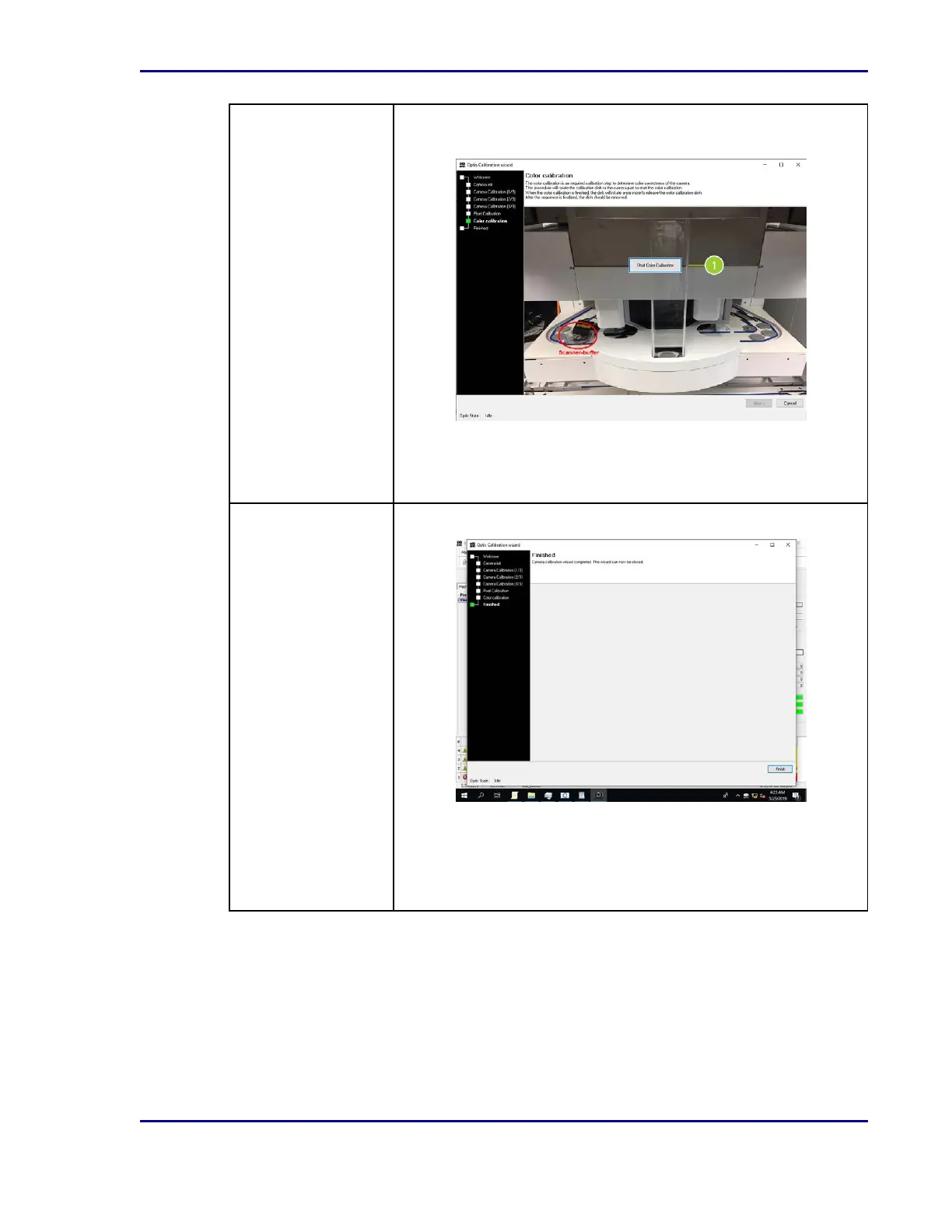
Step 5:Color
Calibration
Color calibration is the last step in the process and ensures color
correctness of the camera.
1. Prepare to place the 5-mm color calibration plate in the module.
2. Select Start Color Calibration (1). Follow the directions and
select OK in the subsequent information dialogues.
Step 6: Finished The camera calibration procedure is complete at this point.
1. Select Finish to close the wizard window.
2. Select Lock Door [F8].
3. Select Start [F2] to start the application and continue ReadA
operation.
51
5 - Cleaning and maintenance










 To Next Page