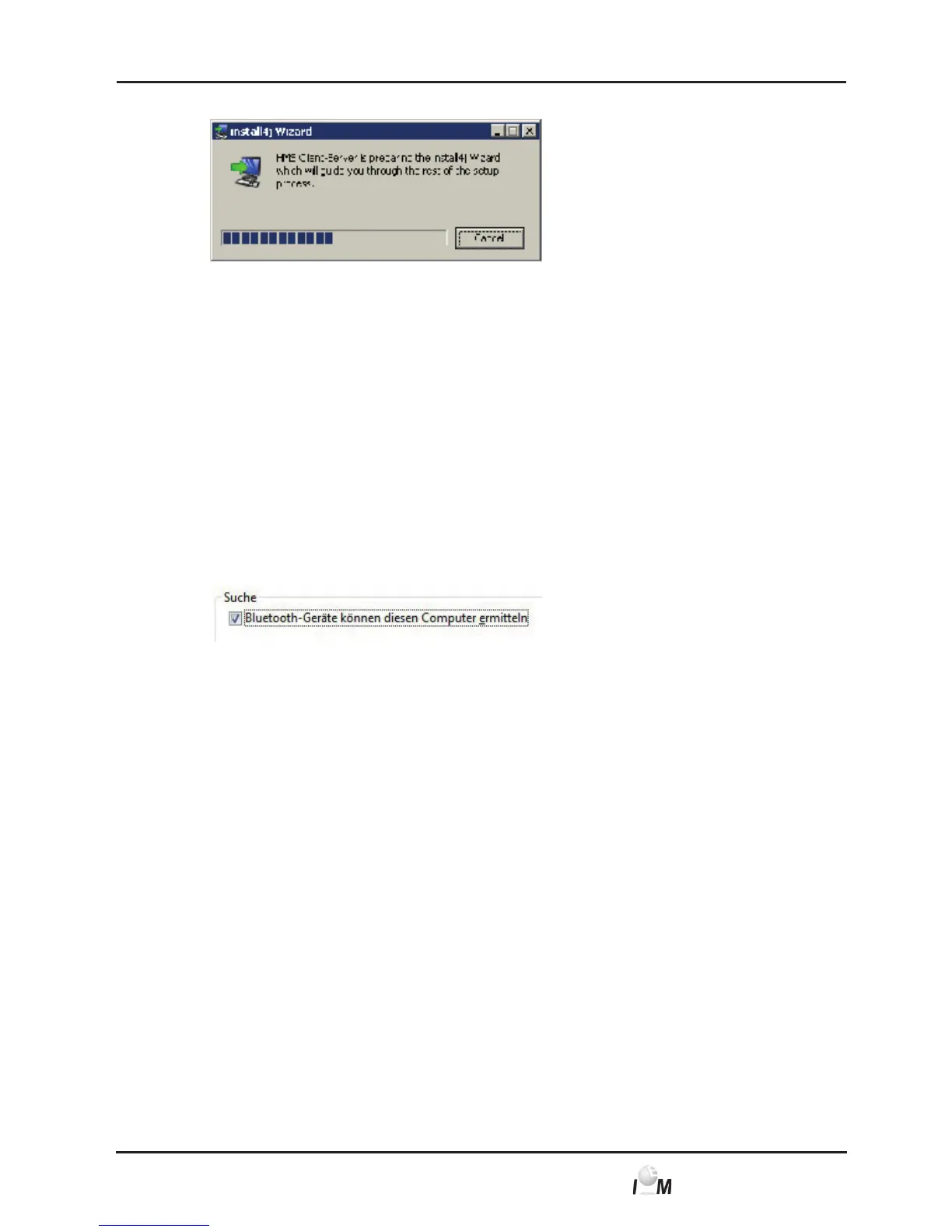
The installation wizard appears.
► Follow the instructions on the screen.
Install Bluetooth Drivers
Note: Please only plug the Bluetooth-Adapter into the computer after the software
installation or when you are prompted to do so.
For the Bluetooth-Adapter DIGITUS (usable from Windows XP SP2 and higher) no
driver software is needed.
► In the installation menu click on Bluetooth drivers.
► Follow the instructions on the screen.
► In some systems, the computer first needs to be made viewable in the
Bluetooth properties. For this purpose you will need to open the Bluetooth
properties after the installation and mark the checkbox as shown here in the
image.
Install USB Drivers
Note: Please connect the USB-Adapter (USB-Stick or cable with USB-interface)
only after the software has been installed on the computer.
► In the installation menu click on USB cable drivers.
► Follow the instructions on the screen.
The software installation is now finished.
4.2.3 Installation for Macintosh
®
OS 10.4 and newer
Procedure:
1) Install application from the CD-ROM.
2) Plug USB adapter and/or Bluetooth adapter into the computer.
Install application from the CD-ROM
► Put the provided CD into your CD-ROM driver.
The CD symbol for HMS CS appears on the screen.
► Double-click this CD symbol for HMS CS.
The CD-ROM will open.
► Open the directory Mac_10-4.



 To Next Page