43
Beam
®
, Operating Manual, Rev. 4.6.1 01/2016, GmbH
Note: Generally it makes sense to delete this information from the recorder. If “old”
recordings from a previous patient are still in the recorder, the HMS CS program will
indicate it to you upon preparing the recorder for a “new” patient.
If yes If no
► Click on
. ► Click on .
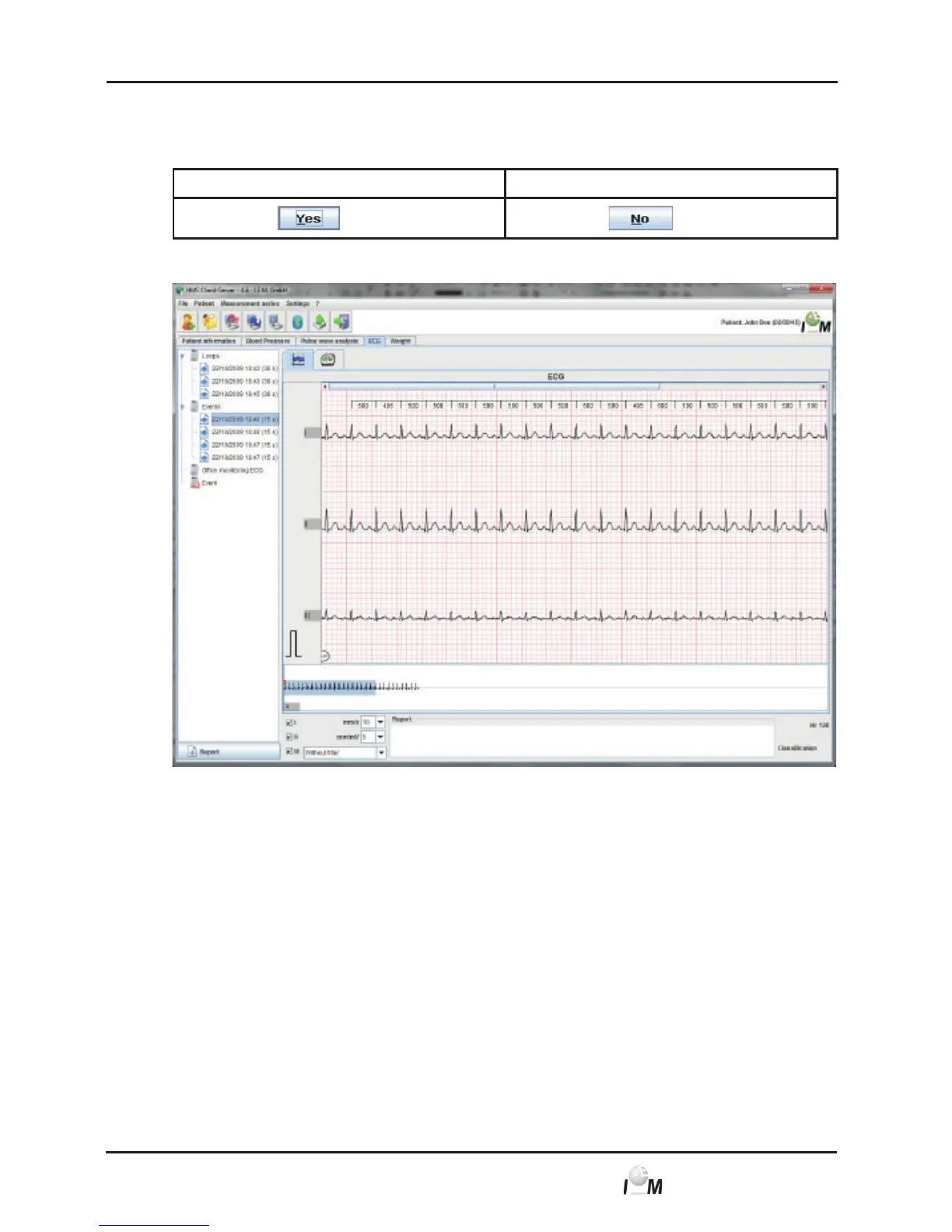
The tab with the ECG recordings appears:
The transferred recordings will be displayed as graphics similar to mm paper +
calibration spike (see 4.10, Analyse Recordings).
4.9.5 Export ECG Recordings
The recordings, which you have transferred to the HMS CS, can be saved to a file.
Using this file you can transfer the measuring results into your practice system.
► Display the desired patient (see 4.6.2, Select already created patient).
► In the working window click on the ECG tab.
The ECG tab contains a list of already performed recordings on the left side.



 To Next Page