4.10.2 Show and hide conductions
► Display the desired patient (see 4.6.2, select already created patient).
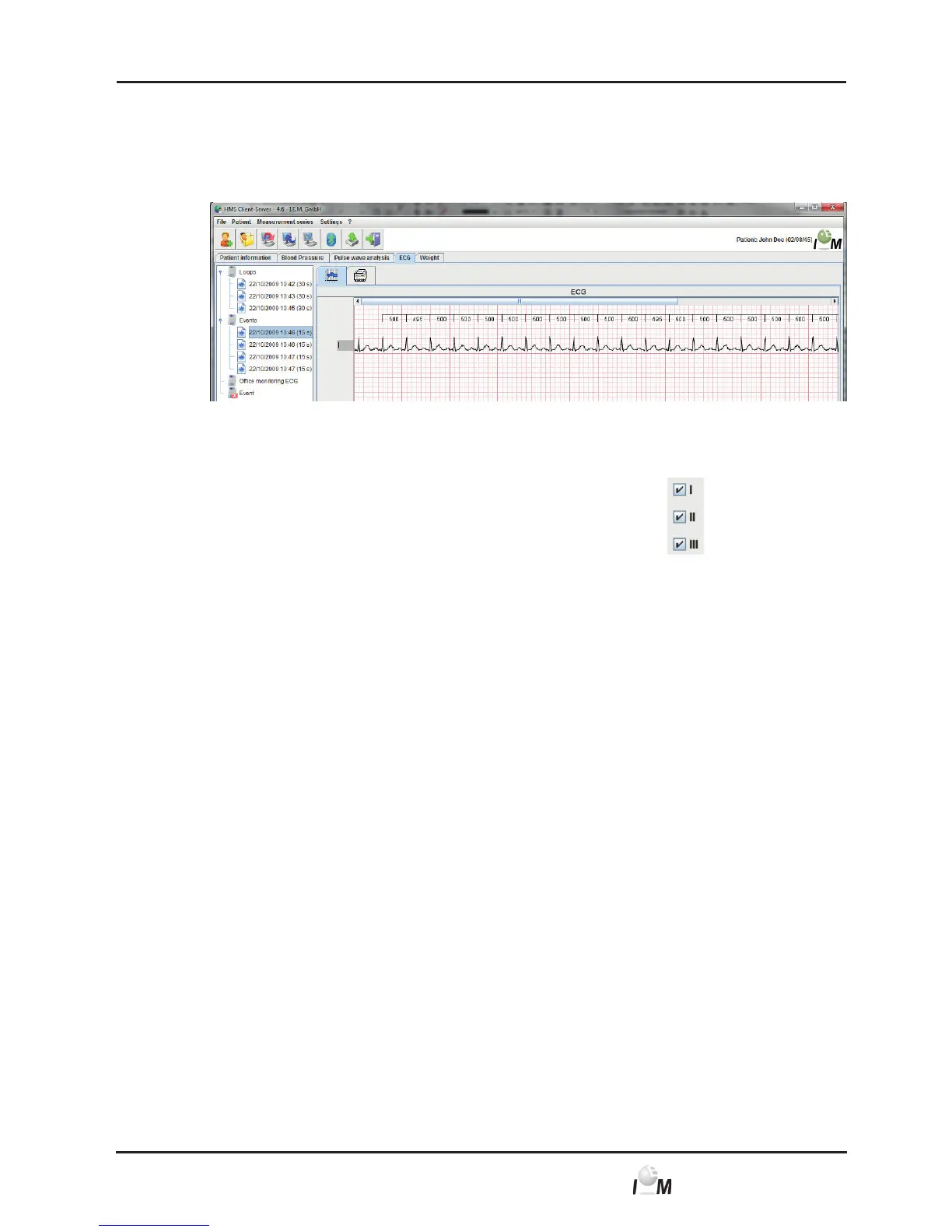
► In the working window click on the ECG tab.
The ECG tab contains a list of already transferred recordings on the left side.
► Click on a measurement.
The belonging ECG will be displayed.
► For showing or hiding of conductions go to the following mark
► and show or hide channels here.
4.10.3 R-R Interval-Detection
From version 4.6 and higher the HMS-CS is able to detect the R-waves automatically,
based on the recorded measurement data of the BEAM device, (no complete QRS-
analysis). The intervals between two successfully detected R-waves will be indicated
in ms (milliseconds). Based on these data the HMS-CS will then provide a calculation
of the mean heart rate on a complete measurement.
The HMS-CS detects a different signal quality in the R-waves. In case of best signal
quality all time intervals from R to R will be indicated in black numbers. A non-
optimal signal quality will be indicated in red numbers for the time data between two
R-intervals. Values marked in red will be excluded from the automatic calculation
of the heart rate.
For the determination of the mean heart rate on a complete measurement, values
(detected R-intervals) of best quality measured over a time period of 15 seconds
without interruption are required. For artefacts, the errors described in Chapter 6.6
will be indicated.
4.10.4 Measuring the ECG using the mouse pointer
► Display the desired patient (see 4.6.2, Select already created patient).
► In the working window click on the ECG tab.
The ECG tab contains a list of already transferred recordings on the left side.



 To Next Page