59
Beam
®
, Operating Manual, Rev. 4.6.1 01/2016, GmbH
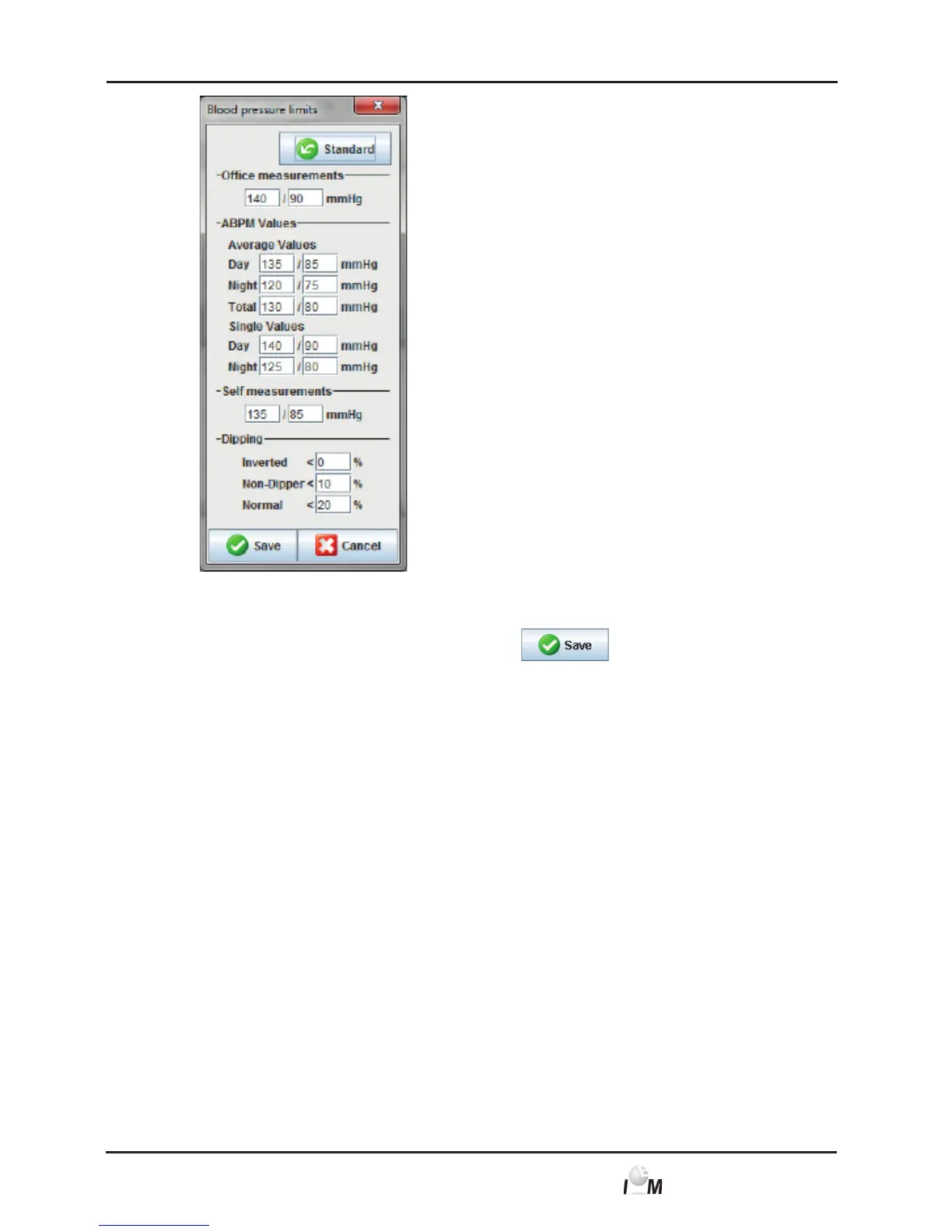
► Enter the desired threshold information.
► In order to apply the new threshold click on
.
The window disappears.
4.13.6 Analysis (only for the ABDM Measuring device Mobil-O-Graph)
Here you can select different settings for the analysis:
■ Initial: Additional Start-Interval to the four Daytime-Intervals
■ Static Start: Start Time of graphic display
■ Tabular display: Here the result report can be switched to a tabular display
■ With and without day/night key: Settings for the start times of four daytime
intervals.
4.13.7 Specify colours for curves and background for results
► In the taskbar click on Settings and then on Colours.
The Colours window appears.



 To Next Page