24
Beam
®
, Operating Manual, Rev. 4.6.1 01/2016, GmbH
4.4 Setup of User Interface HMS CS
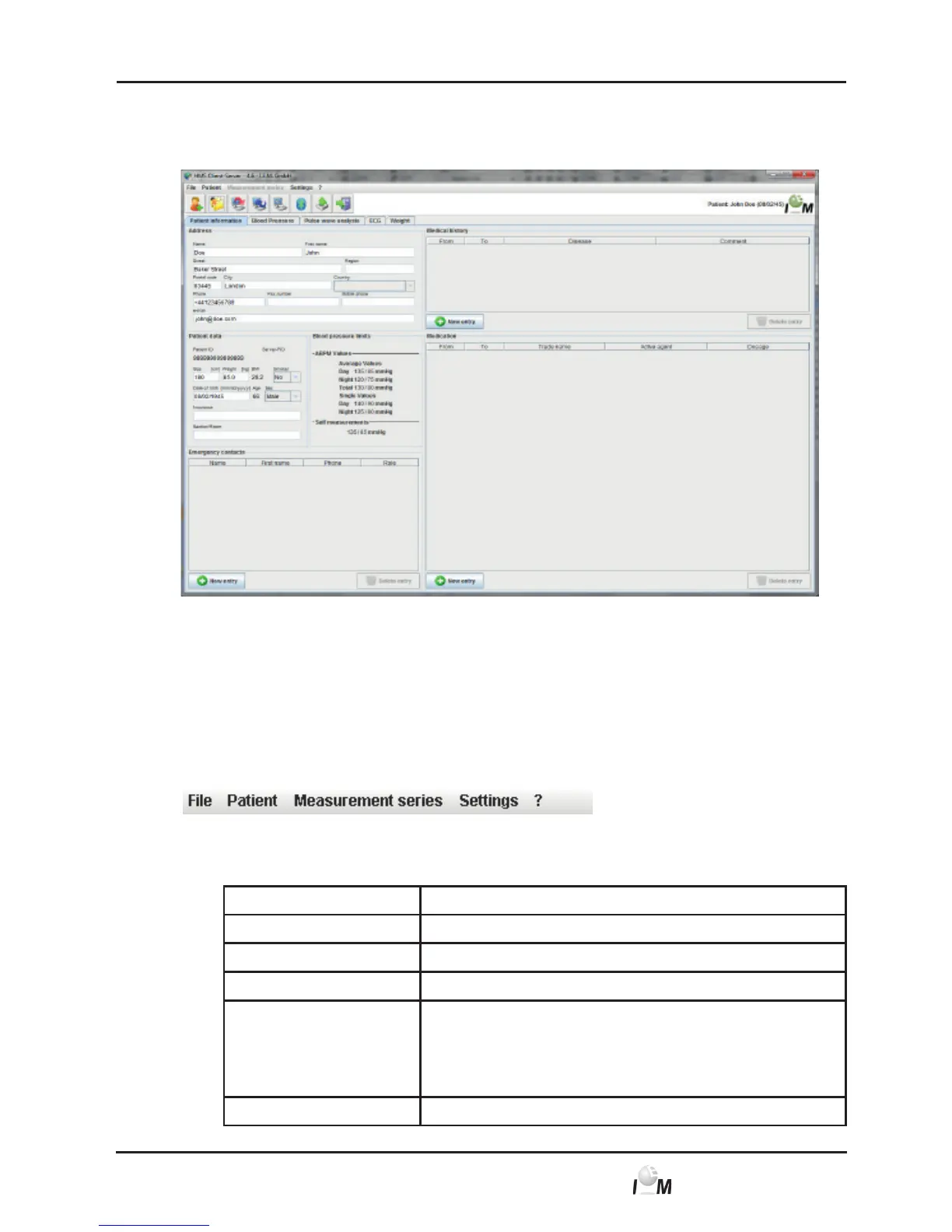
From the working window you can access all functions. Depending on the function
further windows appear.
Figure: Working window with patient information tab
In the menu bar on the upper window area you can start the functions. The taskbar
directly under the menu bar contains the symbols for the individual process steps.
The working window contains the two tabs Patient Information and Readings.
4.4.1 Menu Bar
At the very top of the operating window is the Menu Bar.
Each menu item combines functions.
■ Menu File
Menu Item Function
Patient List Show list of already created patients
New patient Create new patient
Import Import of patient data (Abdm.mdb, GDT and patient)
Data back-up Storing and restoring of database
(Warning: By restoring the database the existing data
will be replaced with the – saved database – danger of
data loss.)
Audit trail Record of all changes made in patient data



 To Next Page