33
Beam
®
, Operating Manual, Rev. 4.6.1 01/2016, GmbH
► In order to apply the new data click on .
The window disappears.
4.6.4 Change the personal patient number (patient ID)
► In the taskbar click on Patient and then on change ID.
The change Patient-ID window appears with the current patient number.
► Change the patient ID.
► Click on
.
4.6.5 Delete Patient
► In the taskbar click on Patient and then on Delete.
► Answer the prompt with
.
The current patient including their measured data is deleted.
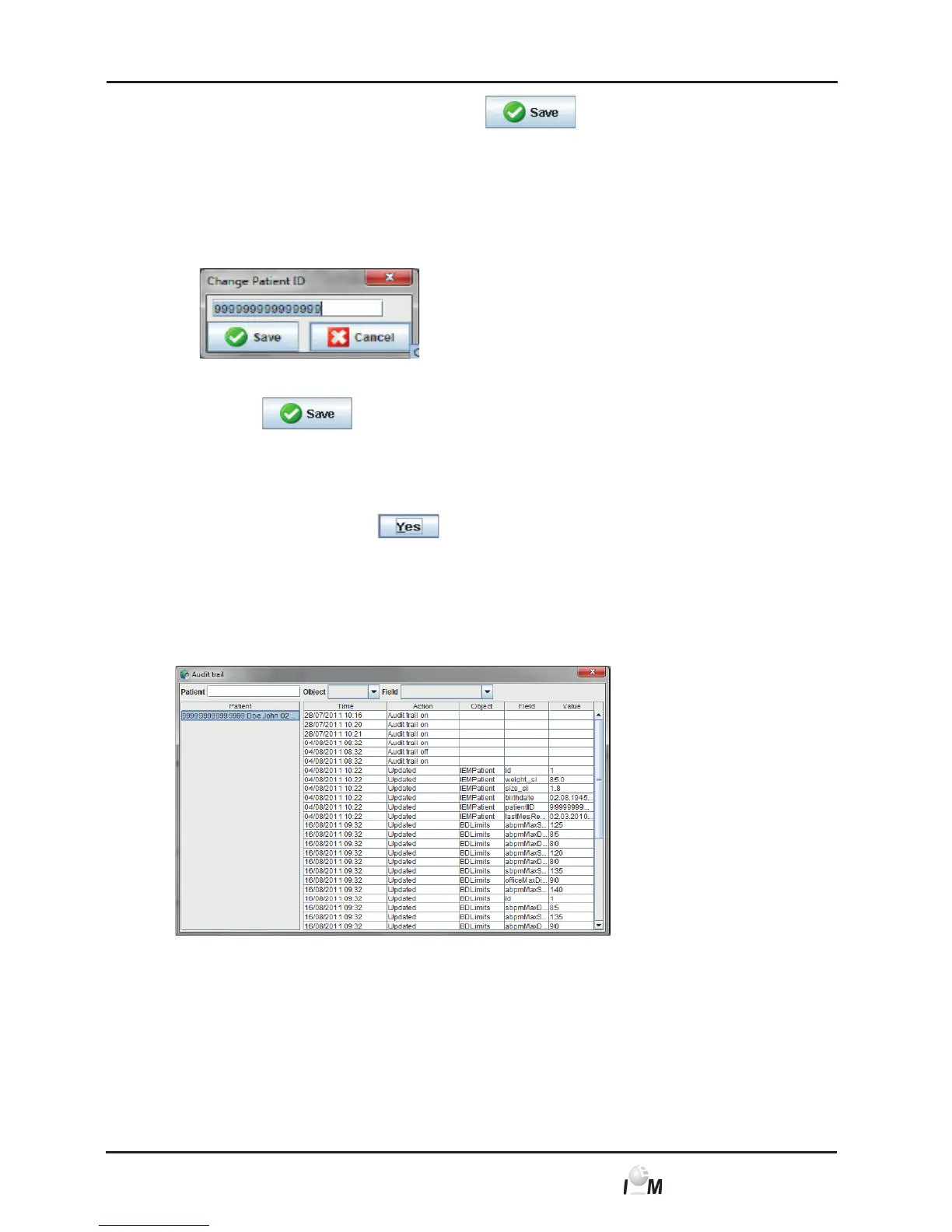
4.6.6 Audit trail
To display the record of all patient data changes, click Audit trail in the File bar. I



 To Next Page