45
Beam
®
, Operating Manual, Rev. 4.6.1 01/2016, GmbH
4.10 Analyse Recordings
Initial Situation: You have already read the ECG recordings from the recorder
and saved them to the HMS CS (see 4.7, Read out recordings from the Recorder
Beam
®
).
The following functions are available for the analysis of ECG recordings:
■ Set filter and zoom
■ Show and hide conductions
■ Measuring the ECG using the mouse pointer
■ Add comment
■ Print
4.10.1 Set filter and zoom
► Display the desired patient (see 4.6.2, Select already created patient).
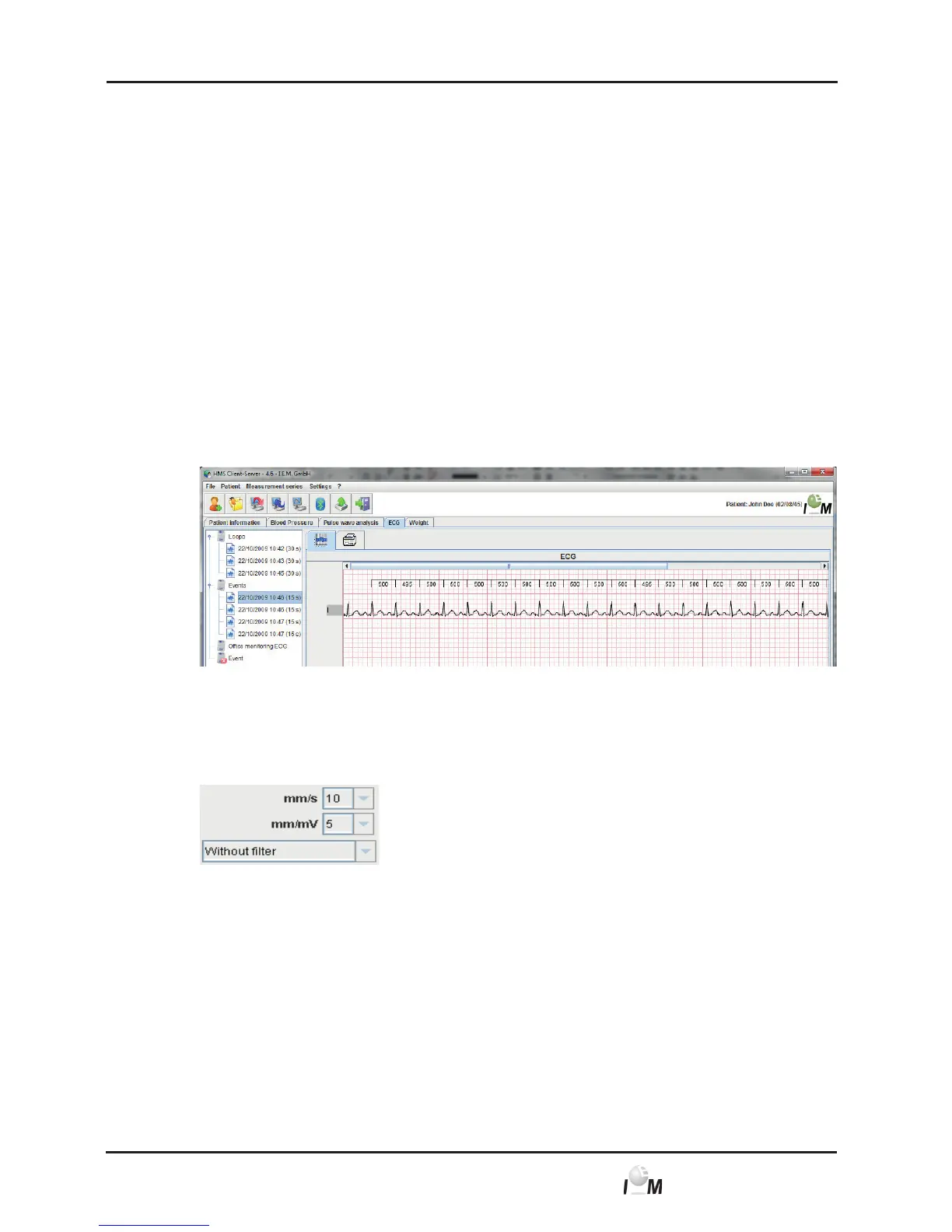
► In the working window click on the ECG tab.
The ECG tab contains a list of already transferred recordings on the left side.
► Click on a measurement.
The belonging ECG will be displayed.
► For the determination of the dimensions of the displayed extract and the filter
go to the following field on the lower left side of the ECG
and specify the axis units in mm/s and mm/mV.



 To Next Page