56
Beam
®
, Operating Manual, Rev. 4.6.1 01/2016, GmbH
Important!
In order to activate the new language the HMS CS program has to be
closed and then restarted.
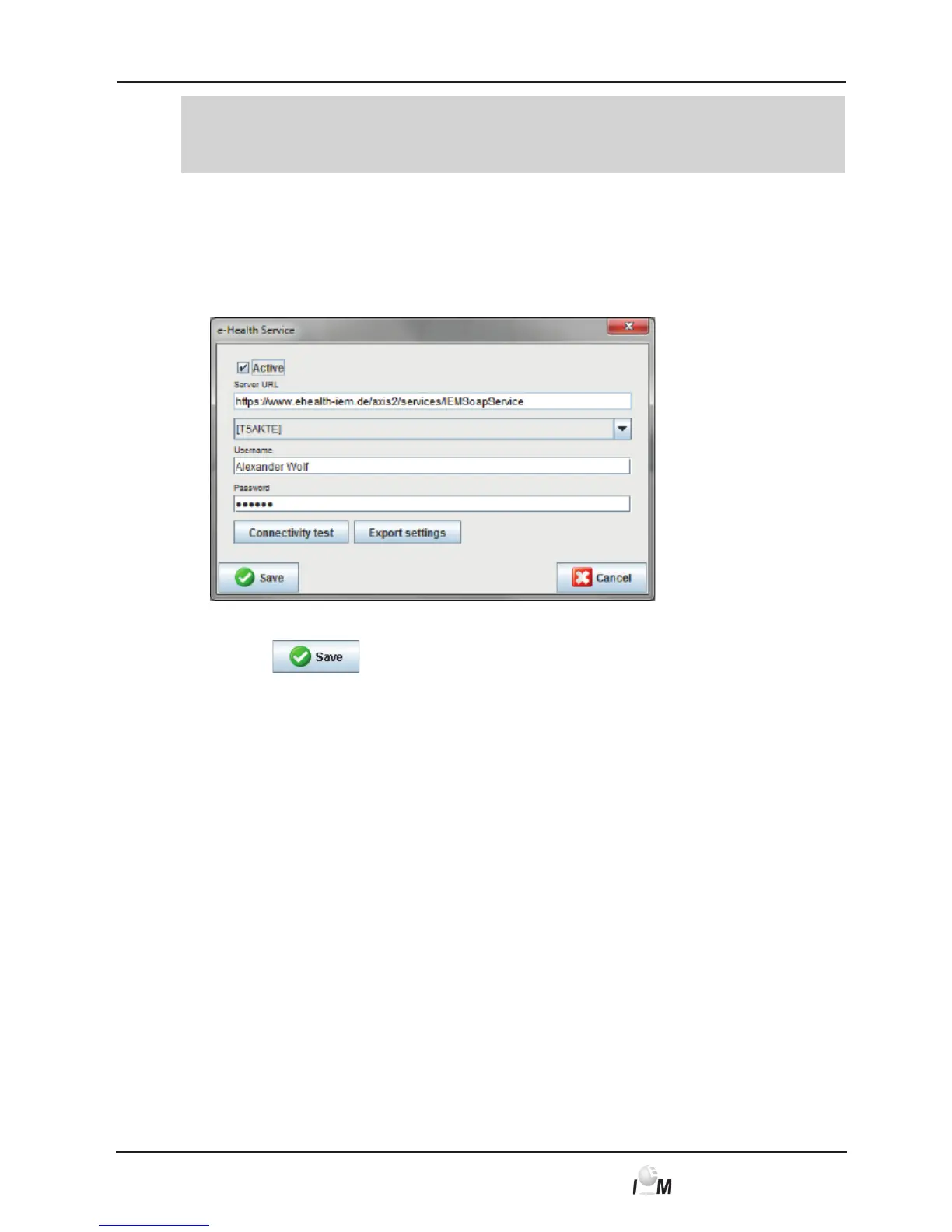
4.13.3 e-health Service
Here the access to the e-health Server is configured.
► In the taskbar click on Settings and then on e-health Service.
The e-health Service window appears.
► Enter the desired information.
► Click on
.
The window disappears.
Further information can be found in chapter 4.11.
4.13.4 Interfaces
Here you specified the interfaces, which connect the measuring device with the
PC.
For the Loop-/Event Recorder Beam
®
only Bluetooth can be used.
■ Cable with serial interface (COM1,2...)
■ Combi-cable with USB interface
■ infrared (IR) with serial interface
■ infrared (IR) with USB interface
■ Bluetooth.
► In the taskbar click on Settings and then on Interfaces.
The Interfaces window appears.



 To Next Page