57
Beam
®
, Operating Manual, Rev. 4.6.1 01/2016, GmbH
Specify type of interface
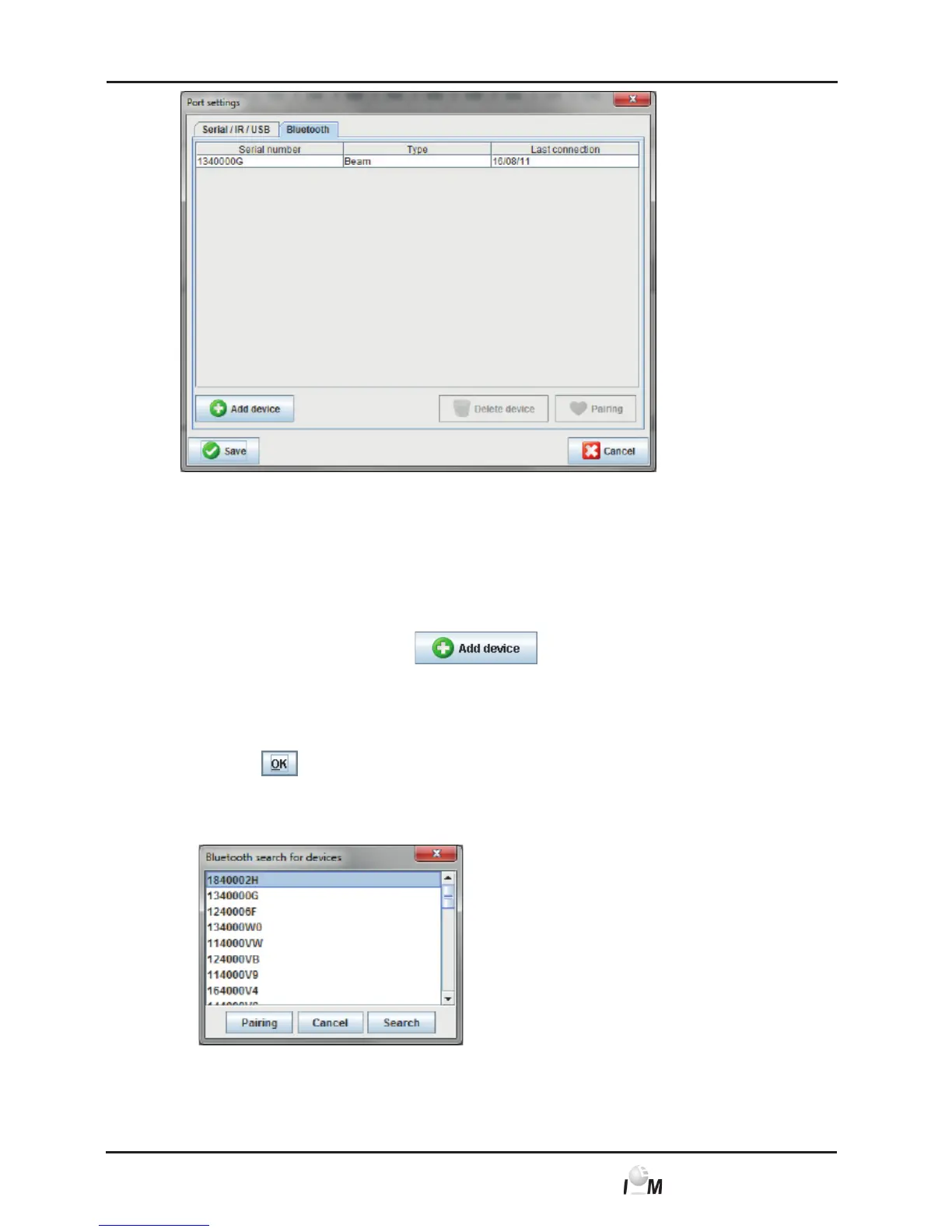
For a Bluetooth interface
► click on the Bluetooth tab.
Specify Bluetooth interface for a measuring device
► In the Bluetooth tab click on
.
A Note appears: Turn on Mobil-O-Graph NG
®
and switch to PAIr-mode.
► Turn on the measuring device and switch to the PAIr-Mode (see 4.7.2,
Connection via Bluetooth).
► Click on
.
The Bluetooth device search window appears.
After a moment the serial number appears in the window, e.g. C00607.
► Click on the serial number.



 To Next Page