40
Beam
®
, Operating Manual, Rev. 4.6.1 01/2016, GmbH
4.8.1 Specify Event recording times
Here you specify how long the recordings should run.
Configured are:
■ Loop before activation
■ Loop after activation
■ Event after activation
The maximum recording time is 255 seconds.
4.8.2 Configure device clock
You transfer the time of your PC to your measuring device.
► Click on
.
► Answer the prompt with
.
4.8.3 Transfer Patient-ID
You save the patient ID of the selected patient in the measuring device. Later at
the transfer of the long term measured values the HMS CS program recognizes the
patient automatically.
► Click on
.
► Answer the prompt with
.
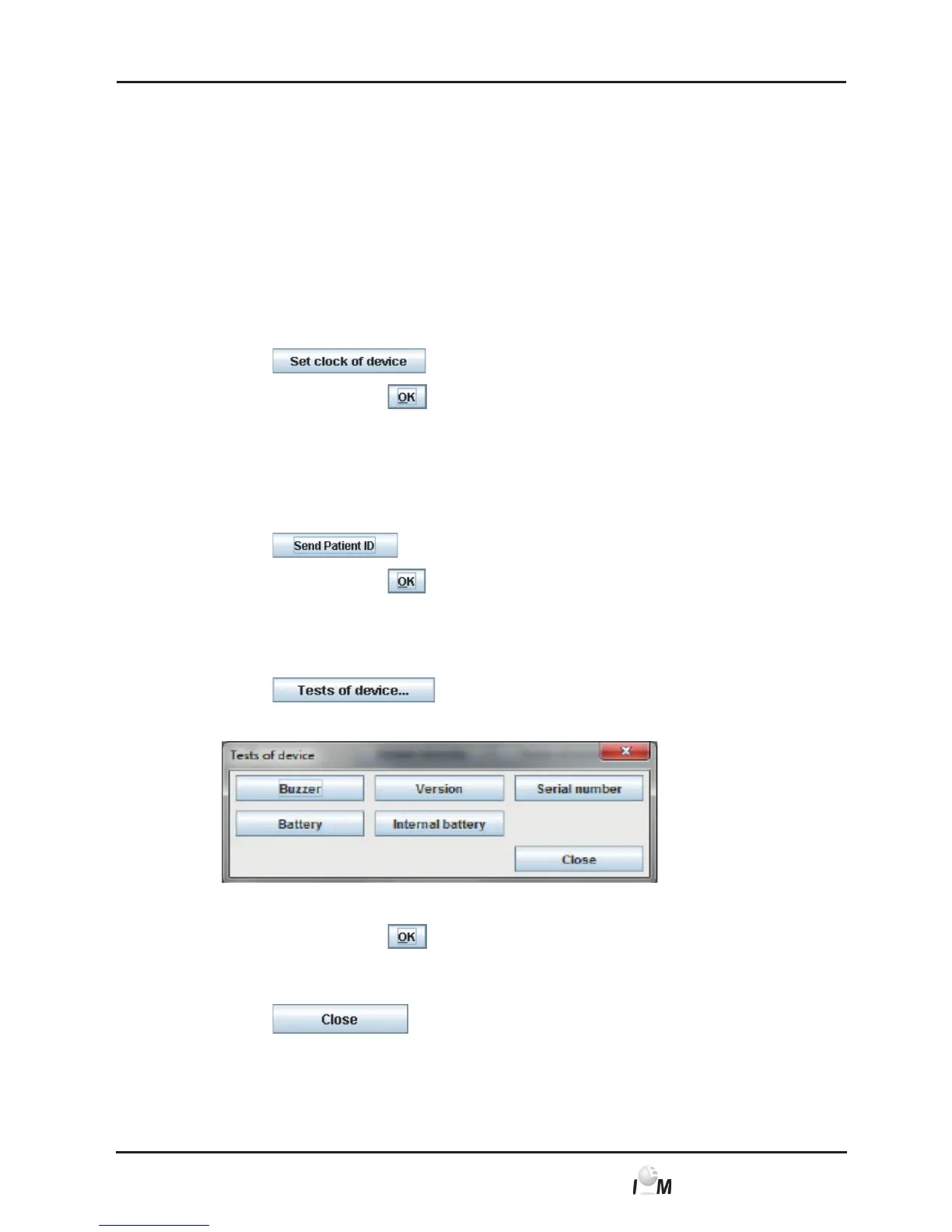
4.8.4 Test measuring device
You ensure that the measuring device works correctly.
► Click on
.
The Device Tests window appears:
► Click on the respective function keys.
► Answer the prompt with
.
Complete tests
► Click on
.



 To Next Page