41
Beam
®
, Operating Manual, Rev. 4.6.1 01/2016, GmbH
4.8.5 Delete old recordings
Usually old recordings are deleted in the recorder after being transferred to the
PC.
If “old” recordings from a previous patient are still in the recorder, the HMS CS
program will indicate it to you upon preparing the recorder for a “new” patient.
In order to delete the “old” recordings in the recorder
► Click on
.
► Answer the prompt with
.
4.8.6 Activate E-health online transmission
For the activation of the e-health function please go to the prepare measuring device
window and click on .
4.8.7 Training
You ensure that the recorder is working correctly and the electrodes are positioned
correctly and the patient places the device correctly on his chest.
► Click on
.
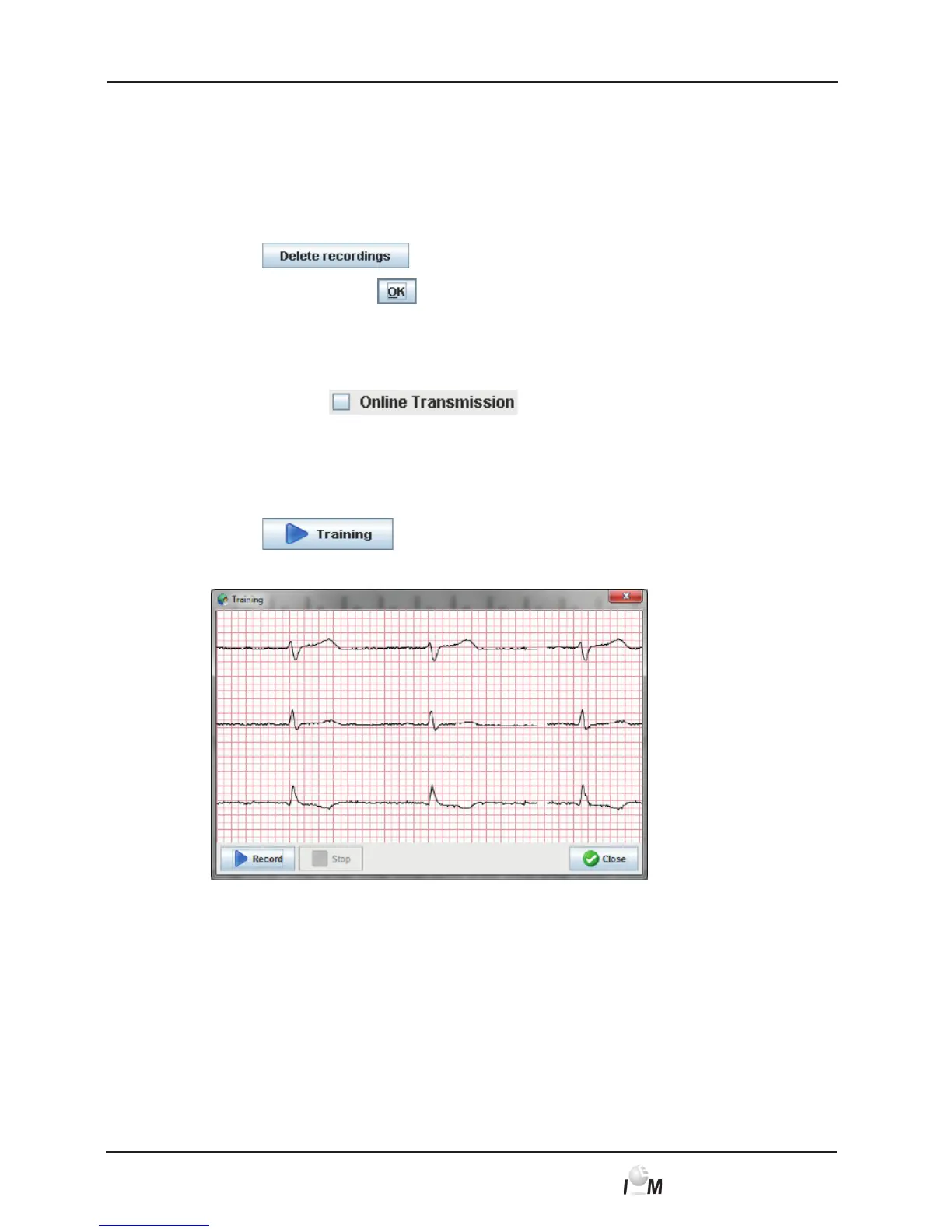
The Training window appears.
► With connected single-use electrodes you should immediately see the ECG of
the patient in the Lifestream and be able to evaluate its quality.
► If you are using the case electrodes you can show the patient the correct posi-
tioning and check the quality of the signal.
► After successful training you can close the window
Note: The training takes place without network or muscle filter in a raw format.



 To Next Page