27
Beam
®
, Operating Manual, Rev. 4.6.1 01/2016, GmbH
4.4.3 Using the Mouse
Clicking generally means: You click once on the left mouse button.
Double-Click: You click twice quickly on the left mouse button.
4.5 First steps with a sample patient
When you successfully installed the HMS CS program you can test important func-
tions using the sample patient Doe John.
For the operation of the HMS CS program we assume basic knowledge
and experience with the Windows OS
®
, Mac OS
®
or Linux
®
.
► Double-click on the desktop on
.
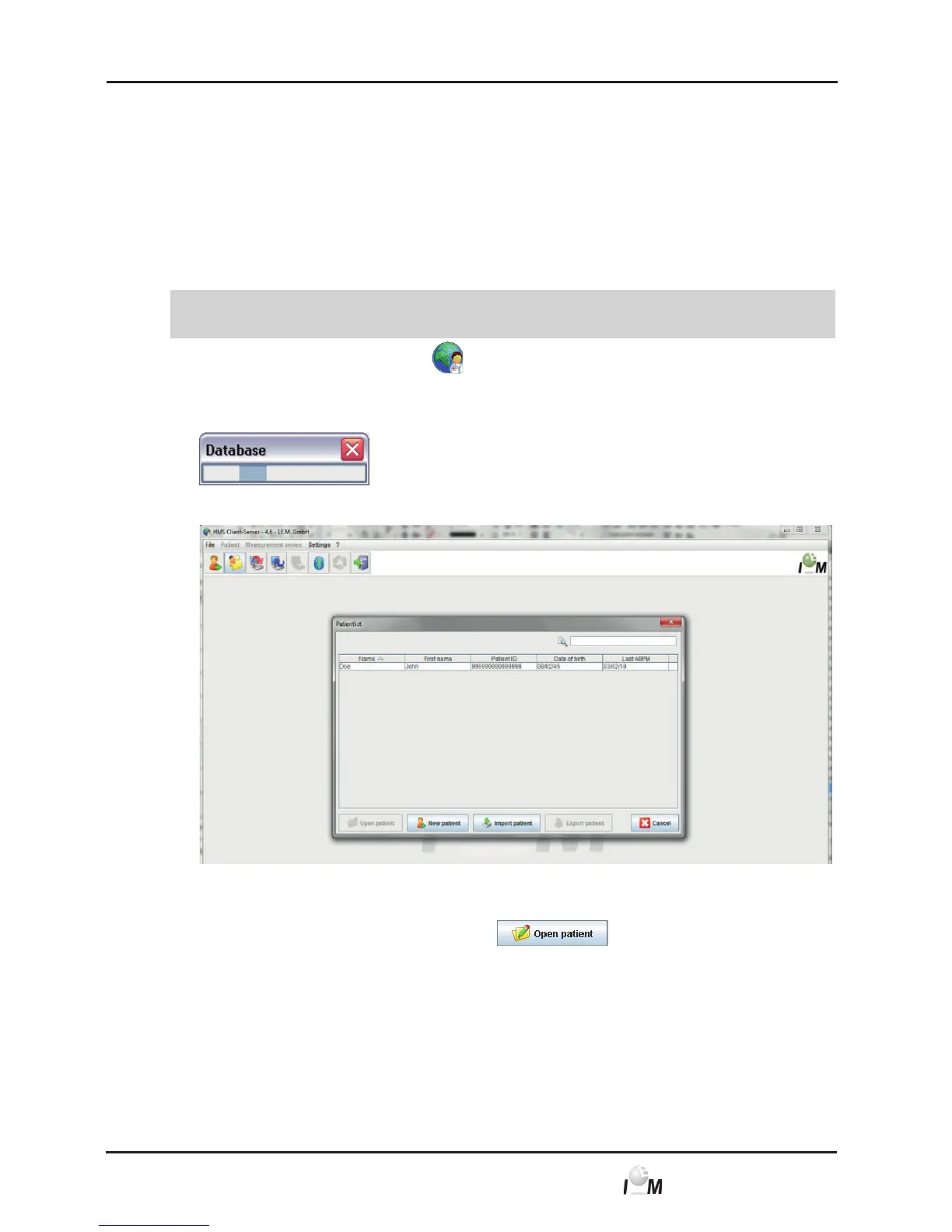
The HMS CS program is started. Information about the loading progress of the
program appears (e.g. program version, progress bar).
The working window and the window Patient List appear.
4.5.1 Show Sample Patient
► Click on the Doe John row and then on
.
Tip: It’s quicker to just double-click the row.
Patient information is displayed in the working window.



 To Next Page