60
Beam
®
, Operating Manual, Rev. 4.6.1 01/2016, GmbH
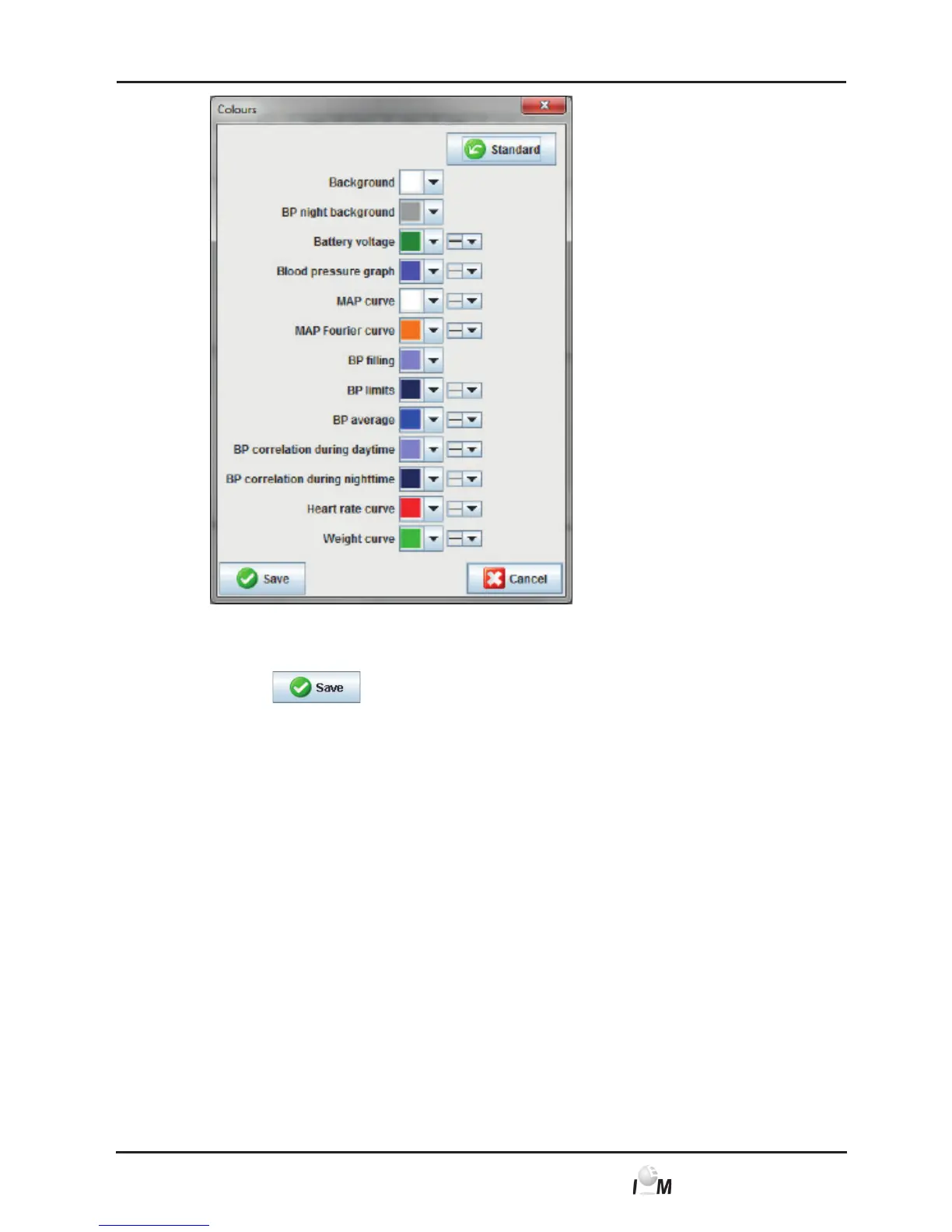
► In order to change values click in the respective drop-down field on the
desired information.
► Click on
.
The window disappears.
4.13.8 Options
Specify the default process for the following items:
■ Mean value calculation (using all individual values or hourly mean values)
(only for the ABDM Measuring device Mobil-O-Graph),
■ Calculation of mean arterial pressure (measured or calculated MAP)
(only for the ABDM Measuring device Mobil-O-Graph),
■ which measured value analysis will be displayed after the transfer of the
measured values from the device to the HMS CS device (Measured Value
table or Graph) (only for the ABDM Measuring Device Mobil-O-Graph),
■ whether the patient list will be displayed at program start or an “empty” wor-
king window appears,
■ whether you use Bluetooth.
► In the taskbar click on Settings and then on Options.
The Options window appears.



 To Next Page