50
Beam
®
, Operating Manual, Rev. 4.6.1 01/2016, GmbH
4.11 e-health
The HMS CS supports the I.E.M. GmbH offered e-health Service Database
(Telemedicine). Using this service you can setup your own virtual patient clinic. Vital
signs measured by the patient himself are transferred via the mobile network to a
server and can be synchronised at anytime with the HMS CS.
using a client-server solution you can:
■ Create patients for e-health on the e-health server
■ Synchronise the data of selected patients with the e-health server.
■ Query telemetrically raised measured values.
■ Save measured values and recordings from the practice to the server and
make them accessible to co-workers.
4.11.1 Activate e-health Service
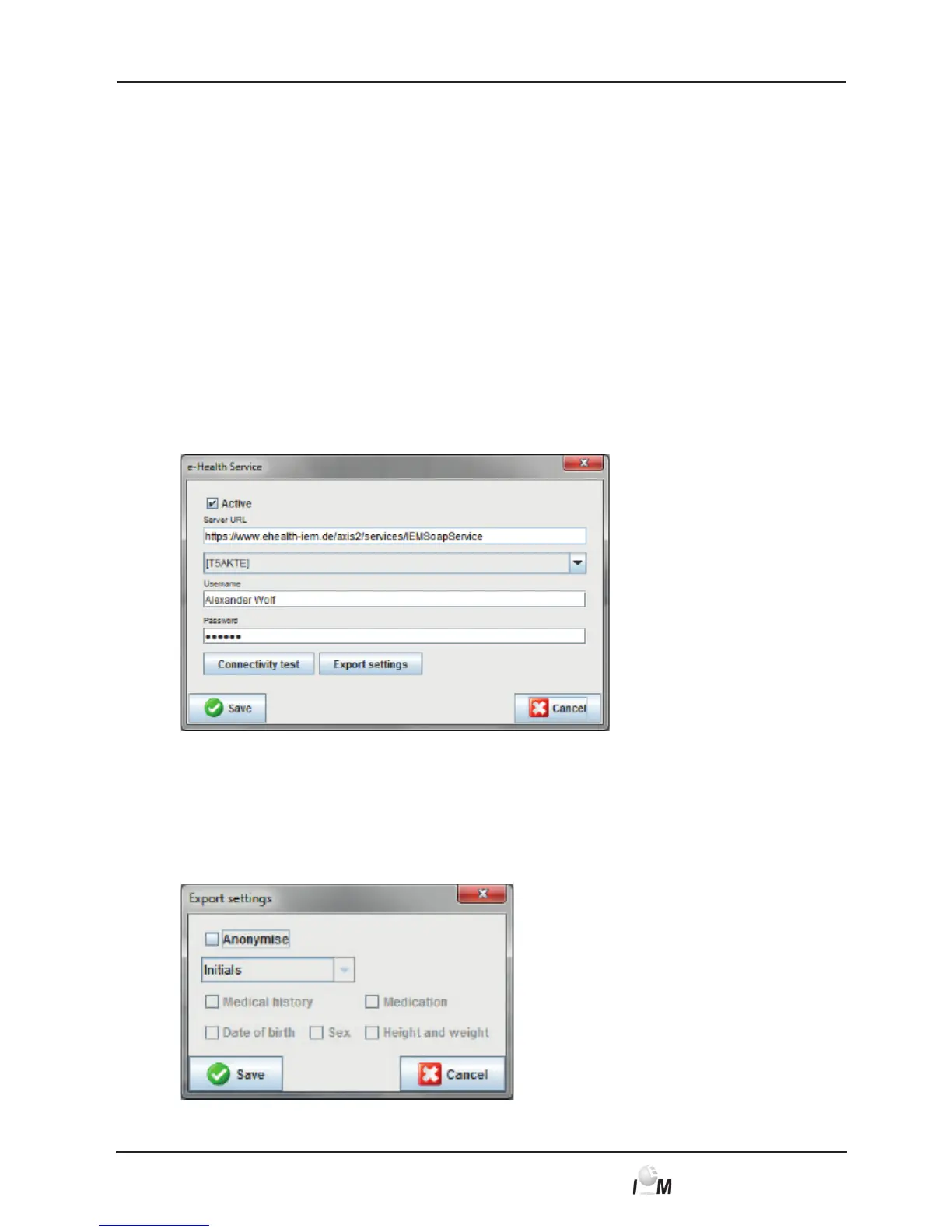
► In the taskbar click on Settings and then on e-health Service.
► The e-health Service windows appears.
► Click on Active and activate the e-health Service.
► Enter the username and password, which you received from I.E.M GmbH or
your vendor.
► Click on Export Settings.
► The window Export settings appears.



 To Next Page