55
Beam
®
, Operating Manual, Rev. 4.6.1 01/2016, GmbH
In order to configure the default values
► click in the taskbar on Settings and then on the desired function.
4.13.1 Database
The patient data and the accordingly measured values are saved in the database.
Here you also specified the access to the database. For further information please
refer to your vendor or directly to I.E.M GmbH.
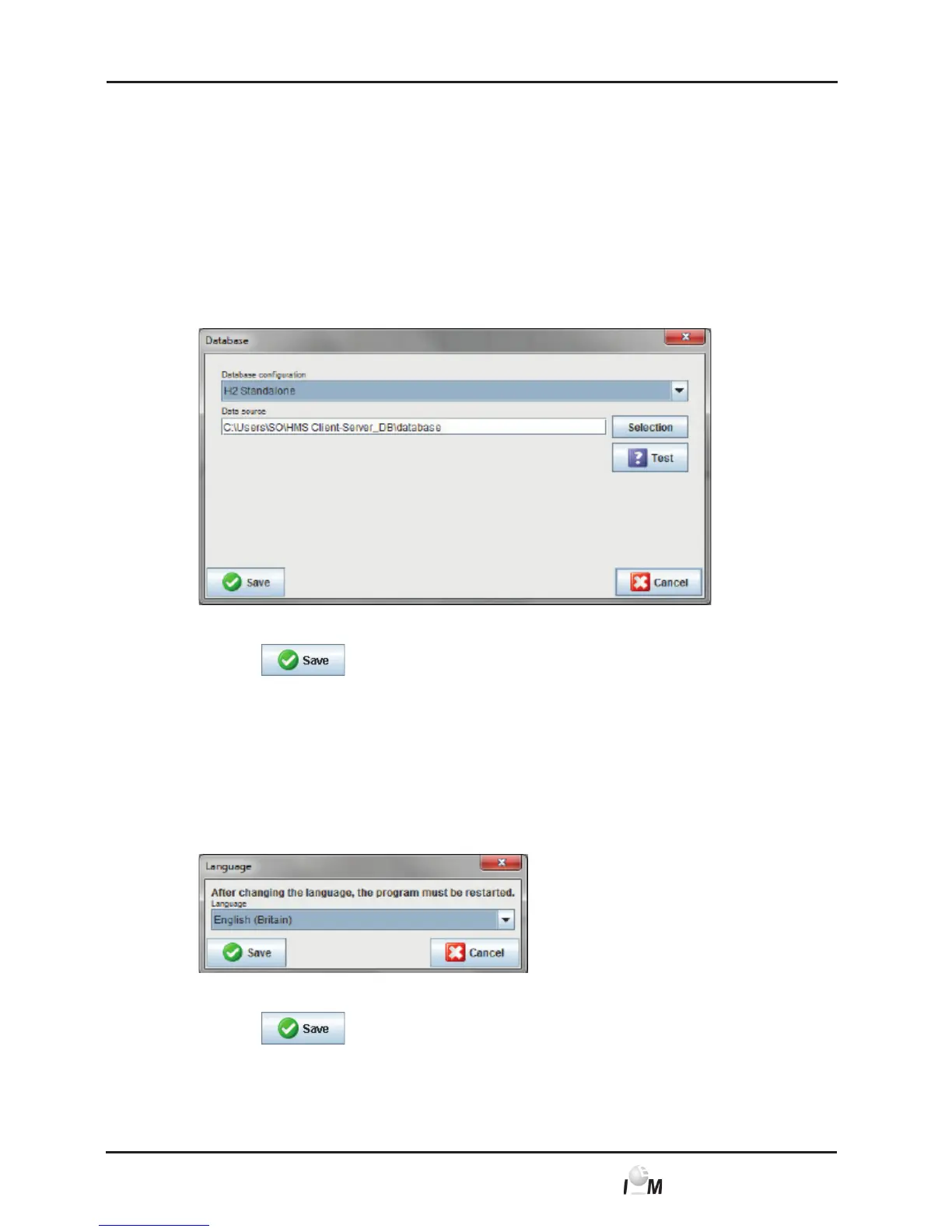
► In the taskbar click on Settings and then on Database.
The Database window appears.
► Enter the desired information.
► Click on
.
The window disappears.
4.13.2 Switch Language
The user interface offers you various languages.
► In the taskbar click on Settings and then on Language.
The Language window appears.
► Click on the desired language in the drop-down menu.
► Click on
.
The window disappears.



 To Next Page