28
Beam
®
, Operating Manual, Rev. 4.6.1 01/2016, GmbH
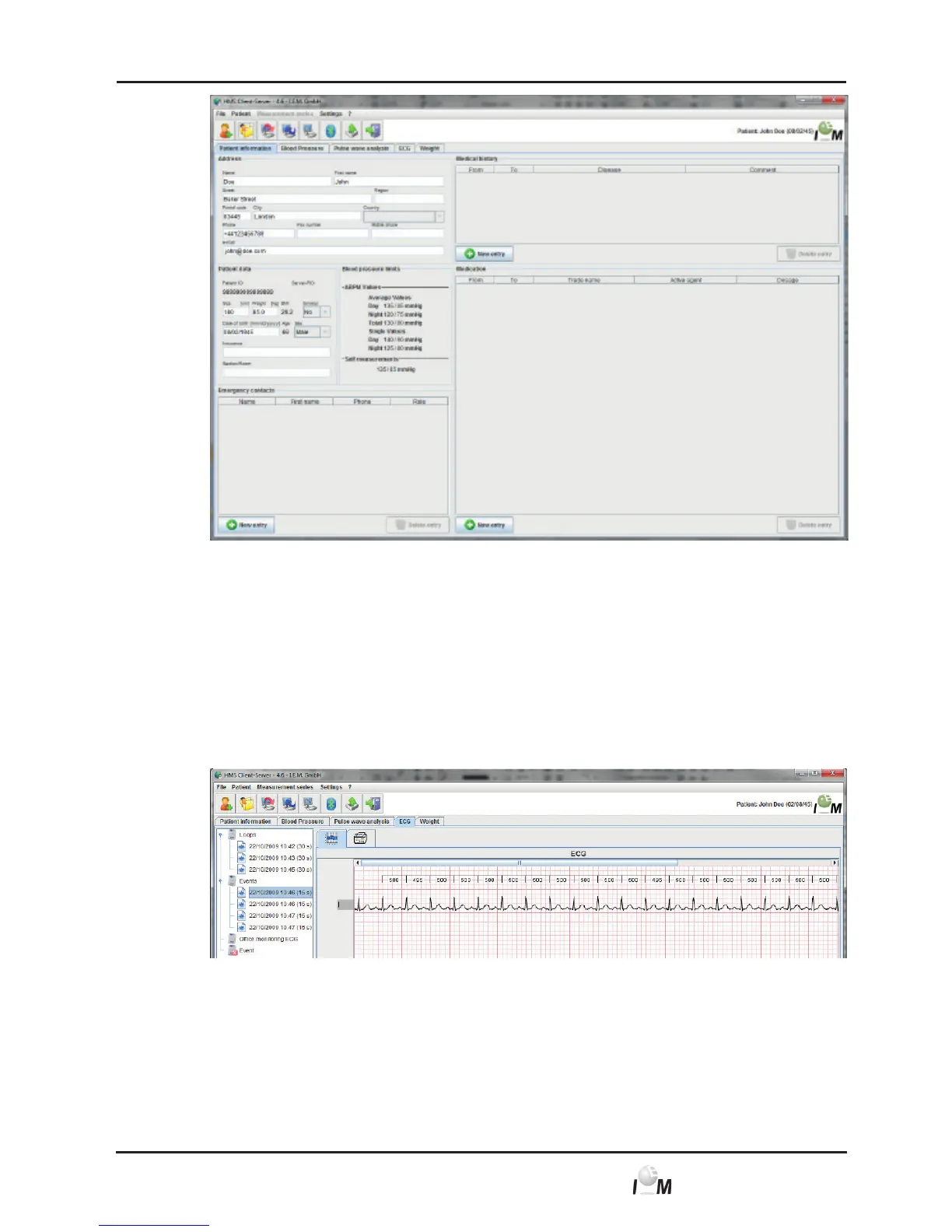
In the upper right corner of the window you will see the name and date of bir-
th of the patient.
The Patient Information tab contains several areas: Address, Patient Data,
Emergency Contacts, Medical History and Medication.
4.5.2 Display measured data of the sample patient
► Click on the ECG tab.
The ECG tab contains a list of already performed measurements on the left
side.
► Click on the measurement.
The belonging measured value table is displayed.



 To Next Page