53
Beam
®
, Operating Manual, Rev. 4.6.1 01/2016, GmbH
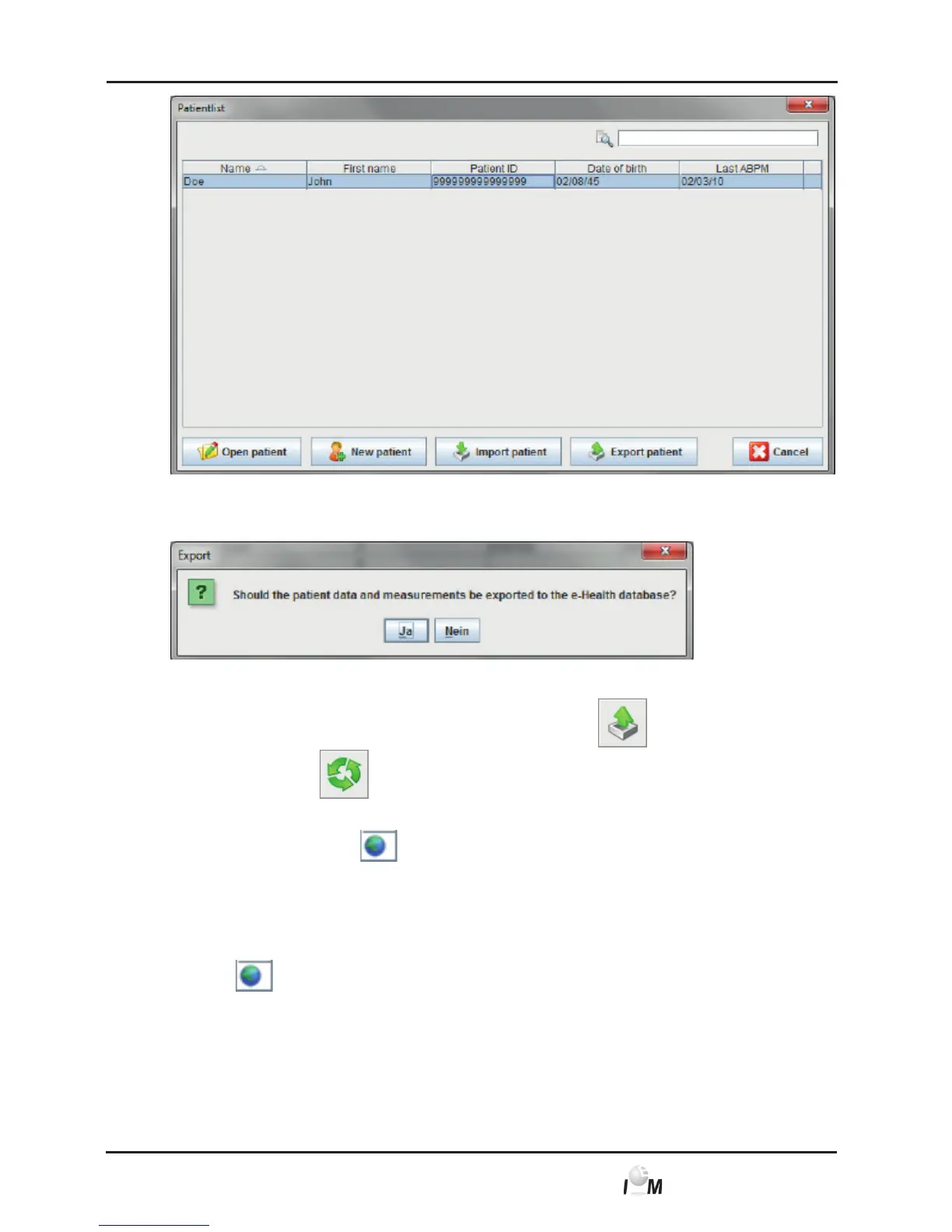
► Click on Export Patient.
► The Export window appears.
► Click on yes.
Already opened patients can also be exported using the
symbol and syn-
chronised using the
symbol.
After the import or export of patients the patients authorised for the e-health database
are marked with a small in the patient list and therefore authorised for the
synchronization with the e-health server.
If you open such a patient all new telemetric measurements are transferred
automatically from the e-health server.
If you want to revert the authorisation of a patient on the e-health server double-
click the
.



 To Next Page