14
Multifunction Control Panel
®®
Viewing Troubles
If the amber G LED turns ON, it means that at least one trouble condition has
been detected. To view current (or stored) ‘Trouble’ details, access the Main
User Menu and select the View Logger option (refer to the ‘View Logger’
paragraph in this section).
Viewing Trouble Details (KYO 32 Series only)
To view the details of current ‘Troubles’, proceed as follows:
1. From Standby status (regardless of whether the
system is Armed or Disarmed), press
EE
EE
E.
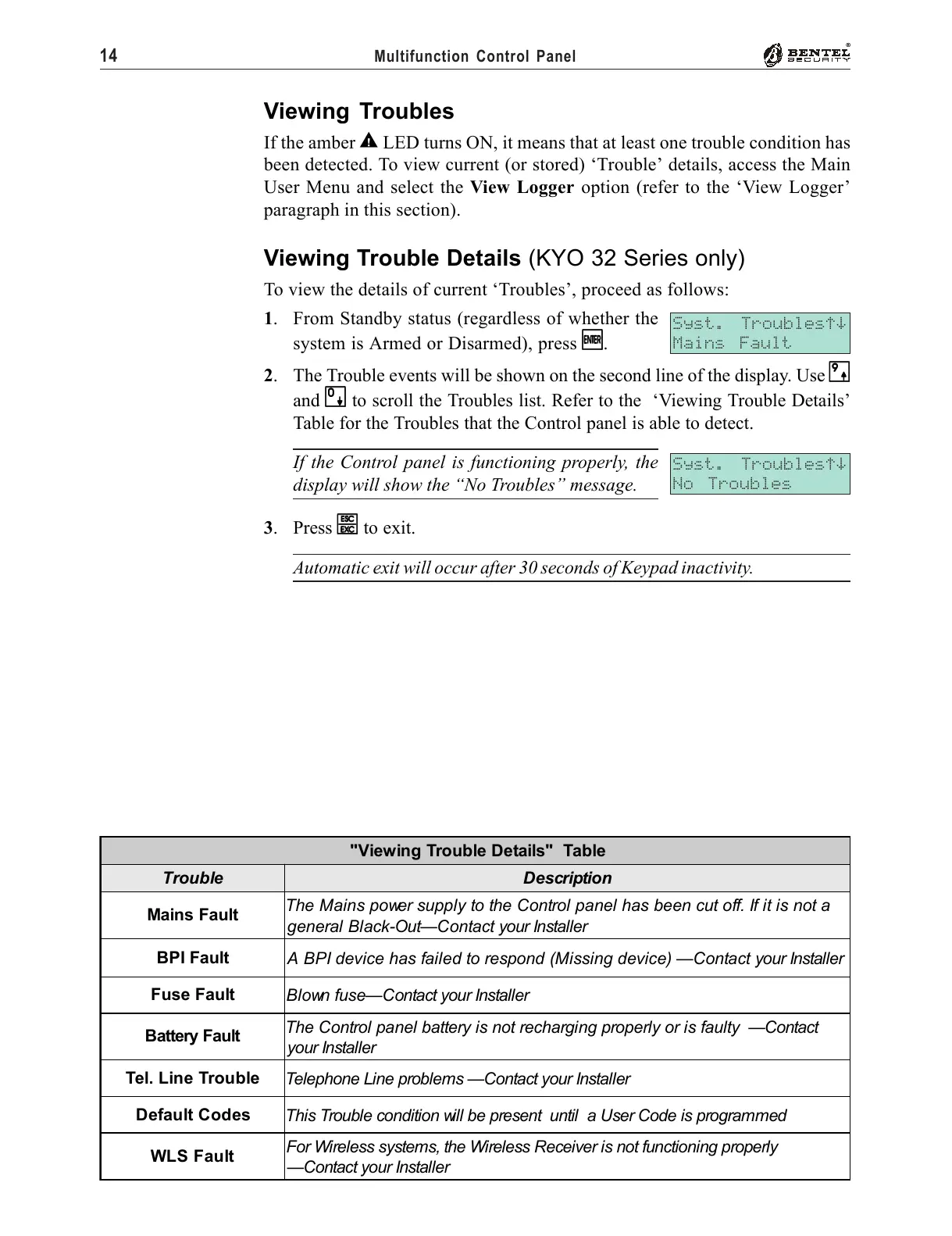
2. The Trouble events will be shown on the second line of the display. Use
99
99
9
and
00
00
0 to scroll the Troubles list. Refer to the ‘Viewing Trouble Details’
Table for the Troubles that the Control panel is able to detect.
If the Control panel is functioning properly, the
display will show the “No Troubles” message.
3. Press
ee
ee
e to exit.
Automatic exit will occur after 30 seconds of Keypad inactivity.
Syst. Troublesáâ
Mains Fault
Syst. Troublesáâ
No Troubles
"Viewing Trouble Details" Table
Trouble Description
Mains Fault
The Mains power supply to the Control panel has been cut off. If it is not a
general Black-Out—Contact your Installer
BPI Fault
A BPI device has failed to respond (Missing device) —Contact your Installer
Fuse Fault
Blown fuse—Contact your Installer
Battery Fault
The Control panel battery is not recharging properly or is faulty —Contact
your Installer
Tel. Line Trouble
Telephone Line problems —Contact your Installer
Default Codes
This Trouble condition will be present until a User Code is programmed
WLS Fault
For Wireless systems, the Wireless Receiver is not functioning properly
—Contact your Installer










 To Next Page