30
Multifunction Control Panel
®®
Programming the Date and Time
The Date/Time option will allow you to set the current Date and Time.
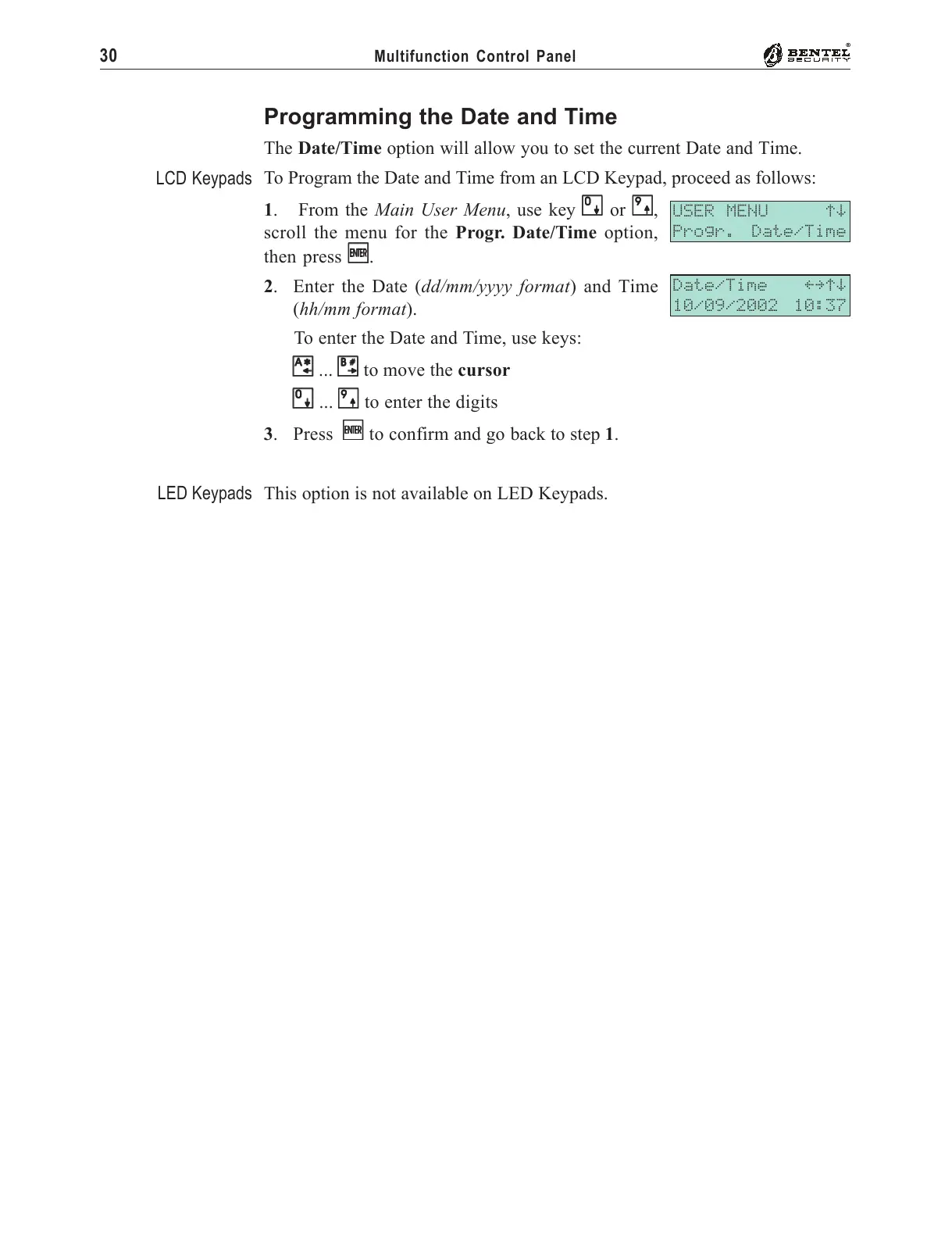
To Program the Date and Time from an LCD Keypad, proceed as follows:
1. From the Main User Menu, use key
00
00
0 or
99
99
9,
scroll the menu for the Progr. Date/Time option,
then press
EE
EE
E.
2. Enter the Date (dd/mm/yyyy format) and Time
(hh/mm format).
To enter the Date and Time, use keys:
AA
AA
A ...
BB
BB
B to move the cursor
00
00
0 ...
99
99
9 to enter the digits
3. Press
EE
EE
E to confirm and go back to step 1.
This option is not available on LED Keypads.
USER MENU áâ
Progr. Date/Time
Date/Time ßàáâ
10/09/2002 10:37
LCD Keypads
LED Keypads










 To Next Page