23
®®
Operating from a Keypad
Teleservice Request
If your Installer has set up the ‘Teleservice’ feature, you will be able to request
on-line service (maintenance that does not require parts or manual work). You
must enable the Teleservice option (refer to ‘Enable/Disable Teleservice’
paragraph in this section), otherwise, the Control panel will be unable to commu-
nicate with the Installer Unit.
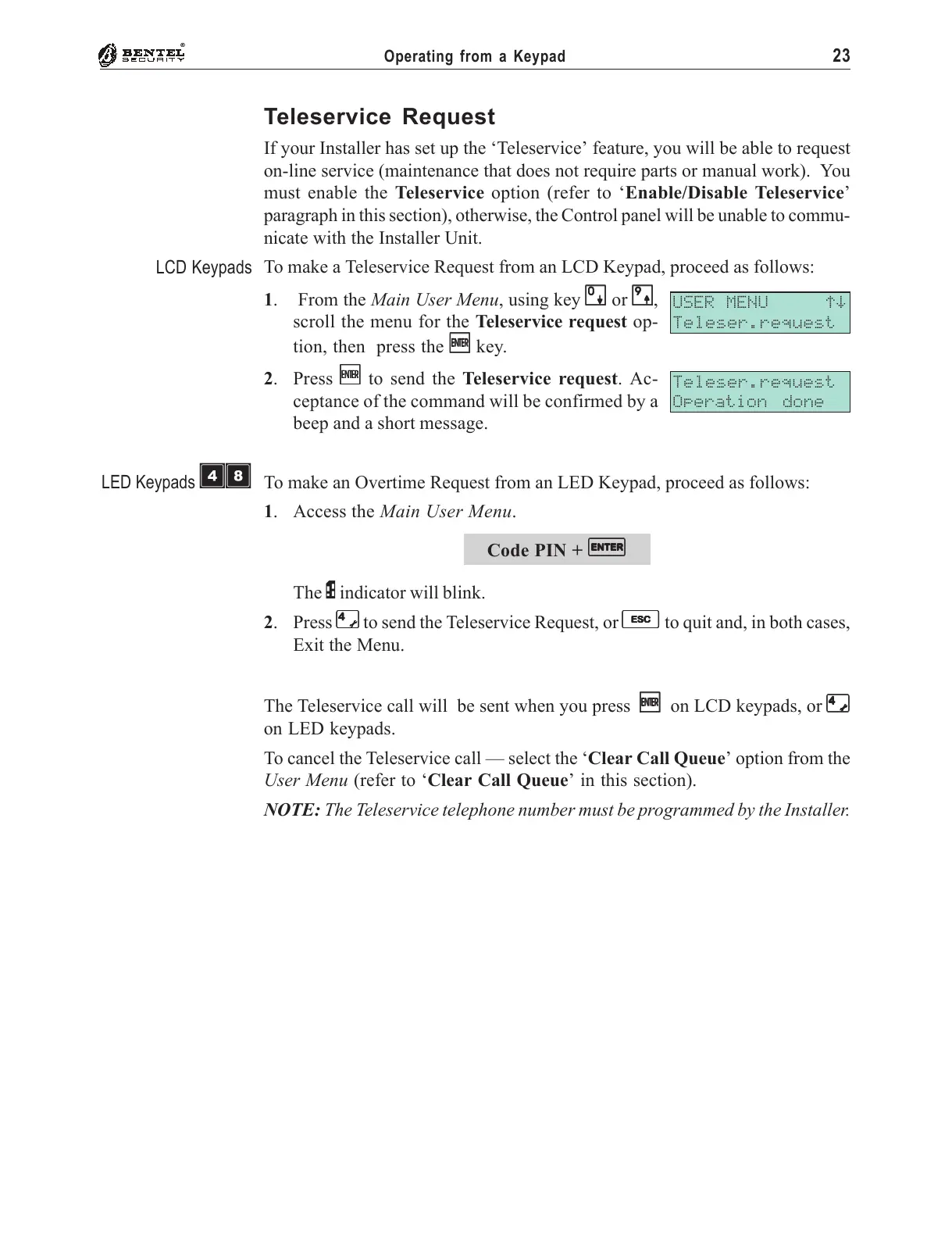
To make a Teleservice Request from an LCD Keypad, proceed as follows:
1. From the Main User Menu, using key
00
00
0 or
99
99
9,
scroll the menu for the Teleservice request op-
tion, then press the
EE
EE
E key.
2. Press
EE
EE
E to send the Teleservice request. Ac-
ceptance of the command will be confirmed by a
beep and a short message.
To make an Overtime Request from an LED Keypad, proceed as follows:
1. Access the Main User Menu.
Code PIN +
EE
EE
E
The P indicator will blink.
2. Press
44
44
4
to send the Teleservice Request, or
ee
ee
e to quit and, in both cases,
Exit the Menu.
The Teleservice call will be sent when you press
EE
EE
E on LCD keypads, or
44
44
4
on LED keypads.
To cancel the Teleservice call — select the ‘Clear Call Queue’ option from the
User Menu (refer to ‘Clear Call Queue’ in this section).
NOTE: The Teleservice telephone number must be programmed by the Installer.
USER MENU áâ
Teleser.request
Teleser.request
Operation done
LCD Keypads
LED Keypads
ÌÐ










 To Next Page