16
Multifunction Control Panel
®®
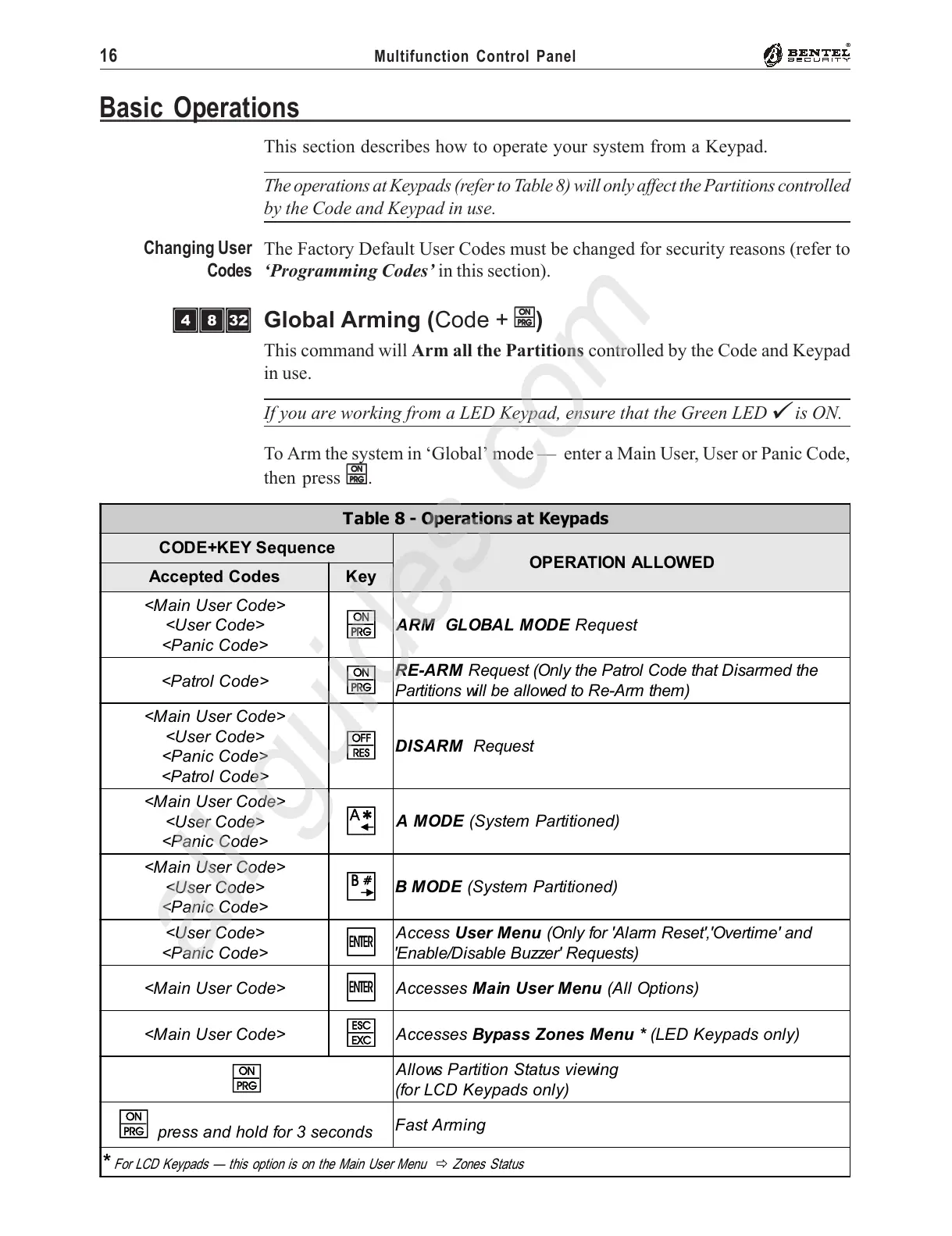
This section describes how to operate your system from a Keypad.
The operations at Keypads (refer to Table 8) will only affect the Partitions controlled
by the Code and Keypad in use.
The Factory Default User Codes must be changed for security reasons (refer to
‘Programming Codes’ in this section).
Global Arming (Code +
OO
OO
O)
This command will Arm all the Partitions controlled by the Code and Keypad
in use.
If you are working from a LED Keypad, ensure that the Green LED
V
is ON.
To Arm the system in ‘Global’ mode — enter a Main User, User or Panic Code,
then press
OO
OO
O.
Basic Operations
Changing User
Codes
Table 8 - Operations at Keypads
CODE+KEY Sequence
OPERATION ALLOWED
Accepted Codes Key
<Main User Code>
<User Code>
<Panic Code>
O
ARM GLOBAL MODE Request
<Patrol Code>
O
RE-ARM Request (Only the Patrol Code that Disarmed the
Partitions will be allowed to Re-Arm them)
<Main User Code>
<User Code>
<Panic Code>
<Patrol Code>
o
DISARM Request
<Main User Code>
<User Code>
<Panic Code>
A
A MODE (System Partitioned)
<Main User Code>
<User Code>
<Panic Code>
B
B MODE (System Partitioned)
<User Code>
<Panic Code>
E
Access User Menu (Only for 'Alarm Reset','Overtime' and
'Enable/Disable Buzzer' Requests)
<Main User Code>
E
Accesses Main User Menu (All Options)
<Main User Code>
e
Accesses Bypass Zones Menu * (LED Keypads only)
O
Allows Partition Status viewing
(for LCD Keypads only)
O
press and hold for 3 seconds
Fast Arming
*
For LCD Keypads — this option is on the Main User Menu
"
Zones Status
ÌÐè










 To Next Page